
Put your own channel on air, one step at a time
We host and deliver your 24/7 channel to every screen. You follow four steps: plan it, build it, run it and grow it.
 STEP 1
 STEP 2
 STEP 3
 STEP 4
Start from where you are
Most teams arrive with one of these four.
- I have a libraryTurn it into a scheduled channelPick a model, then lay out a first week.
- I have live eventsPut them in a 24/7 scheduleReserve slots, cut in on cue, keep the recording.
- I run a channel alreadyAdd a standby copyMirror the essentials and rehearse the switch.
- I have an eventOpen an event channelOne channel per room, closed when the doors shut.
One service, one place to steer from
Your media sits in our cloud library, our software plays it to your schedule and our delivery network carries the result to phones, tablets, smart TVs, set-top boxes and websites. Your team makes the programs; we run the channel with you.
- Hosted, with no playback equipment for you to house
- Live shows that cut into the schedule
- Adaptive streaming for every screen and connection
- Ad breaks and sponsor slots
- Support by phone and email
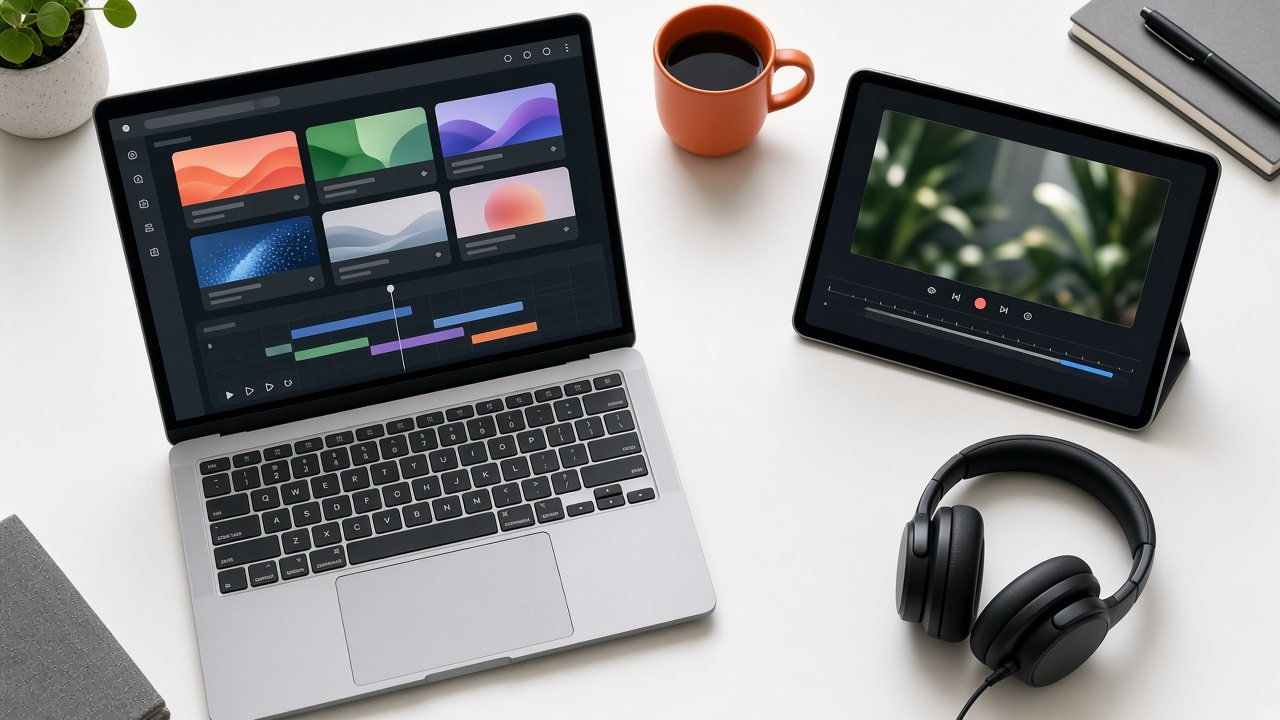
The modules, by step
Omni TV Studio ties them together. Each one has a home in the step where you use it.
| Step | Modules |
|---|---|
| Plan | Omni Free-Channel LaunchA route from library to ad-funded channel |
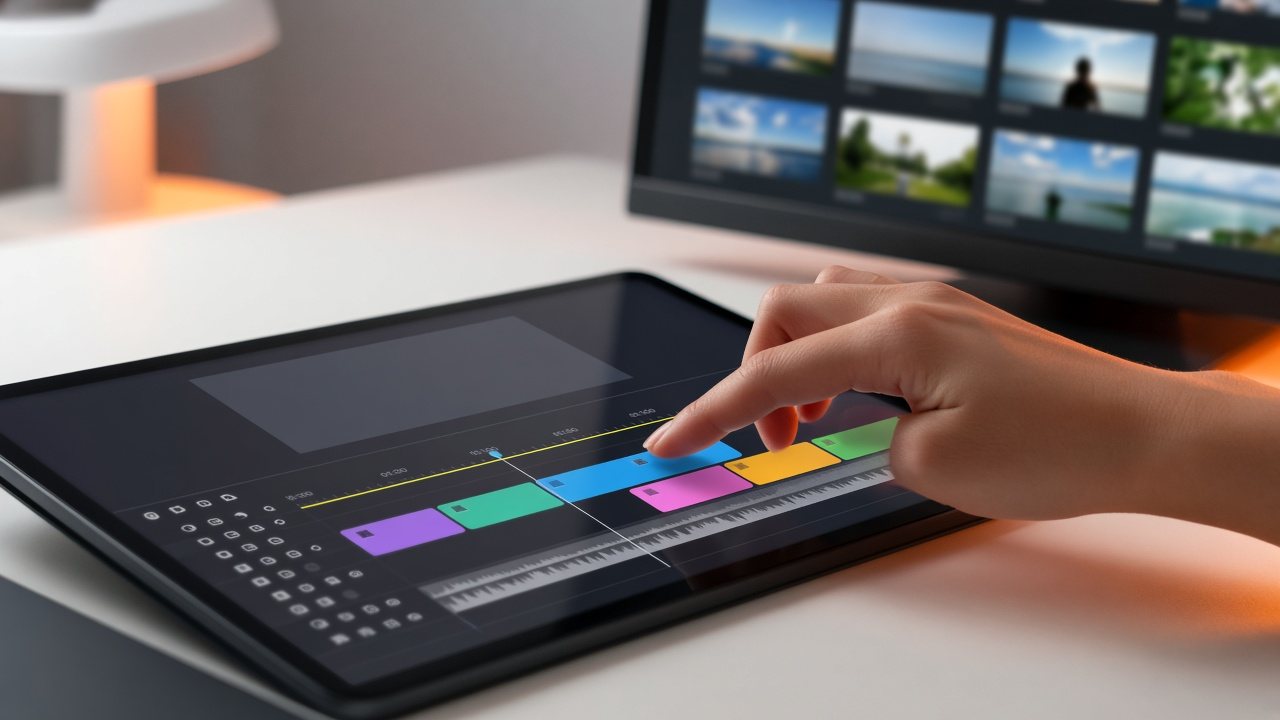
| Build | Omni Intake DeskReceive files and live feeds, check them and clear them for air Omni Media VaultA searchable cloud library for programs, promos and fillers Omni Line-Up PlannerDays, weeks and seasons on a drag-and-drop timeline Omni Brand OverlayLogos, tickers and sponsor graphics at channel level |
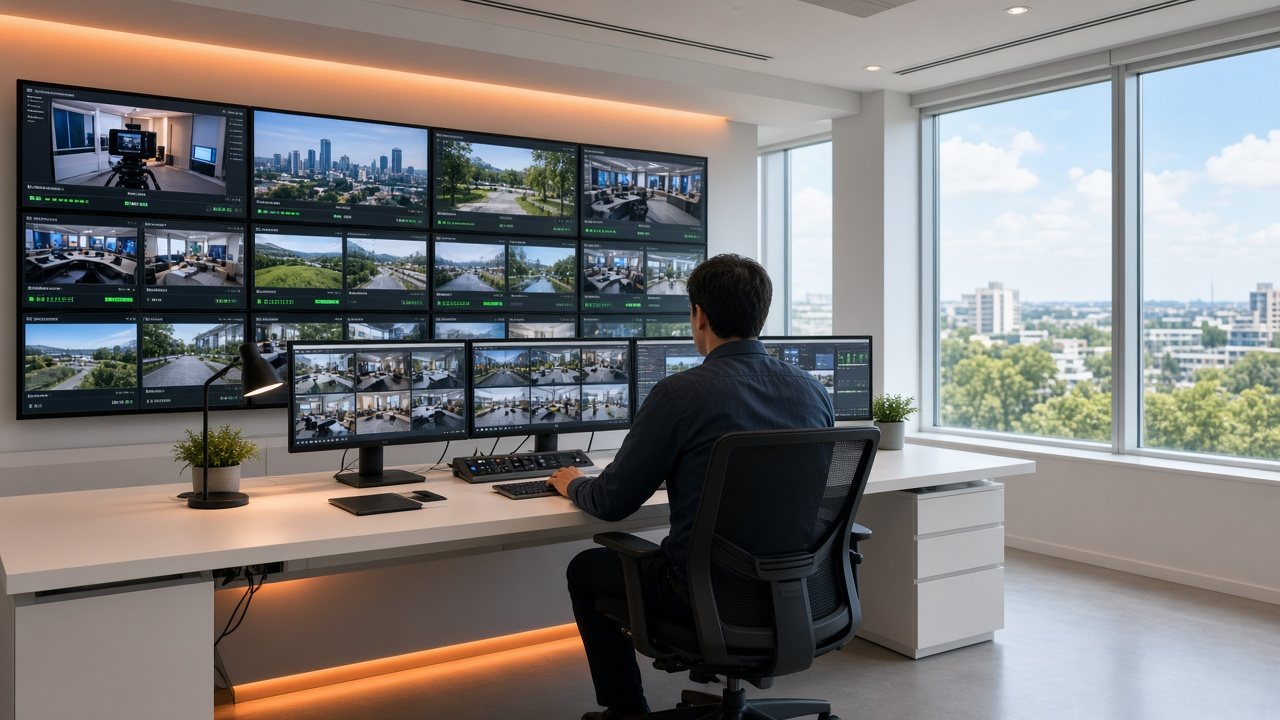
| Run | Omni TV StudioOne workspace to build, run and watch the channel Omni Auto-RunHands-off running of the schedule, with live cut-ins and fallbacks Omni Cloud EngineThe managed infrastructure that keeps a channel running |
| Grow | Omni Break PlannerPlan ad breaks and sponsor spots for channels and on-demand video |
What the channel is for
We group audiences by outcome, because a city hall and a newsroom often share the same needs.
 Audience
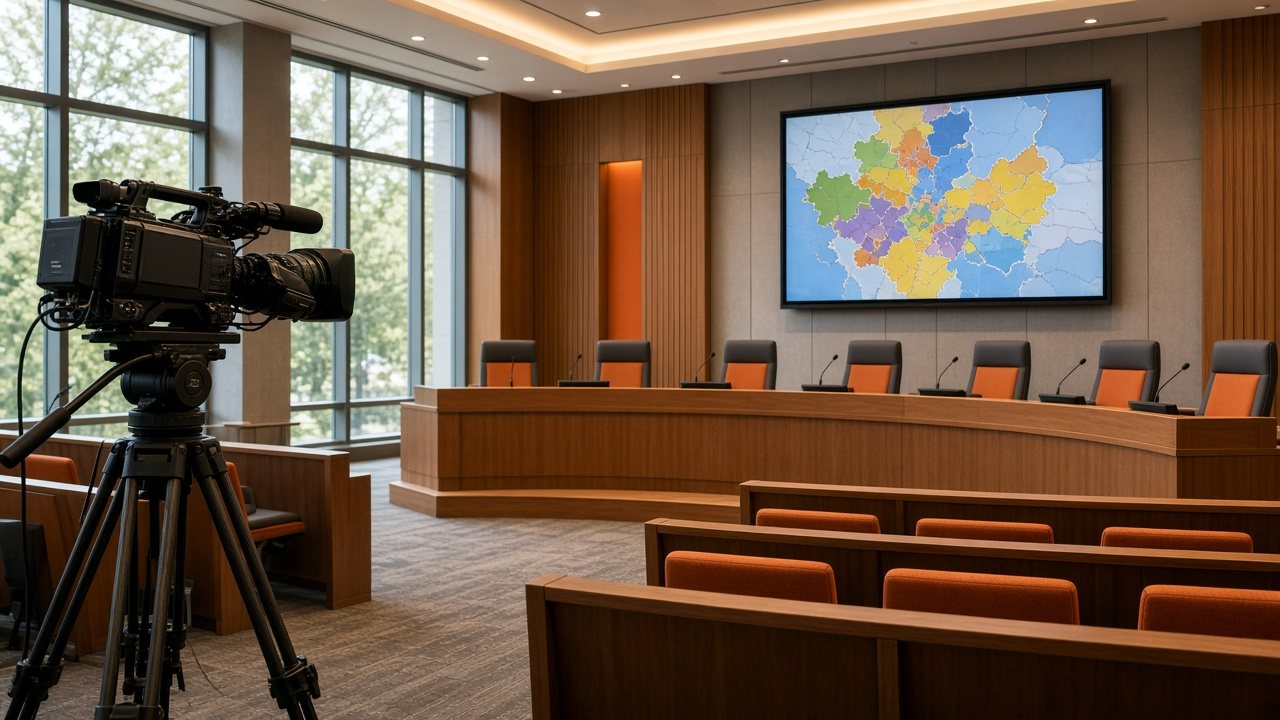
Inform the public
Public agencies and newsrooms: meetings, notices, bulletins and live updates.
 Audience
Connect members and teams
Businesses, associations and event organizers: town halls, training and short-run event channels.
 Audience
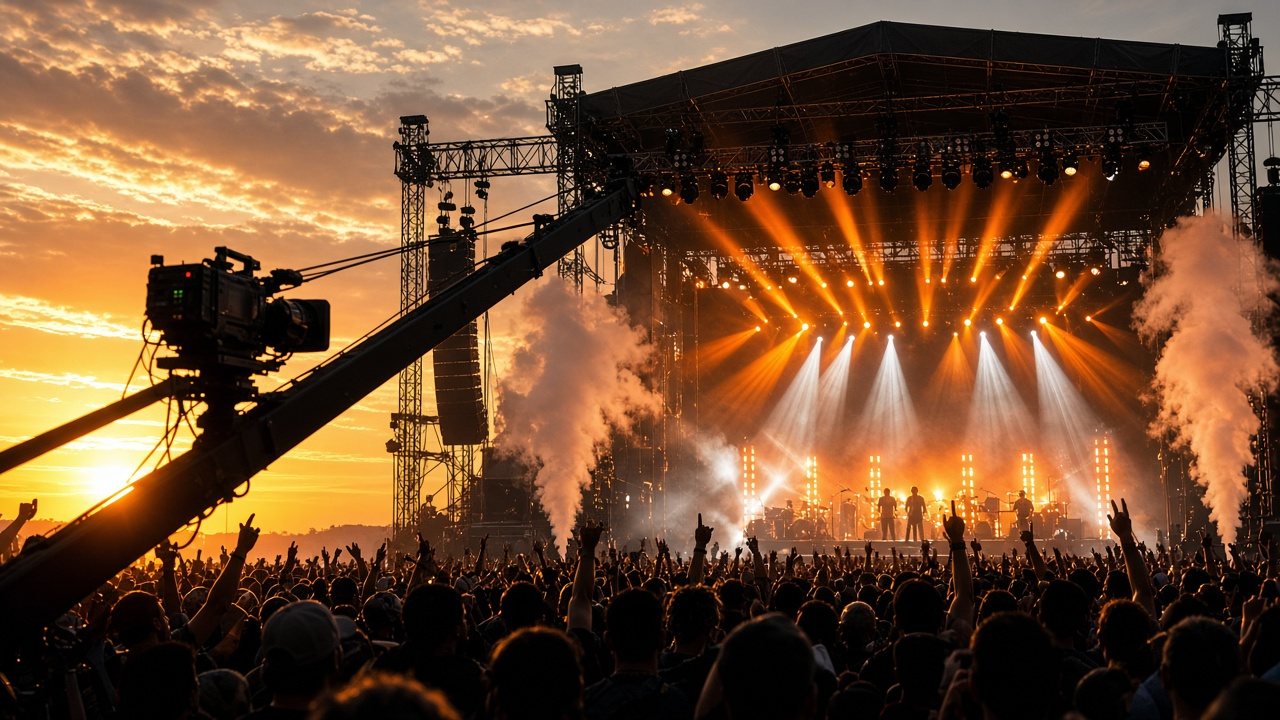
Entertain and earn
Catalog owners, clubs, leagues and gaming organizers: channels that pay their way.
 Audience
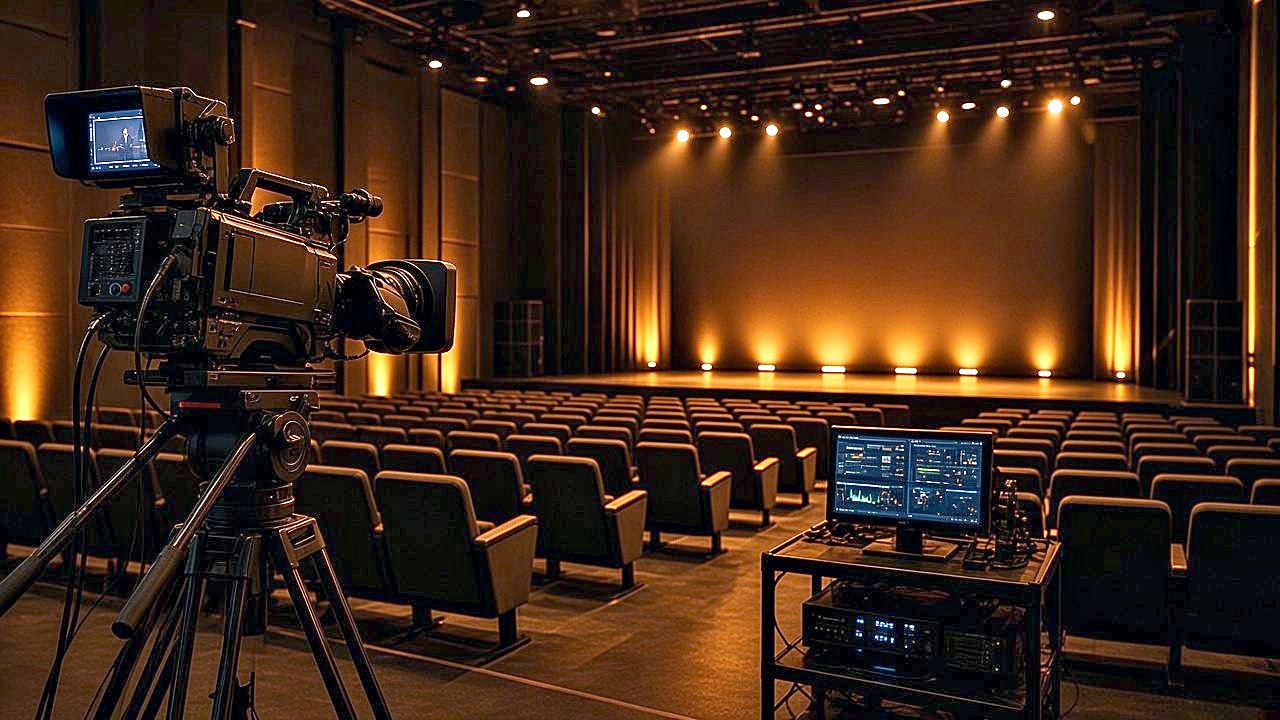
Worship Broadcast Networks
Services and teaching on a channel of your own.
Send us a channel sketch
A few lines about what you have and who should watch. We reply to every request.