
Live & EventsLive & Events overviewLive StreamingBrowser StudioSimulated LiveVenue ConnectivityStream MonitoringContent Delivery NetworkMobile StreamingSatellite Rebroadcast
LanguagesLanguages overviewOmniTranslate LiveLanguages overviewCaptions & TranscriptsLive Event LanguagesMultilingual On-Demand & CoursesField & Remote ReportsMultilingual Discussion RoomsMultilingual AnnouncementsVoice-Matched DubbingDigital PresenterGlossary & Quality Review
Create & EditCreate & Edit overviewCreate & Edit overviewSmart ClipsRecap StudioChapters & Companion Content
Library & ScreensLibrary & Screens overviewLibrary & Screens overviewEvery ScreenVideo on DemandCollections & CoursesArchive MigrationConnected TV & IPTVBranded Mobile AppsWeb Portal & PlayerSocial ReachAudio & PodcastsCast to ScreenDone-for-You Apps
24/7 TV24/7 TV overview24/7 TV NetworkPlanBuildRunGrowWho it is forChannel examplesTalk to the teamTV Carriage & Partner Delivery
RadioRadio overviewRadio StreamingMusic Licensing & RoyaltiesAudio & Podcasts
Engage & MonetizeEngage & Monetize overviewEngage & Monetize overviewAdvertising & SponsorshipPayments, Fundraising & PaywallsLive Chat & Q&AViewer Support DeskCommunities & GroupsEvents & RegistrationCrew SchedulingAttendee Check-in
InsightsInsights overviewInsights & Control overviewAudience AnalyticsAccess & Security
SolutionsSolutions overviewSolutions overviewGovernment & Public SectorEntertainment & MediaBusiness & EnterpriseAssociations & NonprofitsSportsNews & BroadcastEducation & EventsHouses of WorshipBeyond Social-Only StreamingSwitching Streaming Platforms
AI DevelopmentAI Development overviewReadiness & RoadmapApplications Built to OrderGenerative Content StudioWorkflow AgentsVideo & Audio UnderstandingSpeech & Language SystemsData FoundationsModel Operations & OversightArchive Search EngineHighlight FinderService AssistantRecords IntelligenceAudience ForecastingReview & Compliance ChecksAI Development overviewGovernment & Public SectorMedia & EntertainmentSports & Live EventsBusiness & EnterpriseEducation & TrainingAssociations & NonprofitsNews & BroadcastAI InsightsHow we workResponsible AI
General AIGeneral AI overviewAI Strategy & AdvisoryCustom AI ApplicationsGenerative AI & Language ModelsAI Agents & AssistantsBack-Office AutomationMachine Learning & ForecastingImage Recognition & InspectionLanguage & Document IntelligenceData Pipelines & AI ReadinessConnecting AI to Your SystemsProduction Rollout & SupportAI Security & GovernanceAI for Your IndustryWays to Work With Us
CompanyCompany overviewWhy Omni Media CastAboutPlans & ways to startResourcesCompare approachesFAQPlain-Word GlossaryTrust & SecuritySupportContact
24/7 TV
  1. 1Plan
  2. 2Build
  3. 3Run
  4. 4Grow
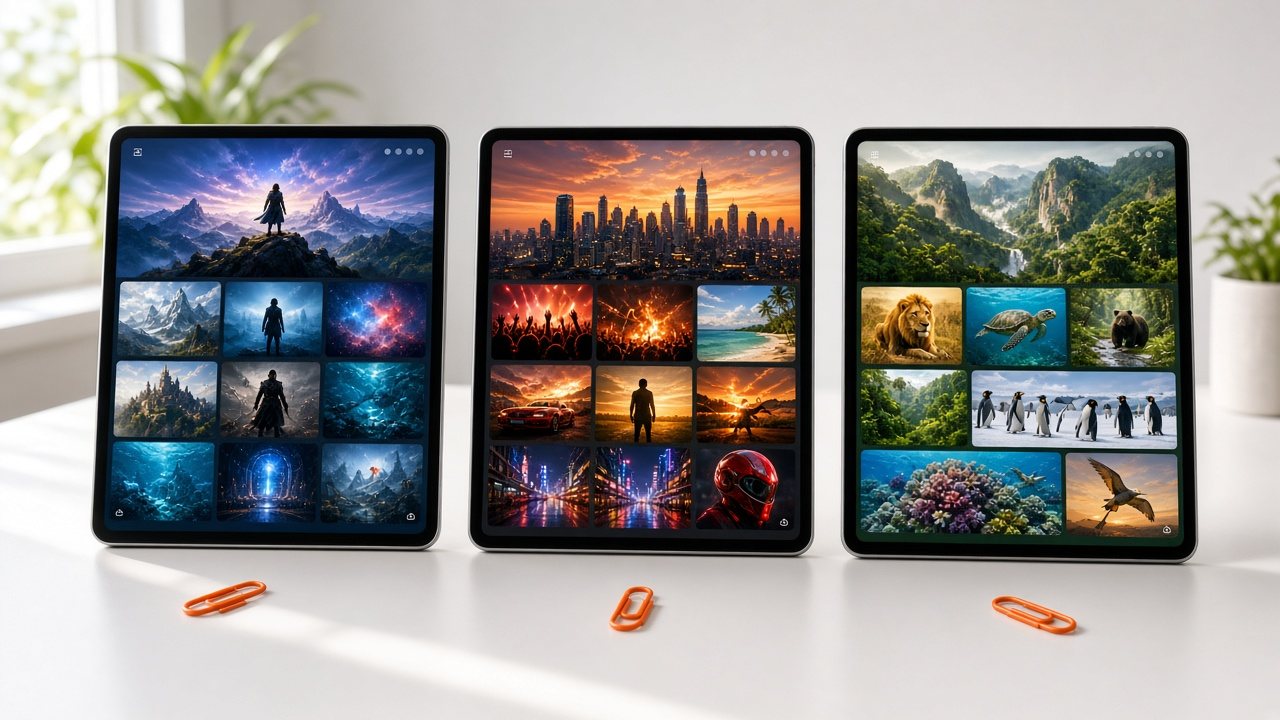
Three tablets side by side on a white desk, each showing a different channel grid
Plan · Model

Choose how the channel pays for itself

Free with ads, funded by sponsors, paid by viewers or kept private: the right model depends on your content and your audience.

  • You will leave with
  • One model you can start with
  • A sense of what each model needs
  • A route for a free channel
01

Four common models

ModelSuitsNeedsWhere it lives in our service
Free with adsBroad audiences and lean-back viewingA schedule with no holes and ads in sensible placesOmni Break Planner
Sponsor-fundedChannels with a few named partnersSponsor slots and graphics you can point toOmni Brand Overlay and sponsor spots
Subscription or per-titleDeep libraries and premium eventsA reason to pay and a way to chargePayments, Fundraising & Paywalls
Private or member-onlyStaff, members, residents or clientsAccess controls and a clear audienceSet up when we scope your channel

Models mix freely. A channel can be free with ads while a premium library sits behind a payment. Start with the model that matches how people already find your content, then add a second one as you learn.

02

Matching content to the model

  • Series and themed blocks

    Viewers of free channels tend to lean back. Series, collections and themed blocks let people start watching at any point.

  • Events and premieres

    Viewers will pay for a specific premiere, match or concert. Book it into the line-up and promote it on the channel.

  • Deep catalogs

    Subscriptions work when people keep finding something new, so depth and variety matter more than any single title.

  • Information for a known audience

    Public notices, member briefings and training do not need a revenue model, only a dependable schedule.

03

The free-channel route: Omni Free-Channel Launch

A free, ad-supported channel is a continuous job: the schedule must cover every hour, ads must land in the right places and delivery must work on many kinds of device. Omni Free-Channel Launch lines those steps up for a library owner.

  1. Choose the content

    Pick a theme your library can support for weeks or months.

  2. Build the channel

    Set up the line-up, branding and ad breaks.

  3. Test the stream

    Check playback on the devices your audience uses.

  4. Launch and refine

    Go live, then reshape the line-up using the viewing reports.

A few dozen hours can be enough for a themed channel when the schedule repeats with care. More variety keeps viewers watching longer.

04

Questions to settle

Do I have to bring my own advertisers?

You can use your own sponsor and ad relationships. If you hope to work with ad partners as well, say so in your channel sketch and we will talk through the options.

Can a free channel become a paid one later?

Yes. The same channel can be adapted to another model, because the schedule, library and delivery stay the same.