
Live & Events
Satellite Rebroadcast
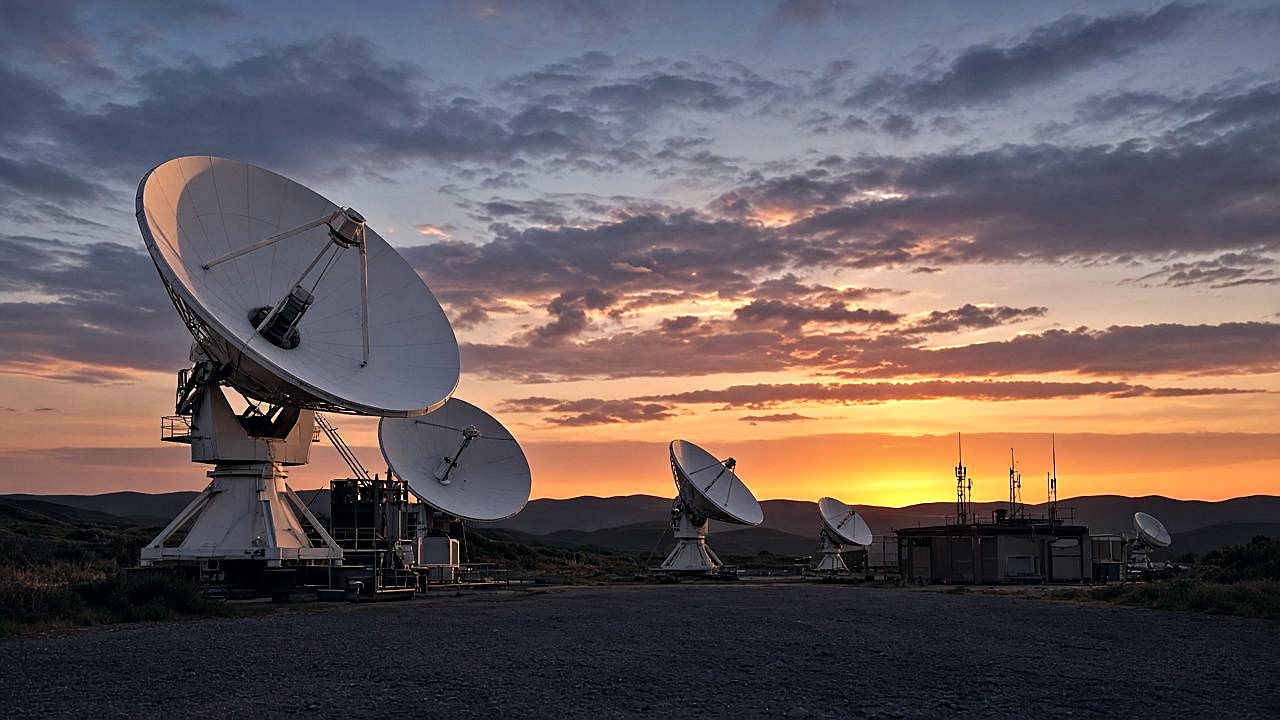
Take a satellite broadcast and rebroadcast it to smart TVs, IPTV, OTT, mobile devices and computers around the world.
The challenge
Why this matters
Your broadcast already reaches a regional audience by satellite. The people you want to reach next are online, on devices that cannot receive it.

What it is
Satellite Rebroadcast in plain words
Omni Media Cast satellite-to-internet broadcasting delivers broadband video from traditional broadcasters around the world. We capture your broadcast via satellite, encode and transcode it, then redistribute it through our content delivery network.
Interactive satellite rebroadcasting gives low- and high-power terrestrial stations a way to extend reach to a global audience on many media devices. We partner with you to build that audience across every internet media device.
Benefits
What you get
Satellite in, internet out
Your existing satellite broadcast becomes a stream for Smart TV, IPTV, OTT, mobile devices and computers.
Cost-effective reach
Online distribution extends your reach without building a second transmission network.
Built for broadcasters
Terrestrial stations of different power levels can extend their reach to a wider audience.
TV Everywhere
One feed can serve every internet media device your audience uses.
How it works
Simple to start, simple to run
Capture
We receive your broadcast from the satellite.
Encode and transcode
The feed is prepared in several qualities.
Distribute
Our network sends it to viewers.
Grow the audience
We partner with you to promote and measure the new audience.
Details
What is included
Capture and prepare
- Satellite capture
- Encoding and transcoding
- Quality ladders per device
Delivery
- Delivery network
- Smart TV, IPTV, OTT, mobile and computers
Partnership
- Audience-building support
- Distribution planning
Illustrative scenario
A television station with a regional signal rebroadcasts its channel to viewers abroad who find it on a connected TV app.
One team from camera to viewer
Capture, delivery, recording and reports come from one company, so there is nobody to chase when the event is live.
Questions
Common questions
Do I keep my satellite broadcast?
Yes. Rebroadcast adds an online path alongside your existing distribution.
Which devices can viewers use?
Smart TVs, IPTV and OTT boxes, mobile devices and computers.
Can this feed a 24/7 channel?
Yes. See the 24/7 TV section for hosted channel playout.
Related
Works well with
Connected TV & IPTV
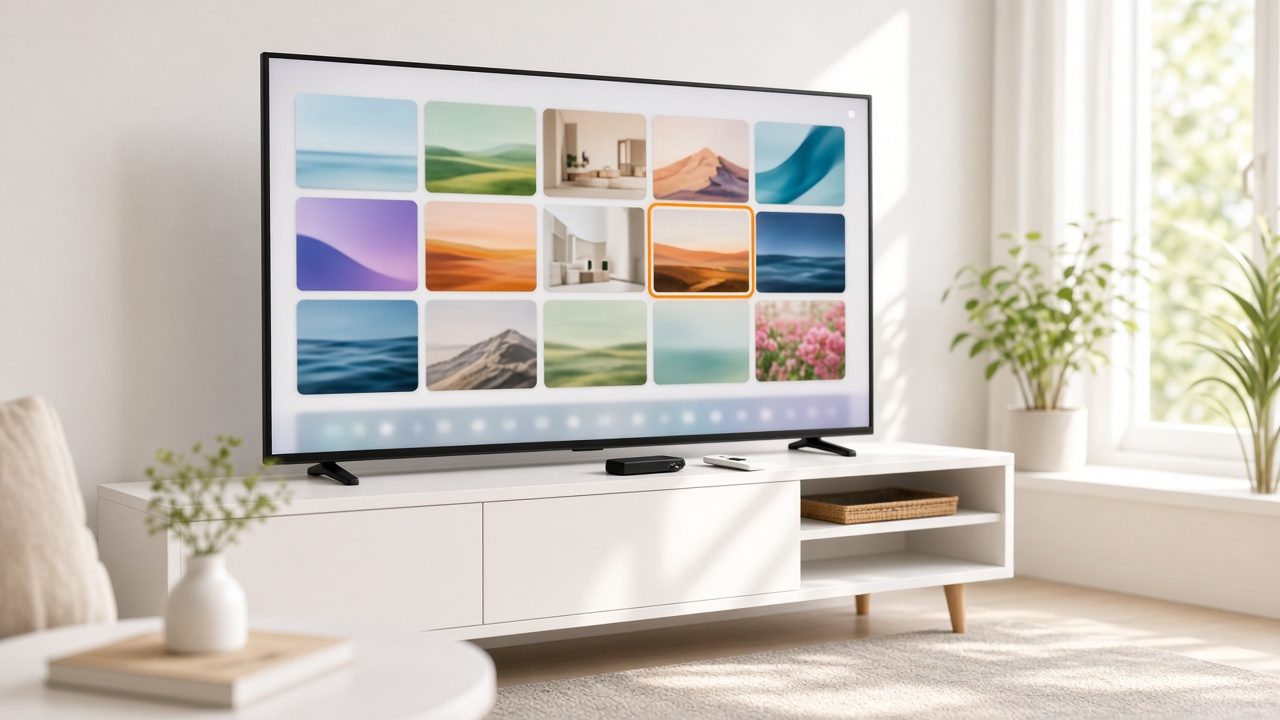
Reach set-top boxes, smart TVs, Roku-class players and IPTV with one workflow.
Learn more →
Content Delivery Network
Fast playback for viewers, from servers close to the audience.
Learn more →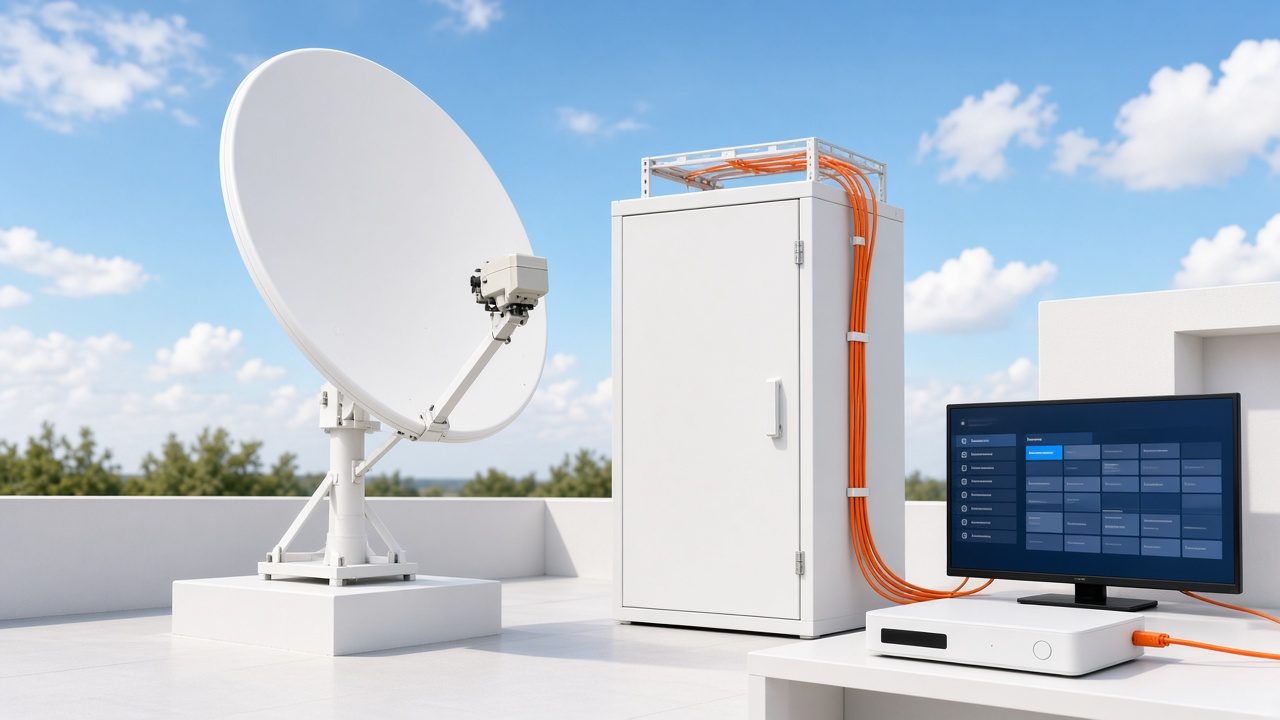
TV Carriage & Partner Delivery
Get your channel carried by TV partners with a tested, monitored feed.
Learn more →Ready for Satellite Rebroadcast?
Tell us about your project and we will reply with a clear plan.