Live & EventsLive & Events overviewLive StreamingBrowser StudioSimulated LiveVenue ConnectivityStream MonitoringContent Delivery NetworkMobile StreamingSatellite Rebroadcast
LanguagesLanguages overviewOmniTranslate LiveLanguages overviewCaptions & TranscriptsLive Event LanguagesMultilingual On-Demand & CoursesField & Remote ReportsMultilingual Discussion RoomsMultilingual AnnouncementsVoice-Matched DubbingDigital PresenterGlossary & Quality Review
Create & EditCreate & Edit overviewCreate & Edit overviewSmart ClipsRecap StudioChapters & Companion Content
Library & ScreensLibrary & Screens overviewLibrary & Screens overviewEvery ScreenVideo on DemandCollections & CoursesArchive MigrationConnected TV & IPTVBranded Mobile AppsWeb Portal & PlayerSocial ReachAudio & PodcastsCast to ScreenDone-for-You Apps
24/7 TV24/7 TV overview24/7 TV NetworkPlanBuildRunGrowWho it is forChannel examplesTalk to the teamTV Carriage & Partner Delivery
RadioRadio overviewRadio StreamingMusic Licensing & RoyaltiesAudio & Podcasts
Engage & MonetizeEngage & Monetize overviewEngage & Monetize overviewAdvertising & SponsorshipPayments, Fundraising & PaywallsLive Chat & Q&AViewer Support DeskCommunities & GroupsEvents & RegistrationCrew SchedulingAttendee Check-in
InsightsInsights overviewInsights & Control overviewAudience AnalyticsAccess & Security
SolutionsSolutions overviewSolutions overviewGovernment & Public SectorEntertainment & MediaBusiness & EnterpriseAssociations & NonprofitsSportsNews & BroadcastEducation & EventsHouses of WorshipBeyond Social-Only StreamingSwitching Streaming Platforms
AI DevelopmentAI Development overviewReadiness & RoadmapApplications Built to OrderGenerative Content StudioWorkflow AgentsVideo & Audio UnderstandingSpeech & Language SystemsData FoundationsModel Operations & OversightArchive Search EngineHighlight FinderService AssistantRecords IntelligenceAudience ForecastingReview & Compliance ChecksAI Development overviewGovernment & Public SectorMedia & EntertainmentSports & Live EventsBusiness & EnterpriseEducation & TrainingAssociations & NonprofitsNews & BroadcastAI InsightsHow we workResponsible AI
General AIGeneral AI overviewAI Strategy & AdvisoryCustom AI ApplicationsGenerative AI & Language ModelsAI Agents & AssistantsBack-Office AutomationMachine Learning & ForecastingImage Recognition & InspectionLanguage & Document IntelligenceData Pipelines & AI ReadinessConnecting AI to Your SystemsProduction Rollout & SupportAI Security & GovernanceAI for Your IndustryWays to Work With Us
CompanyCompany overviewWhy Omni Media CastAboutPlans & ways to startResourcesCompare approachesFAQPlain-Word GlossaryTrust & SecuritySupportContact

Library & Screens

Collections & Courses

Group videos into playlists, series and courses that help viewers find the next thing that matters.

The challenge

Why this matters

A library full of videos is hard to explore. Viewers watch one and leave because nothing tells them what to watch next.

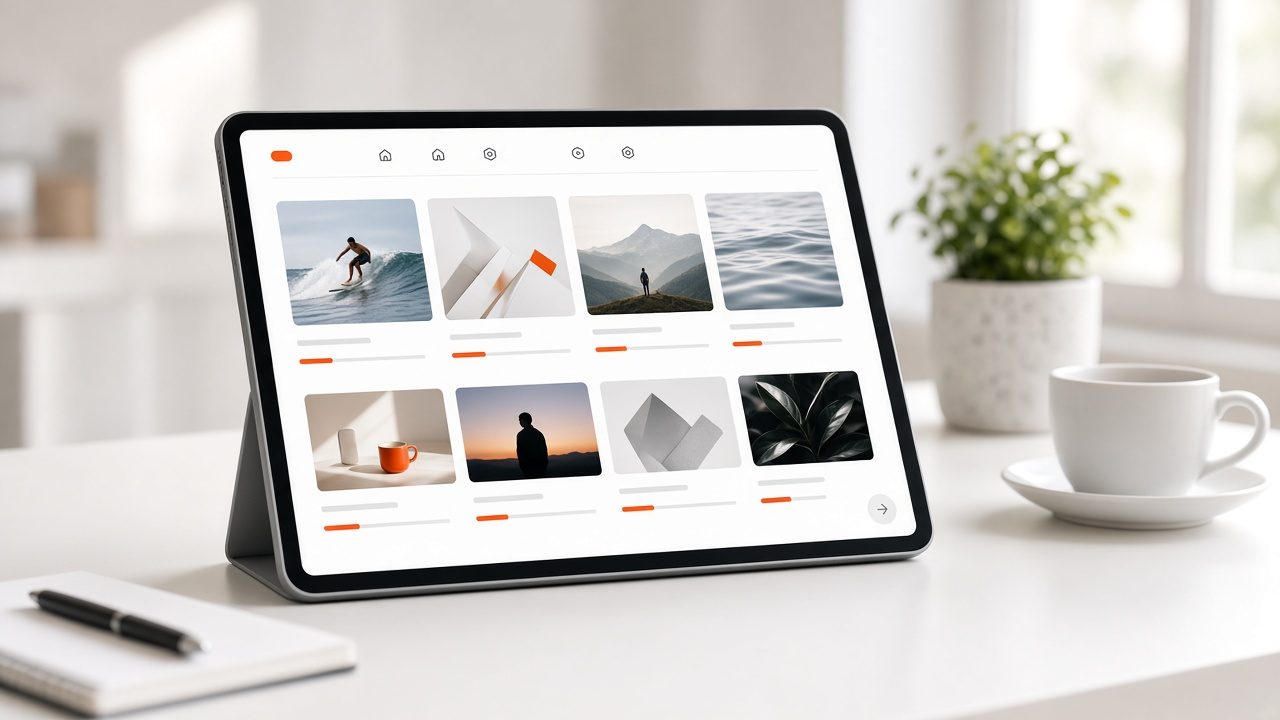
Tablet showing a grid of video course thumbnails with progress bars
Collections & Courses

What it is

Collections & Courses in plain words

Collections & Courses lets you group videos into playlists, series and courses. Viewers can follow a path from beginning to end, pick up where they left off and find related programs. You decide the order, the access rules and the way each collection looks.

Benefits

What you get

Guide the viewer

A clear next step keeps people watching.

Courses with progress

Viewers see what they finished and what comes next.

Flexible access

Open, member-only or paid collections.

Easy to maintain

Reorder and update without re-uploading.

How it works

Simple to start, simple to run

Step 1

Choose the videos

Pick programs for a collection.

Step 2

Order them

Set the sequence and descriptions.

Step 3

Set access

Open, restricted or paid.

Step 4

Publish

Appear on web, apps and TV.

Details

What is included

Structure
  • Playlists and series
  • Courses with lessons
  • Featured rows
Access
  • Public or private
  • Paid access
Viewer features
  • Resume where you left off
  • Progress

Illustrative scenario

A professional association publishes a certification prep course as a numbered sequence with resources for each lesson.
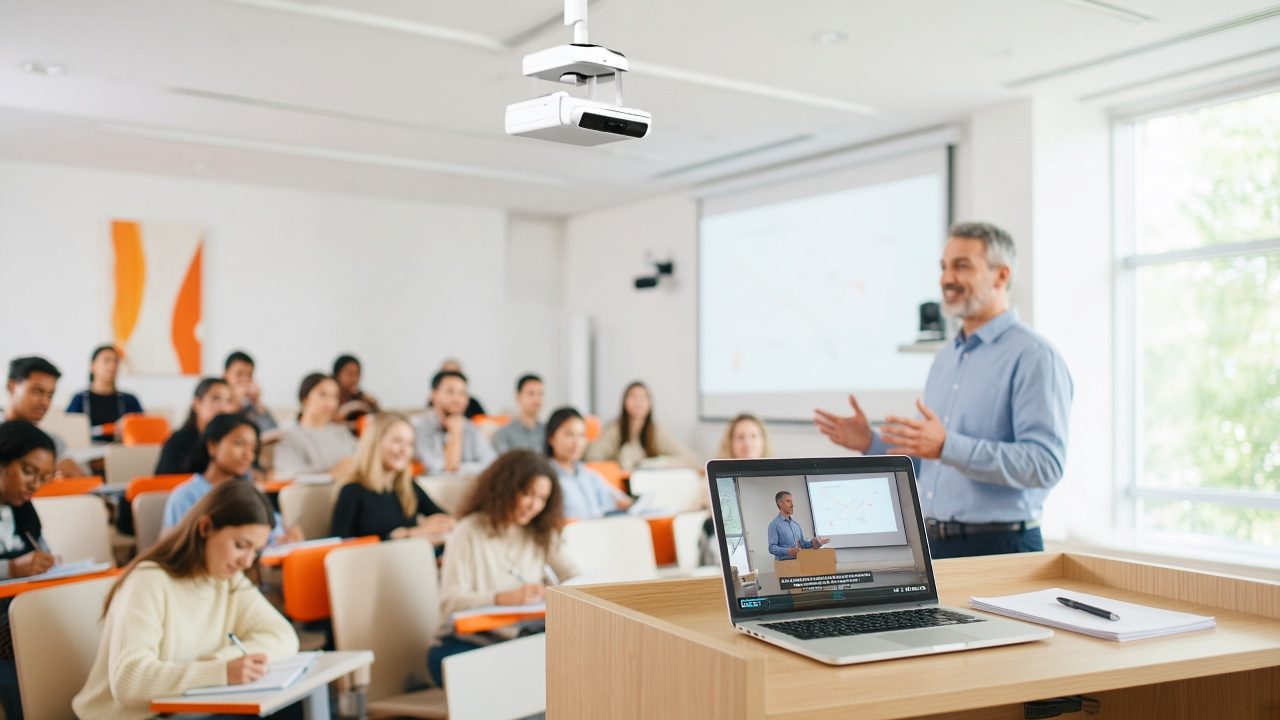
Lecture hall with students, a professor and a ceiling lecture-capture camera

One library, every screen

Upload once and reach web, phones, connected TV and speakers from the same place.

Request a demo →

Questions

Common questions

Can I mix live and recorded videos?

Yes.

Can I charge for a course?

See Payments & Paywalls.

Does the course appear in the apps?

Yes.

Ready for Collections & Courses?

Tell us about your project and we will reply with a clear plan.