
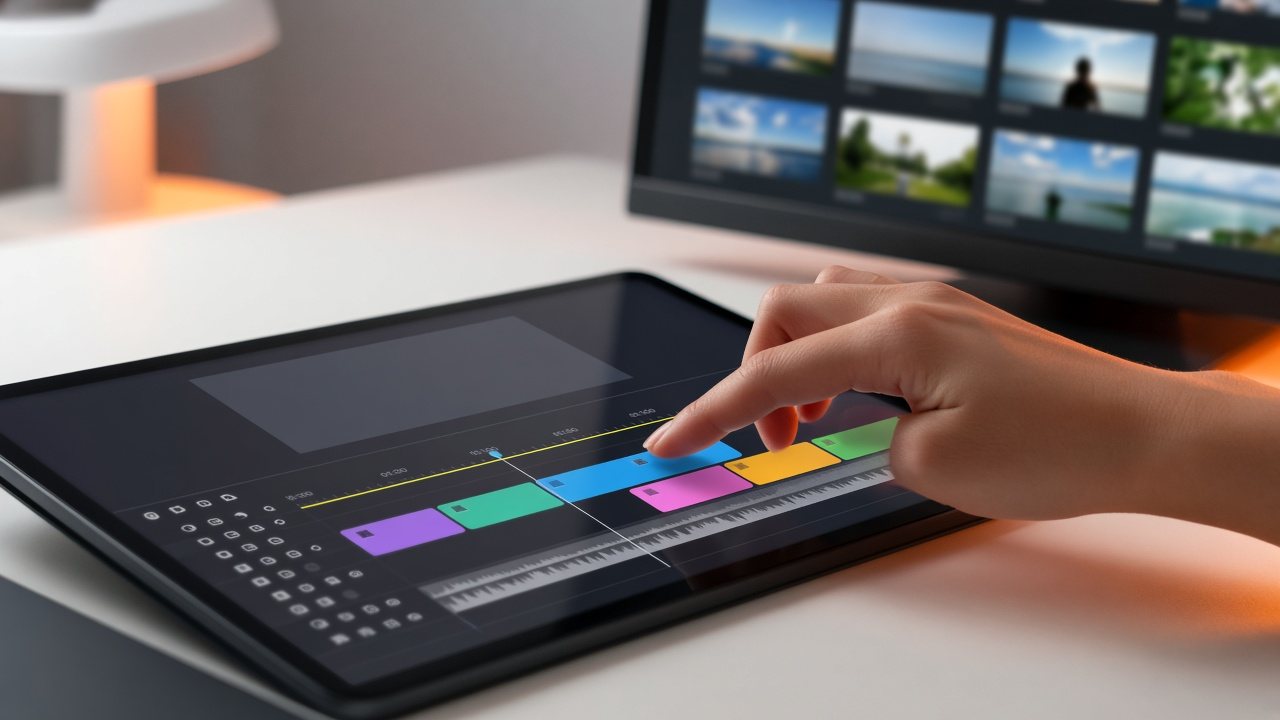
Step 2 of 4 · Build
Build: content in, line-up laid out, brand on
Three jobs turn a folder of files into a channel with a face: bring content in, arrange the week and dress it.
01
Three jobs, three modules
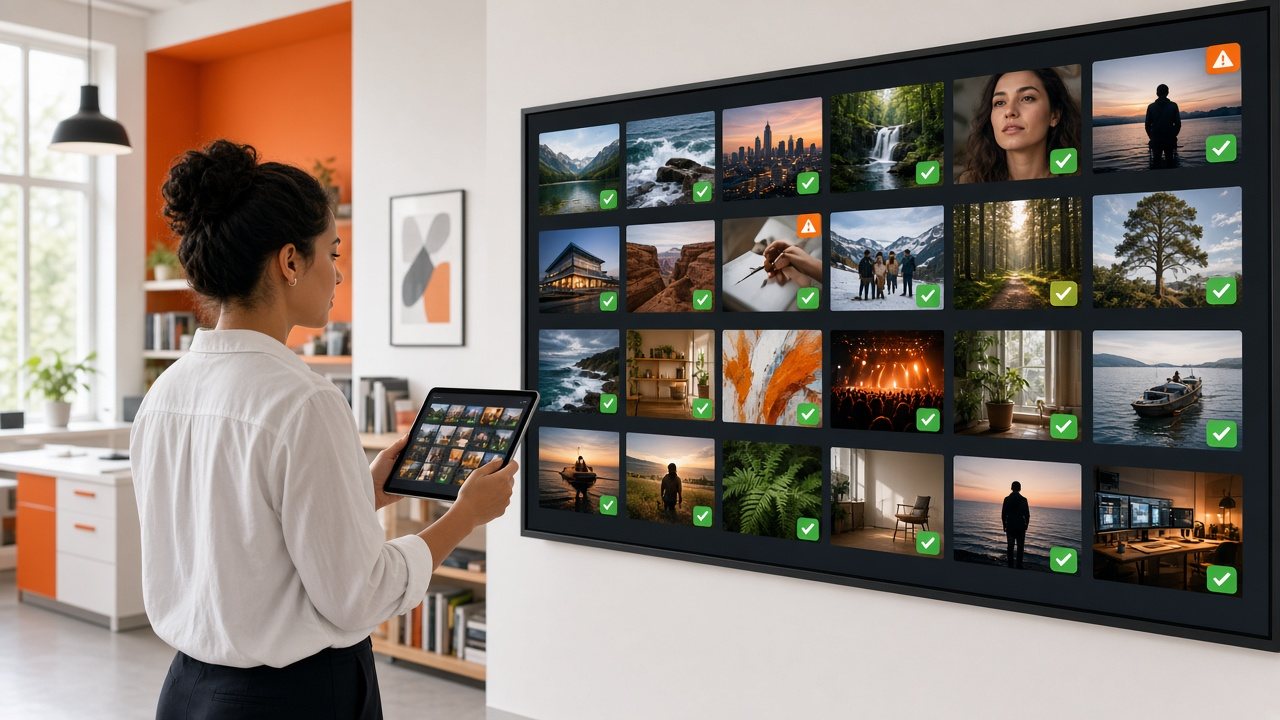 Build
BuildContent pipeline
Omni Intake Desk and Omni Media Vault: check media at the door, keep it in one library.
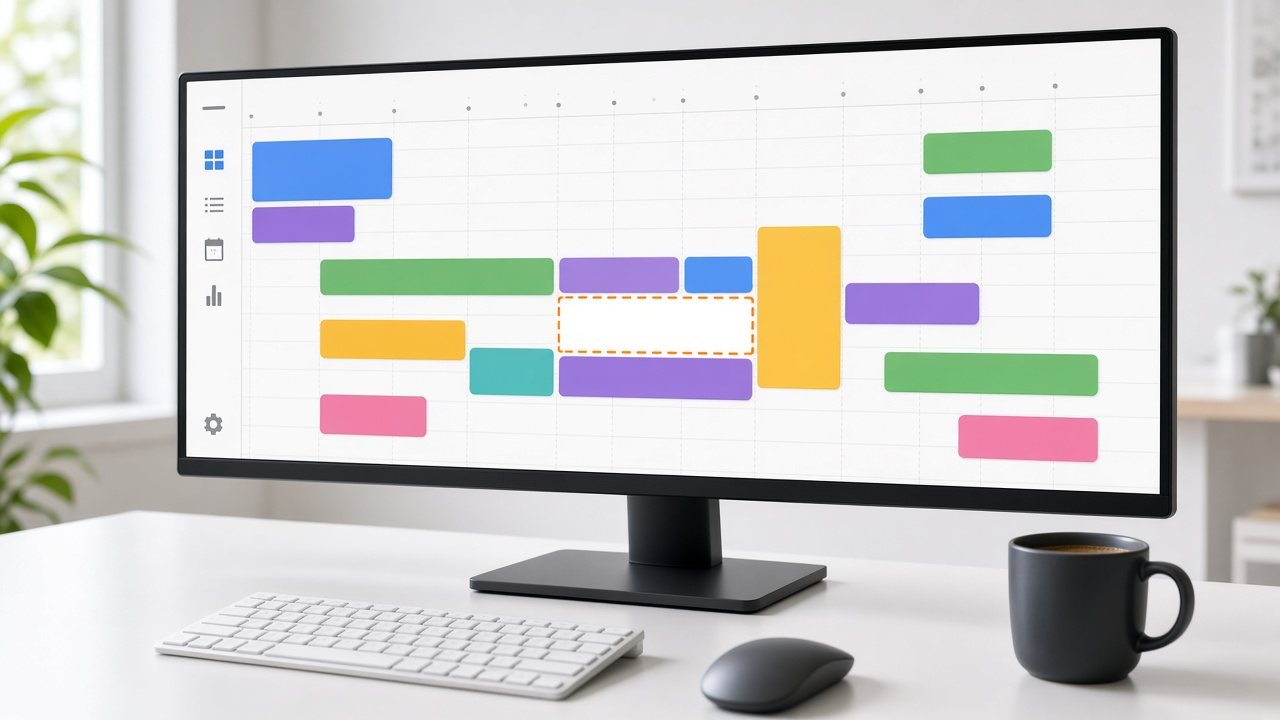 Build
BuildLine-ups
Omni Line-Up Planner: the whole schedule as a strip of time.
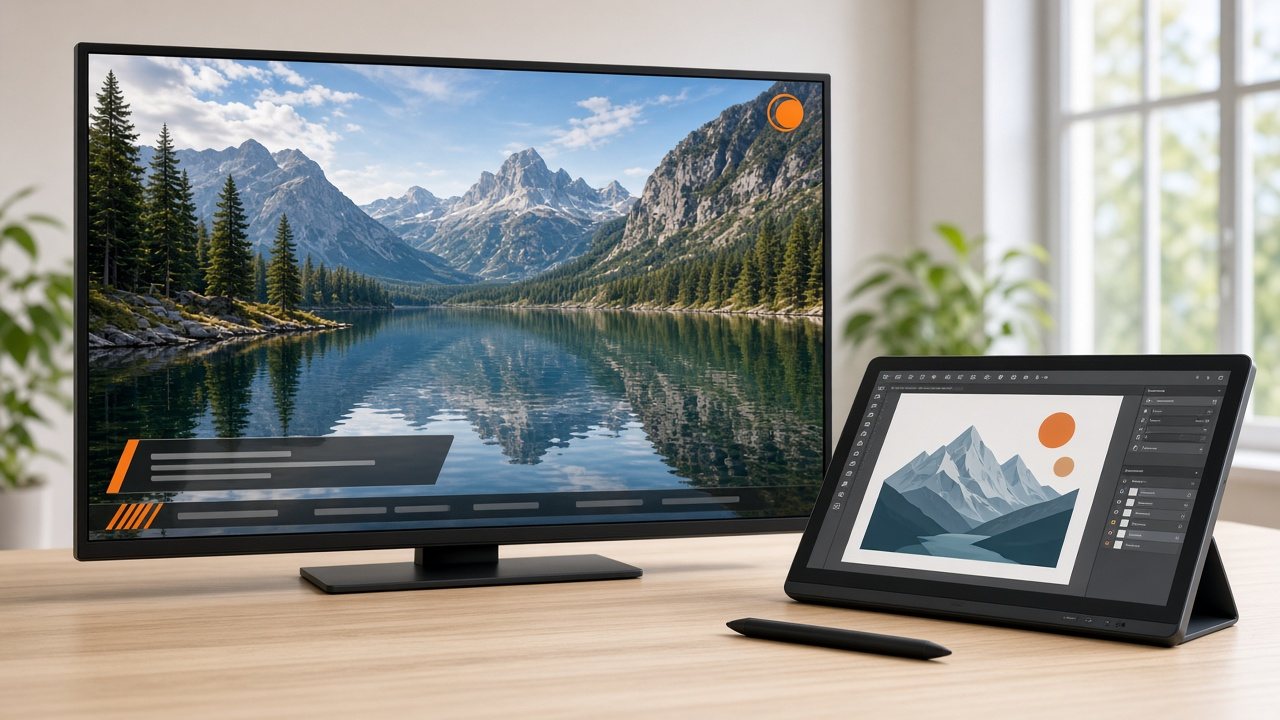 Build
BuildBrand overlay
Omni Brand Overlay: your logo, notices and sponsor graphics on every frame.
All three are used inside Omni TV Studio, so the people who know the programming can see the whole channel at once.
02
A sensible order
Prepare the library
Upload items and clear each one for air.
Draft a week
Start from a template and add the exceptions.
Add the brand
Set your logo, notices and sponsor graphics once.
Look before launch
Preview the output, then move to Run.
Already have a library on other storage? Tell us how big it is and where it sits, and we will plan the move with you.