
Create & Edit
Recap Studio
Draft summaries, discussion questions, newsletter text and study notes from an approved recording, each tied back to the moment it came from.
The challenge
Why this matters
One good program should become a week of content: a recap, a handout, an email. Writing it all from scratch is slow, and checking it against the recording is slower.
What it is
Recap Studio in plain words
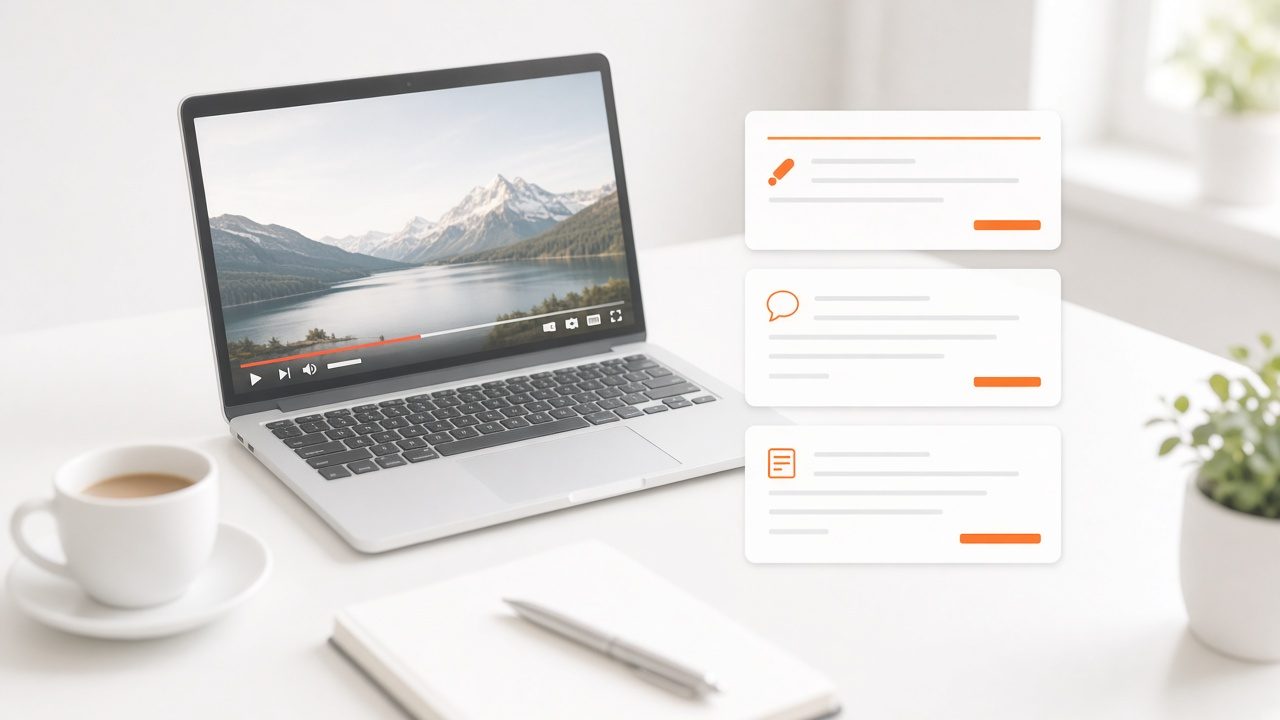
Recap Studio reads an approved recording and its transcript and drafts supporting material: a summary, discussion questions, newsletter text and notes. It uses time codes, so each draft points to the part of the program it came from. A staff reviewer edits and approves, and drafts can be made in many languages.
Benefits
What you get
Drafts with receipts
Every statement points back to a time in the recording.
Reviewed by your team
A staff member edits and approves each piece.
Many formats
Summary, questions, newsletter text and handout notes.
Many languages
Drafts can be produced in more than one language.
How it works
Simple to start, simple to run
Start from the approved recording
Use the final cut and its transcript.
Draft
The tool prepares material with time codes.
Review
An editor corrects and approves.
Share
Send to leaders, apps and email.
Details
What is included
Outputs
- Summaries
- Discussion questions
- Newsletter text
Controls
- Time-coded sources
- Editor approval
- Version history
Reach
- Multiple languages
- Email and app delivery
Illustrative scenario
An association turns each keynote into a one-page recap for members who could not attend.

Work from what you already have
Every output starts from a recording in your library, so there is nothing new to shoot.
Questions
Common questions
Is the text written by AI?
The drafts are generated, then reviewed and approved by your staff before use.
Can it handle long recordings?
Yes. Material is organized by section.
Do I keep ownership of the output?
Yes.
Related
Works well with
Smart Clips
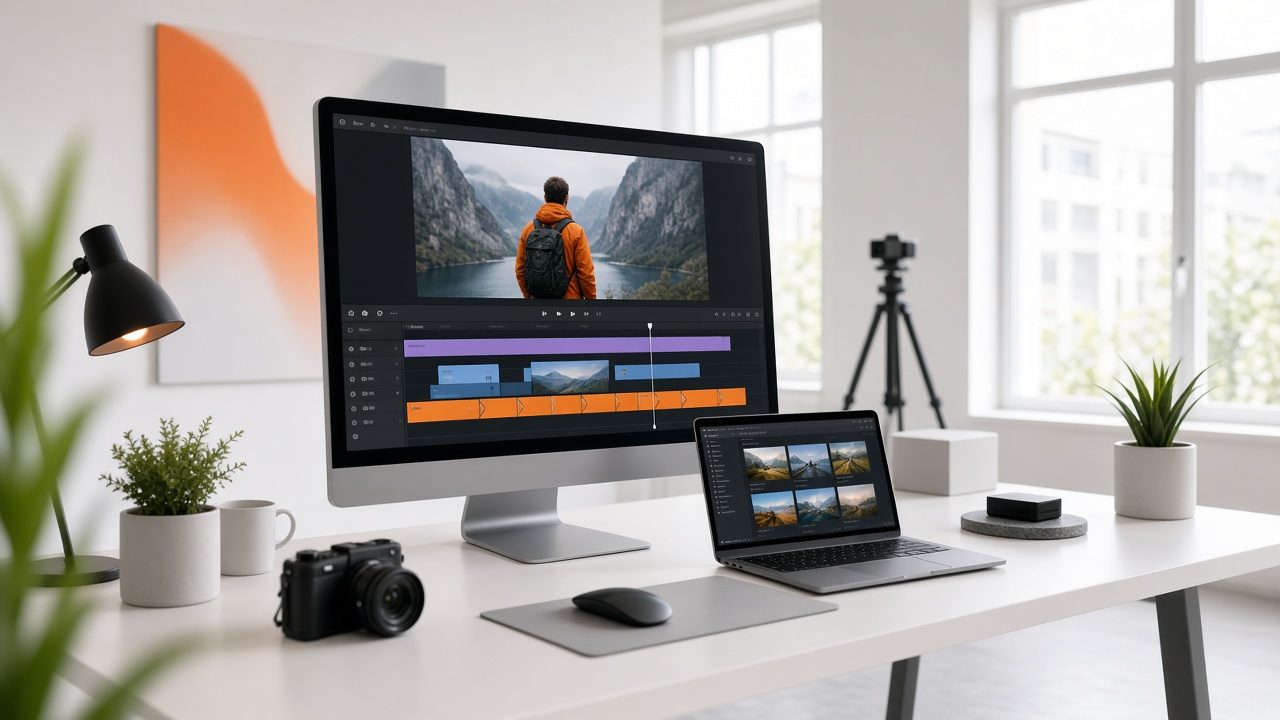
Suggested highlights, reviewed by your editor, in horizontal, vertical and audio-only cuts.
Learn more →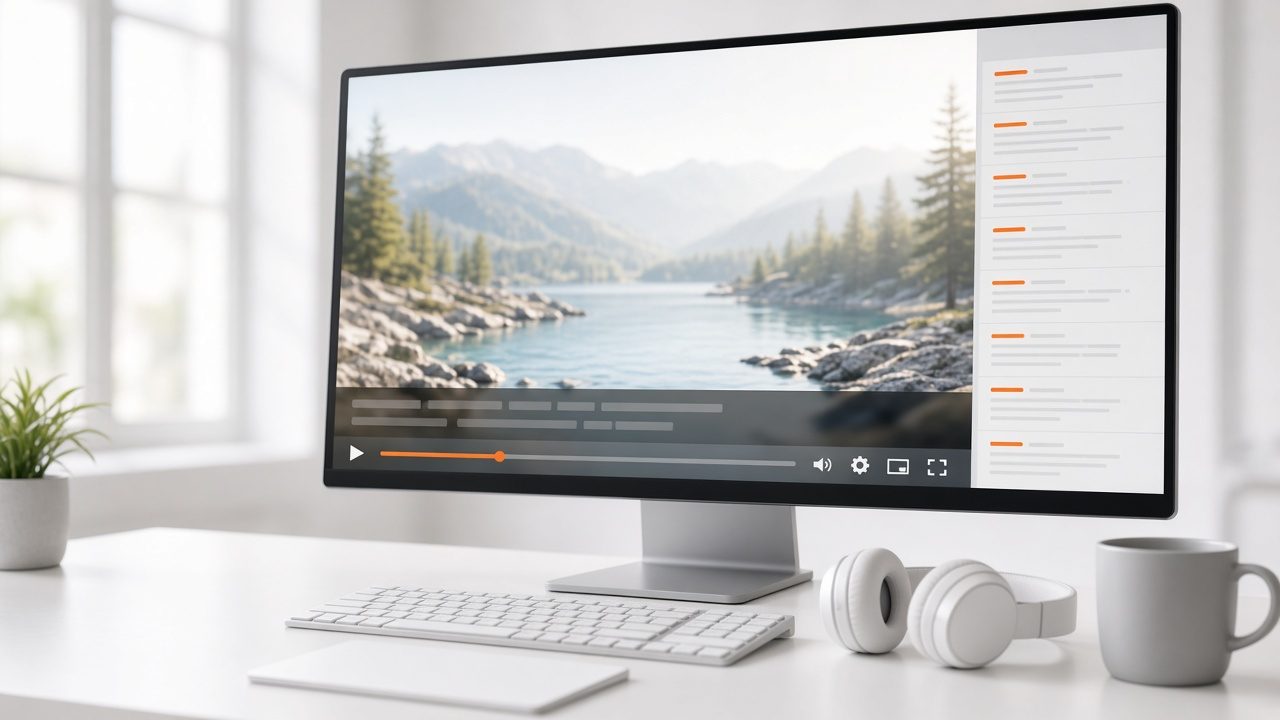
Captions & Transcripts
Live captions and reviewed transcripts that stay attached to the video.
Learn more →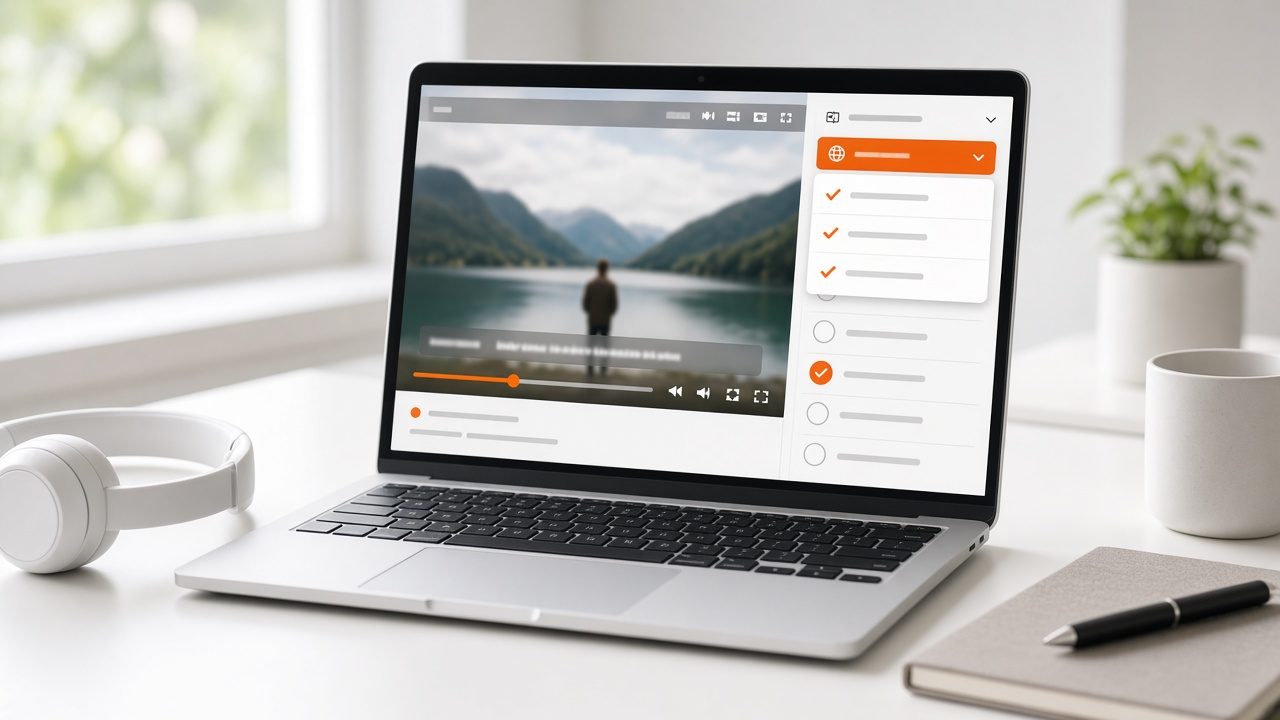
Multilingual On-Demand & Courses
Subtitles, text and dubbing for recorded programs and course libraries.
Learn more →Ready for Recap Studio?
Tell us about your project and we will reply with a clear plan.