
Live & EventsLive & Events overviewLive StreamingBrowser StudioSimulated LiveVenue ConnectivityStream MonitoringContent Delivery NetworkMobile StreamingSatellite Rebroadcast
LanguagesLanguages overviewOmniTranslate LiveLanguages overviewCaptions & TranscriptsLive Event LanguagesMultilingual On-Demand & CoursesField & Remote ReportsMultilingual Discussion RoomsMultilingual AnnouncementsVoice-Matched DubbingDigital PresenterGlossary & Quality Review
Create & EditCreate & Edit overviewCreate & Edit overviewSmart ClipsRecap StudioChapters & Companion Content
Library & ScreensLibrary & Screens overviewLibrary & Screens overviewEvery ScreenVideo on DemandCollections & CoursesArchive MigrationConnected TV & IPTVBranded Mobile AppsWeb Portal & PlayerSocial ReachAudio & PodcastsCast to ScreenDone-for-You Apps
24/7 TV24/7 TV overview24/7 TV NetworkPlanBuildRunGrowWho it is forChannel examplesTalk to the teamTV Carriage & Partner Delivery
RadioRadio overviewRadio StreamingMusic Licensing & RoyaltiesAudio & Podcasts
Engage & MonetizeEngage & Monetize overviewEngage & Monetize overviewAdvertising & SponsorshipPayments, Fundraising & PaywallsLive Chat & Q&AViewer Support DeskCommunities & GroupsEvents & RegistrationCrew SchedulingAttendee Check-in
InsightsInsights overviewInsights & Control overviewAudience AnalyticsAccess & Security
SolutionsSolutions overviewSolutions overviewGovernment & Public SectorEntertainment & MediaBusiness & EnterpriseAssociations & NonprofitsSportsNews & BroadcastEducation & EventsHouses of WorshipBeyond Social-Only StreamingSwitching Streaming Platforms
AI DevelopmentAI Development overviewReadiness & RoadmapApplications Built to OrderGenerative Content StudioWorkflow AgentsVideo & Audio UnderstandingSpeech & Language SystemsData FoundationsModel Operations & OversightArchive Search EngineHighlight FinderService AssistantRecords IntelligenceAudience ForecastingReview & Compliance ChecksAI Development overviewGovernment & Public SectorMedia & EntertainmentSports & Live EventsBusiness & EnterpriseEducation & TrainingAssociations & NonprofitsNews & BroadcastAI InsightsHow we workResponsible AI
General AIGeneral AI overviewAI Strategy & AdvisoryCustom AI ApplicationsGenerative AI & Language ModelsAI Agents & AssistantsBack-Office AutomationMachine Learning & ForecastingImage Recognition & InspectionLanguage & Document IntelligenceData Pipelines & AI ReadinessConnecting AI to Your SystemsProduction Rollout & SupportAI Security & GovernanceAI for Your IndustryWays to Work With Us
CompanyCompany overviewWhy Omni Media CastAboutPlans & ways to startResourcesCompare approachesFAQPlain-Word GlossaryTrust & SecuritySupportContact
24/7 TV
  1. 1Plan
  2. 2Build
  3. 3Run
  4. 4Grow
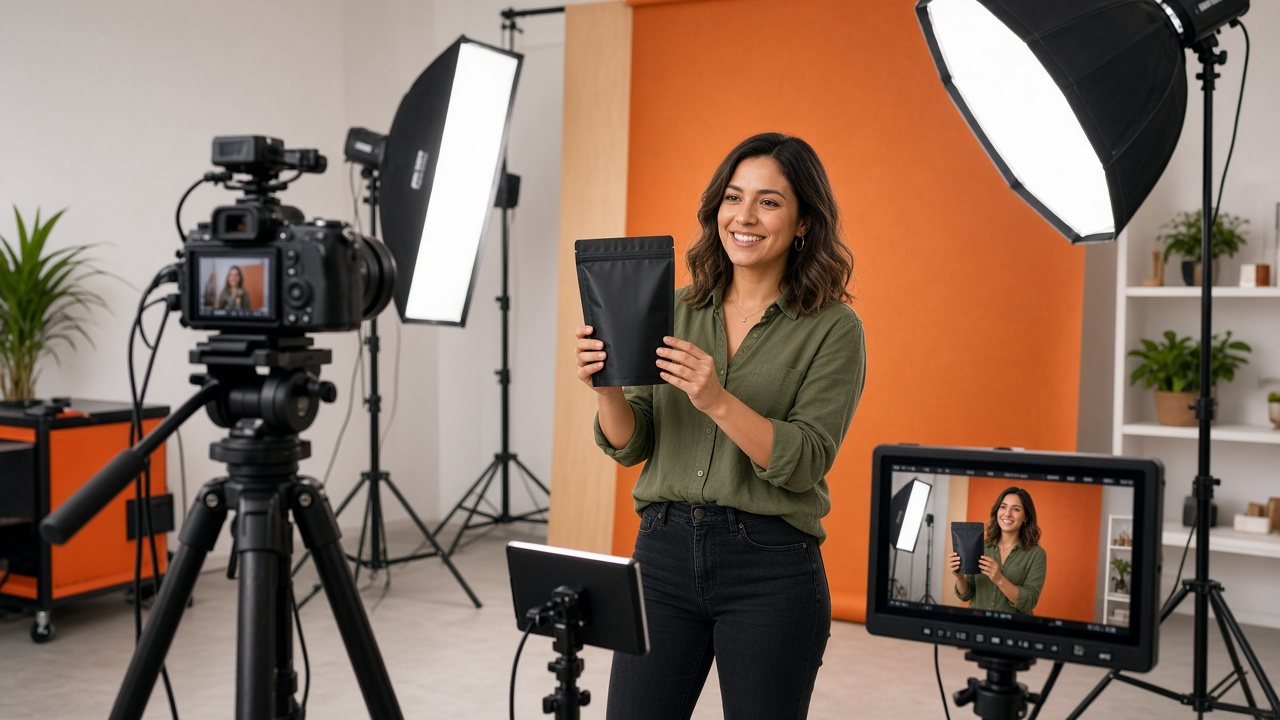
A presenter holding a product in a small studio with a camera, softbox lights and an orange backdrop
Grow · Revenue

Ad breaks and sponsors, planned beside the schedule

Omni Break Planner keeps break positions, sponsor slots and results in the same service that runs the channel.

  • You will leave with
  • Break positions set per program
  • Sponsor slots visible on the timeline
  • Results to guide the next round
01

Advertising belongs next to the schedule

Ads touch editorial, technology and sales at once. When each team uses a separate tool, mistakes follow: a message in the wrong place, a break that runs long, a report nobody can reconcile with the line-up. Keeping everything in one place means everyone works from one version of the day.

02

What it handles

  • Ads around on-demand video

    Choose whether a message plays before a title, partway through it or after it, for each video or a whole collection.

  • Breaks on a live channel

    Mark break positions inside programs and fill them with ads, house promotions or sponsor messages.

  • Sellable sponsor slots

    Offer a named position in the line-up to a sponsor and show exactly where it runs.

  • Results

    Review how many viewers were watching and at what time, so next week's breaks can be adjusted.

03

Breaks that feel smooth

A break should start quickly, arrive at a natural pause and end in good time. Break positions are set per program, so a long documentary can carry several natural pauses while a short clip runs clean. The delivery network is built to avoid stalls when the stream switches between a program and a message.

  • Consistent break positions across a series
  • Sponsor slots shown on the same timeline as programs
  • The same tools for free ad-supported and sponsored channels
  1. Plan positions

    Per program or block.

  2. Fill the slots

    Ads, promotions or sponsors.

  3. Review results

    Viewers and times.

  4. Adjust

    Reshape next week.

04

Who sells the ads?

Omni Media Cast provides the tools and the delivery. Selling is usually done by you or your sales partners. If you work with an ad partner or ad server, mention it in your channel sketch and we will go through how it would connect. If you need audience targeting by territory, tell us the markets you have in mind.

Does it work on both live channels and on-demand video?

Yes. The same planning approach covers 24/7 channels and the on-demand catalog.

Is it part of the channel service?

Yes. Break planning sits alongside the rest of the workspace, and we will cover how it applies to your channel.