Live & EventsLive & Events overviewLive StreamingBrowser StudioSimulated LiveVenue ConnectivityStream MonitoringContent Delivery NetworkMobile StreamingSatellite Rebroadcast
LanguagesLanguages overviewOmniTranslate LiveLanguages overviewCaptions & TranscriptsLive Event LanguagesMultilingual On-Demand & CoursesField & Remote ReportsMultilingual Discussion RoomsMultilingual AnnouncementsVoice-Matched DubbingDigital PresenterGlossary & Quality Review
Create & EditCreate & Edit overviewCreate & Edit overviewSmart ClipsRecap StudioChapters & Companion Content
Library & ScreensLibrary & Screens overviewLibrary & Screens overviewEvery ScreenVideo on DemandCollections & CoursesArchive MigrationConnected TV & IPTVBranded Mobile AppsWeb Portal & PlayerSocial ReachAudio & PodcastsCast to ScreenDone-for-You Apps
24/7 TV24/7 TV overview24/7 TV NetworkPlanBuildRunGrowWho it is forChannel examplesTalk to the teamTV Carriage & Partner Delivery
RadioRadio overviewRadio StreamingMusic Licensing & RoyaltiesAudio & Podcasts
Engage & MonetizeEngage & Monetize overviewEngage & Monetize overviewAdvertising & SponsorshipPayments, Fundraising & PaywallsLive Chat & Q&AViewer Support DeskCommunities & GroupsEvents & RegistrationCrew SchedulingAttendee Check-in
InsightsInsights overviewInsights & Control overviewAudience AnalyticsAccess & Security
SolutionsSolutions overviewSolutions overviewGovernment & Public SectorEntertainment & MediaBusiness & EnterpriseAssociations & NonprofitsSportsNews & BroadcastEducation & EventsHouses of WorshipBeyond Social-Only StreamingSwitching Streaming Platforms
AI DevelopmentAI Development overviewReadiness & RoadmapApplications Built to OrderGenerative Content StudioWorkflow AgentsVideo & Audio UnderstandingSpeech & Language SystemsData FoundationsModel Operations & OversightArchive Search EngineHighlight FinderService AssistantRecords IntelligenceAudience ForecastingReview & Compliance ChecksAI Development overviewGovernment & Public SectorMedia & EntertainmentSports & Live EventsBusiness & EnterpriseEducation & TrainingAssociations & NonprofitsNews & BroadcastAI InsightsHow we workResponsible AI
General AIGeneral AI overviewAI Strategy & AdvisoryCustom AI ApplicationsGenerative AI & Language ModelsAI Agents & AssistantsBack-Office AutomationMachine Learning & ForecastingImage Recognition & InspectionLanguage & Document IntelligenceData Pipelines & AI ReadinessConnecting AI to Your SystemsProduction Rollout & SupportAI Security & GovernanceAI for Your IndustryWays to Work With Us
CompanyCompany overviewWhy Omni Media CastAboutPlans & ways to startResourcesCompare approachesFAQPlain-Word GlossaryTrust & SecuritySupportContact

Library & Screens

Connected TV & IPTV

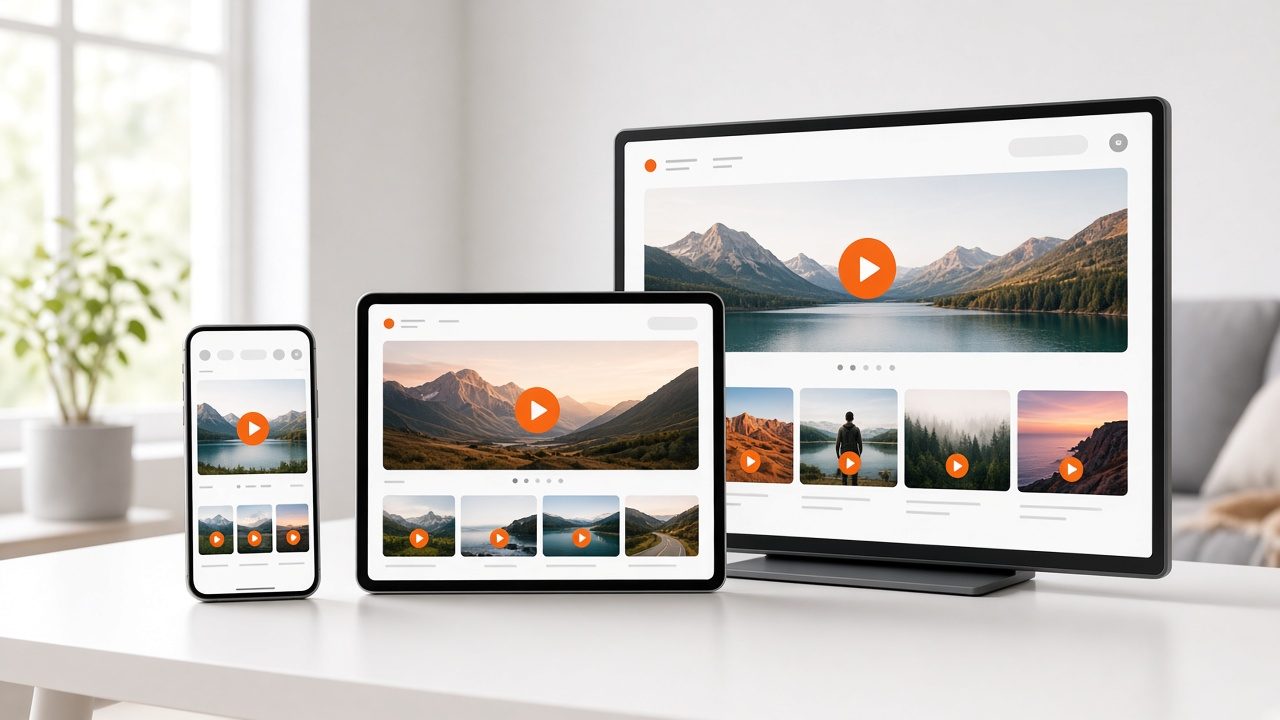
End-to-end multi-bitrate streams to IPTV and OTT set-top boxes, smart TVs, media players, tablets and smartphones: TV Everywhere.

The challenge

Why this matters

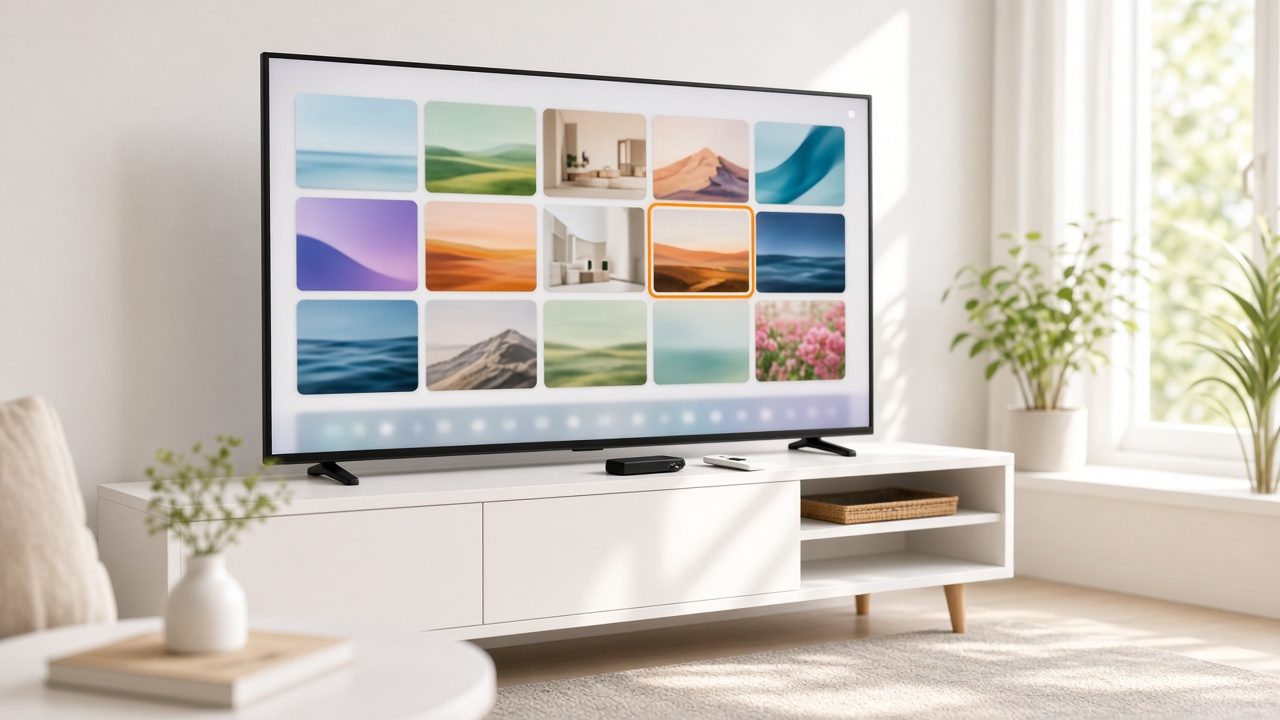
Viewers expect to watch on the biggest screen in the house. Getting your content onto set-top boxes and connected TVs usually means a different project for each device.
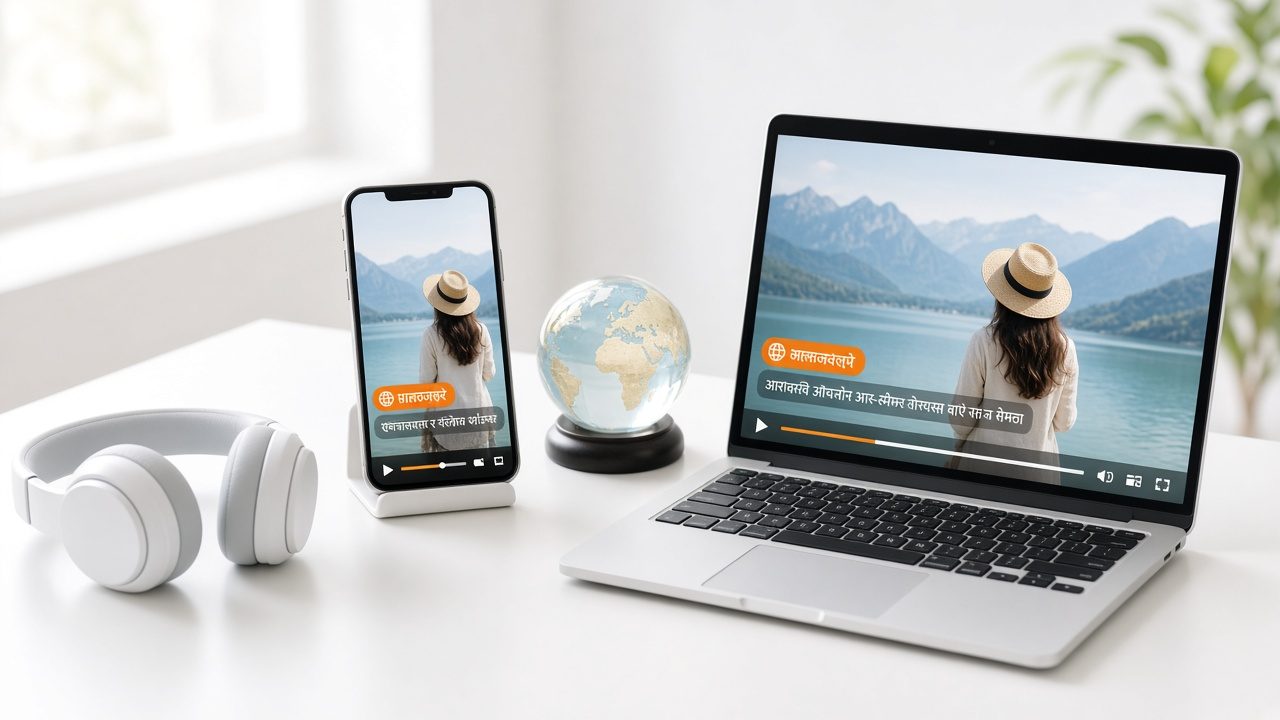
Phone, laptop and headphones showing the same video with subtitles in other languages
Connected TV & IPTV

What it is

Connected TV & IPTV in plain words

Omni Media Cast's TV Everywhere solution provides an end-to-end multi-bitrate broadcast stream to multiple types of IPTV and OTT set-top boxes, television sets and mobile devices. It enables content creators to expand their distribution through set-top boxes, media players, tablets, smart TVs and smartphones.

Benefits

What you get

One workflow, many screens

The same content serves every device type.

Multi-bitrate streams

Several qualities for each viewer's connection.

Reach beyond your own site

Place your channel where viewers already look.

Wide distribution

Rides on the delivery network.

How it works

Simple to start, simple to run

Step 1

Prepare content

From your library, live events or a 24/7 channel.

Step 2

Package for devices

We prepare streams for set-top boxes and TV apps.

Step 3

Launch

Apps and channels go live.

Step 4

Measure

See viewing by device.

Details

What is included

Devices
  • IPTV and OTT set-top boxes
  • Smart TVs
  • Media players, tablets and smartphones
Delivery
  • Multi-bitrate streaming
  • Delivery network
Related
  • Done-for-you apps
  • 24/7 TV
  • Cast to screen

Illustrative scenario

A media company launches its channel on a set-top-box platform and a smart TV app from one library.
Host at a studio desk with a premiere countdown on a wall screen and a chat panel

One library, every screen

Upload once and reach web, phones, connected TV and speakers from the same place.

Request a demo →

Questions

Common questions

Which platforms are supported?

Ask us about the specific platform you need. We will confirm what is available.

Do I need my own app?

You can use a branded app or a distribution partner.

Can this carry a 24/7 channel?

Yes. See 24/7 TV.

Ready for Connected TV & IPTV?

Tell us about your project and we will reply with a clear plan.