
Live & EventsLive & Events overviewLive StreamingBrowser StudioSimulated LiveVenue ConnectivityStream MonitoringContent Delivery NetworkMobile StreamingSatellite Rebroadcast
LanguagesLanguages overviewOmniTranslate LiveLanguages overviewCaptions & TranscriptsLive Event LanguagesMultilingual On-Demand & CoursesField & Remote ReportsMultilingual Discussion RoomsMultilingual AnnouncementsVoice-Matched DubbingDigital PresenterGlossary & Quality Review
Create & EditCreate & Edit overviewCreate & Edit overviewSmart ClipsRecap StudioChapters & Companion Content
Library & ScreensLibrary & Screens overviewLibrary & Screens overviewEvery ScreenVideo on DemandCollections & CoursesArchive MigrationConnected TV & IPTVBranded Mobile AppsWeb Portal & PlayerSocial ReachAudio & PodcastsCast to ScreenDone-for-You Apps
24/7 TV24/7 TV overview24/7 TV NetworkPlanBuildRunGrowWho it is forChannel examplesTalk to the teamTV Carriage & Partner Delivery
RadioRadio overviewRadio StreamingMusic Licensing & RoyaltiesAudio & Podcasts
Engage & MonetizeEngage & Monetize overviewEngage & Monetize overviewAdvertising & SponsorshipPayments, Fundraising & PaywallsLive Chat & Q&AViewer Support DeskCommunities & GroupsEvents & RegistrationCrew SchedulingAttendee Check-in
InsightsInsights overviewInsights & Control overviewAudience AnalyticsAccess & Security
SolutionsSolutions overviewSolutions overviewGovernment & Public SectorEntertainment & MediaBusiness & EnterpriseAssociations & NonprofitsSportsNews & BroadcastEducation & EventsHouses of WorshipBeyond Social-Only StreamingSwitching Streaming Platforms
AI DevelopmentAI Development overviewReadiness & RoadmapApplications Built to OrderGenerative Content StudioWorkflow AgentsVideo & Audio UnderstandingSpeech & Language SystemsData FoundationsModel Operations & OversightArchive Search EngineHighlight FinderService AssistantRecords IntelligenceAudience ForecastingReview & Compliance ChecksAI Development overviewGovernment & Public SectorMedia & EntertainmentSports & Live EventsBusiness & EnterpriseEducation & TrainingAssociations & NonprofitsNews & BroadcastAI InsightsHow we workResponsible AI
General AIGeneral AI overviewAI Strategy & AdvisoryCustom AI ApplicationsGenerative AI & Language ModelsAI Agents & AssistantsBack-Office AutomationMachine Learning & ForecastingImage Recognition & InspectionLanguage & Document IntelligenceData Pipelines & AI ReadinessConnecting AI to Your SystemsProduction Rollout & SupportAI Security & GovernanceAI for Your IndustryWays to Work With Us
CompanyCompany overviewWhy Omni Media CastAboutPlans & ways to startResourcesCompare approachesFAQPlain-Word GlossaryTrust & SecuritySupportContact
24/7 TV
  1. 1Plan
  2. 2Build
  3. 3Run
  4. 4Grow
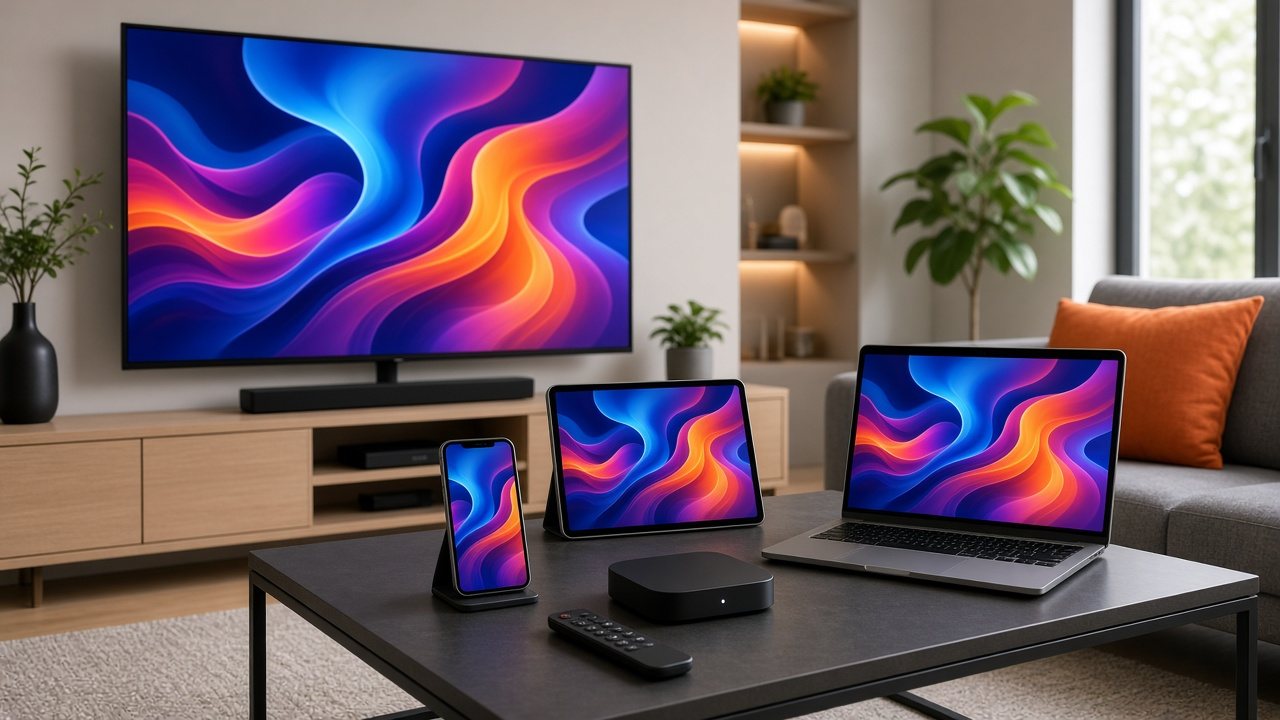
A smart TV, tablet, phone and laptop in a living room all showing the same colorful channel program
Grow · Reach

One channel, every screen

Viewers tune in through apps and connected TVs more than through antennas. Adaptive streaming gives each one the best picture its connection can carry.

  • You will leave with
  • The same channel on web, mobile and TV apps
  • Several quality levels per channel
  • A tidy line-up for each new partner
01

Adaptive streaming in short

A linear channel for internet audiences still needs a schedule, branding and continuous output, but delivery is different: it uses adaptive streaming, so each viewer receives the best quality their connection can carry, even as it changes mid-program.

  • Many destinations

    Use one channel for your own app, a website, Roku or IPTV partners.

  • Quick changes

    Update the schedule or branding without touching the delivery chain.

02

The quality ladder

Picture quality is a chain: the source, the encoding, the delivery and the viewer's screen. A weak link anywhere spoils the result, and a good master with sensible encoding does more than raising the quality at the end.

  • Supply the best available master files and clean live feeds.
  • Prepare several quality levels so players can adapt to the connection.
  • Start with the quality that suits most of your audience, then raise the top level for content and viewers that gain from it.
Levels
Several per channel, agreed with you at scoping.
Switching
Players move between levels automatically.
Graphics
Added before encoding, so the stream is encoded once.
Source quality
The ladder can only be as good as the files and feeds you supply.
03

Keeping a growing line-up tidy

Each new app or partner launch takes less work when channels are named, ordered and described consistently from the start. Keep titles, artwork and guide data in one place and hand the same line-up to every destination.

04

Questions to settle

Can I deliver to my own app?

Yes. Our team provides the stream addresses your player needs, and we help you test playback on your target devices.

Do I have to supply the very highest quality files?

No. Many channels run well with standard high-definition sources. Higher formats help when your content is produced that way.

Does a higher quality level cost more?

It can affect storage and delivery volume. We include it in the scope of your service, so you see the effect before you commit.