
Live & EventsLive & Events overviewLive StreamingBrowser StudioSimulated LiveVenue ConnectivityStream MonitoringContent Delivery NetworkMobile StreamingSatellite Rebroadcast
LanguagesLanguages overviewOmniTranslate LiveLanguages overviewCaptions & TranscriptsLive Event LanguagesMultilingual On-Demand & CoursesField & Remote ReportsMultilingual Discussion RoomsMultilingual AnnouncementsVoice-Matched DubbingDigital PresenterGlossary & Quality Review
Create & EditCreate & Edit overviewCreate & Edit overviewSmart ClipsRecap StudioChapters & Companion Content
Library & ScreensLibrary & Screens overviewLibrary & Screens overviewEvery ScreenVideo on DemandCollections & CoursesArchive MigrationConnected TV & IPTVBranded Mobile AppsWeb Portal & PlayerSocial ReachAudio & PodcastsCast to ScreenDone-for-You Apps
24/7 TV24/7 TV overview24/7 TV NetworkPlanBuildRunGrowWho it is forChannel examplesTalk to the teamTV Carriage & Partner Delivery
RadioRadio overviewRadio StreamingMusic Licensing & RoyaltiesAudio & Podcasts
Engage & MonetizeEngage & Monetize overviewEngage & Monetize overviewAdvertising & SponsorshipPayments, Fundraising & PaywallsLive Chat & Q&AViewer Support DeskCommunities & GroupsEvents & RegistrationCrew SchedulingAttendee Check-in
InsightsInsights overviewInsights & Control overviewAudience AnalyticsAccess & Security
SolutionsSolutions overviewSolutions overviewGovernment & Public SectorEntertainment & MediaBusiness & EnterpriseAssociations & NonprofitsSportsNews & BroadcastEducation & EventsHouses of WorshipBeyond Social-Only StreamingSwitching Streaming Platforms
AI DevelopmentAI Development overviewReadiness & RoadmapApplications Built to OrderGenerative Content StudioWorkflow AgentsVideo & Audio UnderstandingSpeech & Language SystemsData FoundationsModel Operations & OversightArchive Search EngineHighlight FinderService AssistantRecords IntelligenceAudience ForecastingReview & Compliance ChecksAI Development overviewGovernment & Public SectorMedia & EntertainmentSports & Live EventsBusiness & EnterpriseEducation & TrainingAssociations & NonprofitsNews & BroadcastAI InsightsHow we workResponsible AI
General AIGeneral AI overviewAI Strategy & AdvisoryCustom AI ApplicationsGenerative AI & Language ModelsAI Agents & AssistantsBack-Office AutomationMachine Learning & ForecastingImage Recognition & InspectionLanguage & Document IntelligenceData Pipelines & AI ReadinessConnecting AI to Your SystemsProduction Rollout & SupportAI Security & GovernanceAI for Your IndustryWays to Work With Us
CompanyCompany overviewWhy Omni Media CastAboutPlans & ways to startResourcesCompare approachesFAQPlain-Word GlossaryTrust & SecuritySupportContact
24/7 TV
  1. 1Plan
  2. 2Build
  3. 3Run
  4. 4Grow
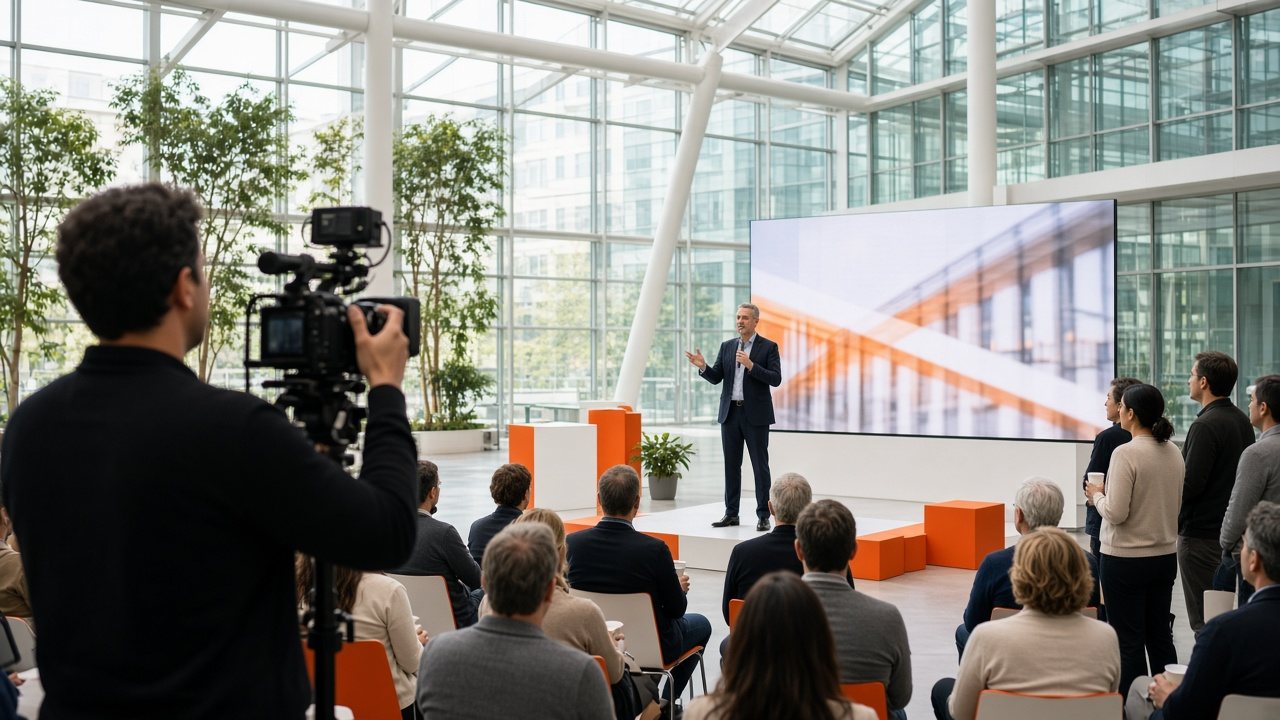
A camera operator filming a speaker on a small stage in a bright glass atrium while employees watch
Audience · Connect

Keep members and teams in the loop

Town halls, training and member events are often broadcast once and forgotten. A channel gives them a longer life.

  • You will leave with
  • A schedule people can rely on
  • Private, public or mixed viewing
  • A channel that ends when the event does
01

Businesses and associations

New starters can catch up, members who missed a session can return, and teams in other time zones can tune in when it suits them. Businesses, trade bodies and associations use the same service with the same simple controls.

  • Town halls and briefings

    Stream live to employees or members and replay the session at set times.

  • Training and onboarding

    Build a continuous learning channel from your recorded sessions.

  • Member programming

    Offer events, interviews and conference sessions as a regular channel.

  • Announcements

    Add notices and banners across the channel from the same dashboard.

  • Private or public

    Choose who can watch, from one team to everyone. We will talk through public, private and mixed set-ups.

  • Sponsor slots

    Associations can offer named positions to sponsors. See Ad breaks and sponsors.

Programs are uploaded in the browser, the week is laid out on a timeline and the channel runs itself. When someone moves on, the next person can pick it up in a short session.

02

Summits, festivals and shows

Large events run multiple stages, sessions and sponsors. Giving each room its own temporary channel lets remote attendees find something to watch at any hour. Between live sessions the channel can show recordings, sponsor messages and announcements.

  1. Define the channels

    One per stage, language or theme.

  2. Build the schedule

    Live sessions, repeats and sponsor slots on the timeline.

  3. Rehearse

    Test live sources and delivery before doors open.

  4. Run, record, publish

    Record each session and publish on demand when the event ends.

Can we close channels after the event?

Yes. A temporary channel can be paused or shut down while its recordings stay available to watch.

Can you support several time zones?

Yes. Schedules can be planned in the time zone you choose for each channel.

How do we plan around an event date?

Tell us the date in your channel sketch and we will plan the set-up around it.

03