
Live & EventsLive & Events overviewLive StreamingBrowser StudioSimulated LiveVenue ConnectivityStream MonitoringContent Delivery NetworkMobile StreamingSatellite Rebroadcast
LanguagesLanguages overviewOmniTranslate LiveLanguages overviewCaptions & TranscriptsLive Event LanguagesMultilingual On-Demand & CoursesField & Remote ReportsMultilingual Discussion RoomsMultilingual AnnouncementsVoice-Matched DubbingDigital PresenterGlossary & Quality Review
Create & EditCreate & Edit overviewCreate & Edit overviewSmart ClipsRecap StudioChapters & Companion Content
Library & ScreensLibrary & Screens overviewLibrary & Screens overviewEvery ScreenVideo on DemandCollections & CoursesArchive MigrationConnected TV & IPTVBranded Mobile AppsWeb Portal & PlayerSocial ReachAudio & PodcastsCast to ScreenDone-for-You Apps
24/7 TV24/7 TV overview24/7 TV NetworkPlanBuildRunGrowWho it is forChannel examplesTalk to the teamTV Carriage & Partner Delivery
RadioRadio overviewRadio StreamingMusic Licensing & RoyaltiesAudio & Podcasts
Engage & MonetizeEngage & Monetize overviewEngage & Monetize overviewAdvertising & SponsorshipPayments, Fundraising & PaywallsLive Chat & Q&AViewer Support DeskCommunities & GroupsEvents & RegistrationCrew SchedulingAttendee Check-in
InsightsInsights overviewInsights & Control overviewAudience AnalyticsAccess & Security
SolutionsSolutions overviewSolutions overviewGovernment & Public SectorEntertainment & MediaBusiness & EnterpriseAssociations & NonprofitsSportsNews & BroadcastEducation & EventsHouses of WorshipBeyond Social-Only StreamingSwitching Streaming Platforms
AI DevelopmentAI Development overviewReadiness & RoadmapApplications Built to OrderGenerative Content StudioWorkflow AgentsVideo & Audio UnderstandingSpeech & Language SystemsData FoundationsModel Operations & OversightArchive Search EngineHighlight FinderService AssistantRecords IntelligenceAudience ForecastingReview & Compliance ChecksAI Development overviewGovernment & Public SectorMedia & EntertainmentSports & Live EventsBusiness & EnterpriseEducation & TrainingAssociations & NonprofitsNews & BroadcastAI InsightsHow we workResponsible AI
General AIGeneral AI overviewAI Strategy & AdvisoryCustom AI ApplicationsGenerative AI & Language ModelsAI Agents & AssistantsBack-Office AutomationMachine Learning & ForecastingImage Recognition & InspectionLanguage & Document IntelligenceData Pipelines & AI ReadinessConnecting AI to Your SystemsProduction Rollout & SupportAI Security & GovernanceAI for Your IndustryWays to Work With Us
CompanyCompany overviewWhy Omni Media CastAboutPlans & ways to startResourcesCompare approachesFAQPlain-Word GlossaryTrust & SecuritySupportContact
24/7 TV
  1. 1Plan
  2. 2Build
  3. 3Run
  4. 4Grow
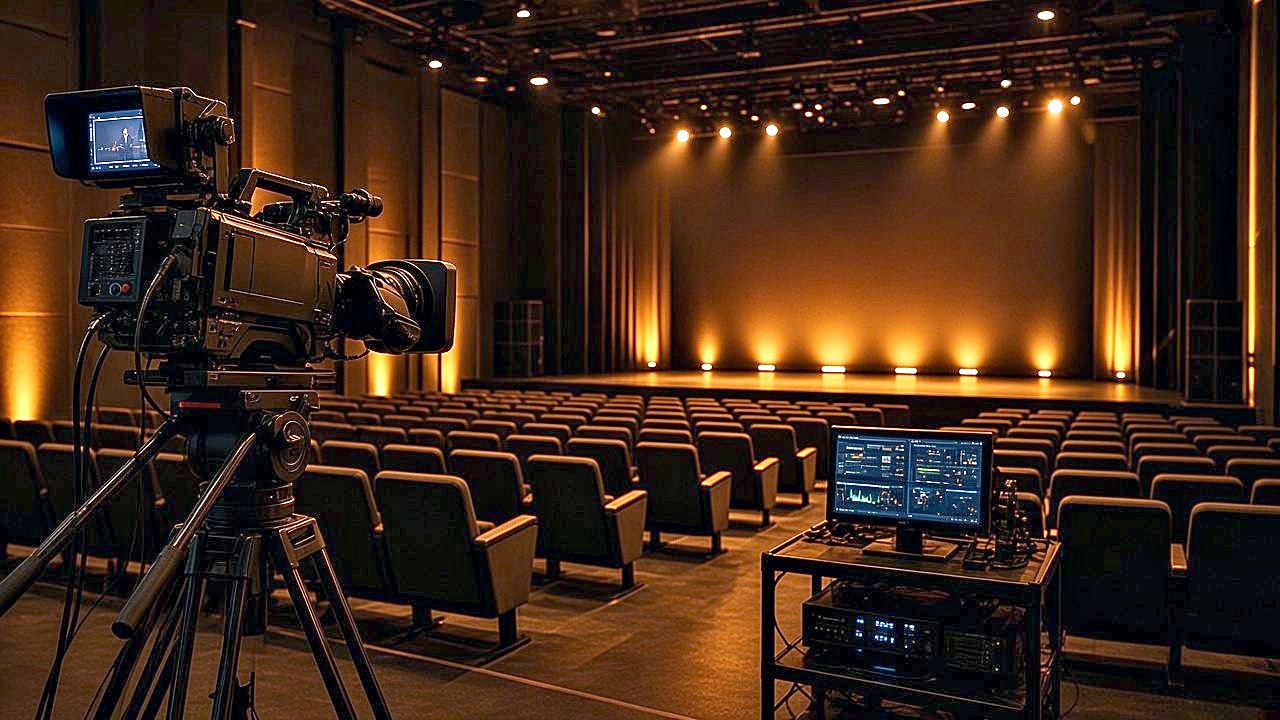
A camera on a tripod in a large auditorium with a lit stage and rows of seats ready for a broadcast
Audience · Worship

Reliable broadcasting for worship networks

Reach members who cannot be in the room, and give your community a channel to return to at any hour.

  • You will leave with
  • Services streamed and recorded
  • A channel for the hours between
  • A dashboard volunteers can learn quickly
01

Serving a community beyond the building

Many congregations include people who are traveling, unwell or living far away. A reliable live stream lets them take part, and a 24/7 channel lets them return to programs and music at any hour. Many of these teams are small and volunteer-run, so the interface is meant to be picked up fast and trusted from the first week.

02

What you can do

  • Stream the gathering

    Broadcast services and events with content delivery.

  • Record automatically

    Each live broadcast can be recorded and published on demand shortly after it ends, with no editing step.

  • Simulated live

    Schedule a recording to play as a live broadcast at a set time.

  • A 24/7 channel

    Fill the hours between services with teaching, music and community notices.

  • Branding and notices

    Add your logo and on-screen notices with Omni Brand Overlay.

  • Multi-site networks

    Run a channel per location, language or campus from one account.

03

Easy for volunteers

Training a new volunteer should be quick. The dashboard focuses on the few actions a team uses each week: start the stream, check the schedule and publish the recording.

  • Browser-based, with no special software to install
  • Support by phone and email if something goes wrong on a busy weekend
  • Protection options for your recordings, which we go through with you
Can we stream to many locations at once?

Yes, through our delivery network and web or mobile players.

Is there an option for a small organization?

Yes. See ways to start for how we scope a service of any size.

For a one-time event, see also Houses of Worship.