
Languages
Live Event Languages
Give each attendee a language track for every session, with translated audio or subtitles and a person checking the output.
The challenge
Why this matters
A multi-room event with international attendees needs a plan for every room and every language, not a pile of last-minute requests.
What it is
Live Event Languages in plain words
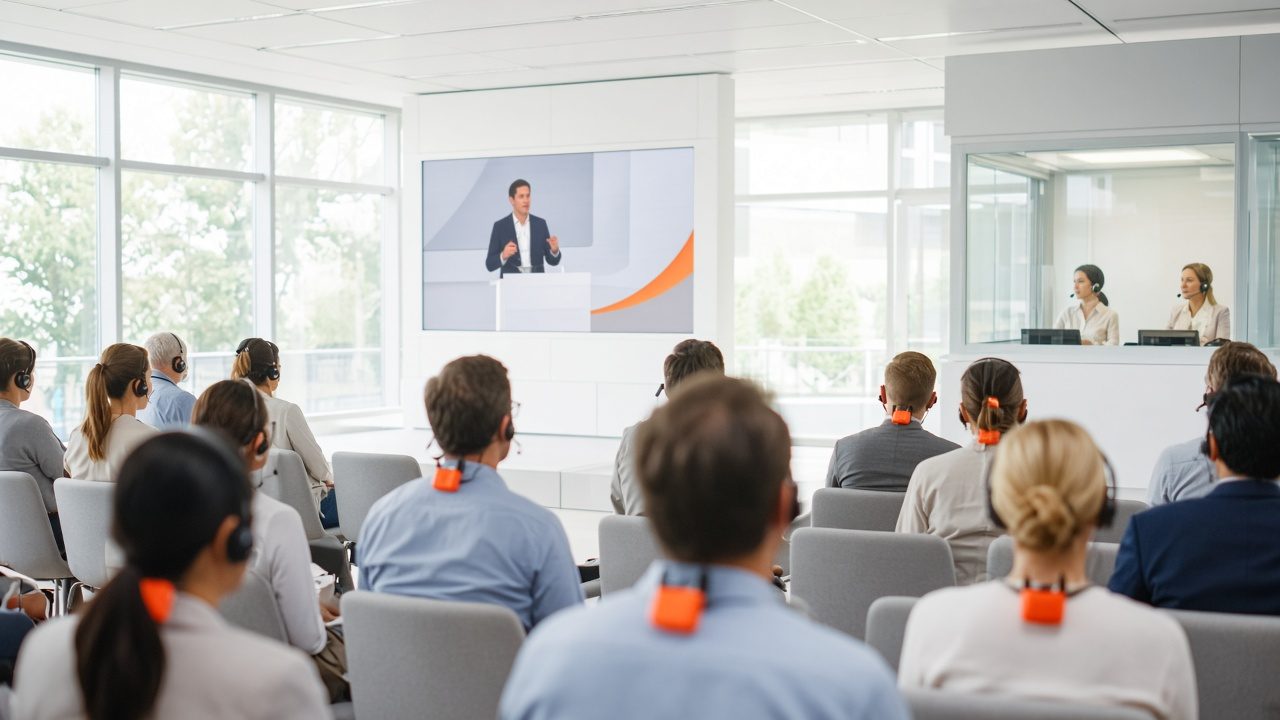
Live Event Languages maps the languages to each session, rehearses the technical path and monitors overlapping sessions while the event runs. Attendees pick a language track for each session and hear translated audio or read subtitles. Replays are reviewed before release.
For a fast start with live AI interpretation, see OmniTranslate Live.
Benefits
What you get
Language plan by session
Every room and session has a clear list of languages, owners and fallback.
Rehearsed paths
Audio and video paths for each language are tested in advance so no language drops out on the day.
Monitored while live
Operators watch the sessions as they run and fix problems fast.
Reviewed replays
Each language version is checked before it is released on demand.
How it works
Simple to start, simple to run
Map sessions to languages
List each session and the languages it needs.
Rehearse
Test each audio and video path.
Monitor
Watch sessions as they run.
Review and release
Check replays before publishing.
Details
What is included
Planning
- Language-by-session map
- Reviewer assignment
- Fallback plan
Delivery
- Translated audio tracks
- Live subtitles
- Attendee language picker
After the event
- Reviewed replays
- Transcripts
- Archive by language
Illustrative scenario
An international trade association runs three rooms in parallel. Attendees choose a language for each session on their own phones.
Language help with people behind it
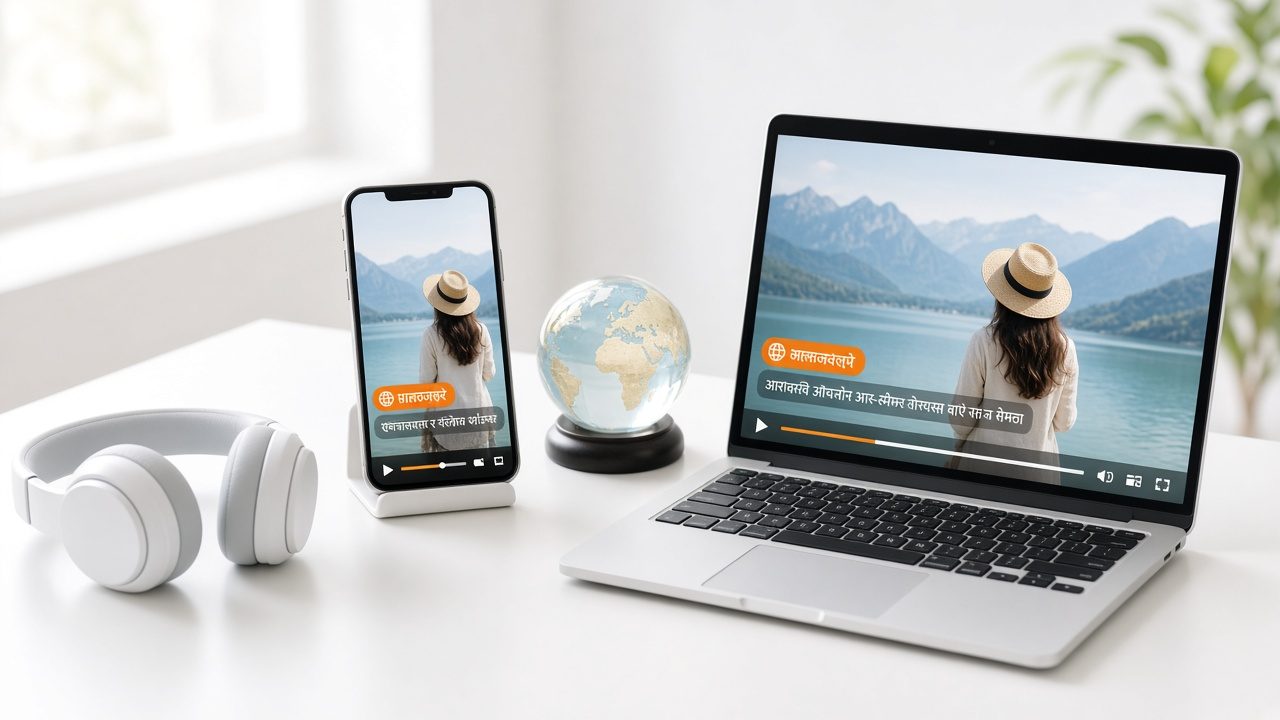
Machine speed with a human review option, and your own word list, so names and terms come out right.
Questions
Common questions
Is this the same as OmniTranslate Live?
OmniTranslate Live is our live AI interpretation service. Live Event Languages is the planned service around it: mapping, rehearsal and review. They work together.
Can people listen on their own phones?
Yes. Attendees can use their own phones and earbuds where the event is set up for it.
Who checks the translation?
You can name your own reviewer, or ask us to supply one.
Related
Works well with
Multilingual On-Demand & Courses
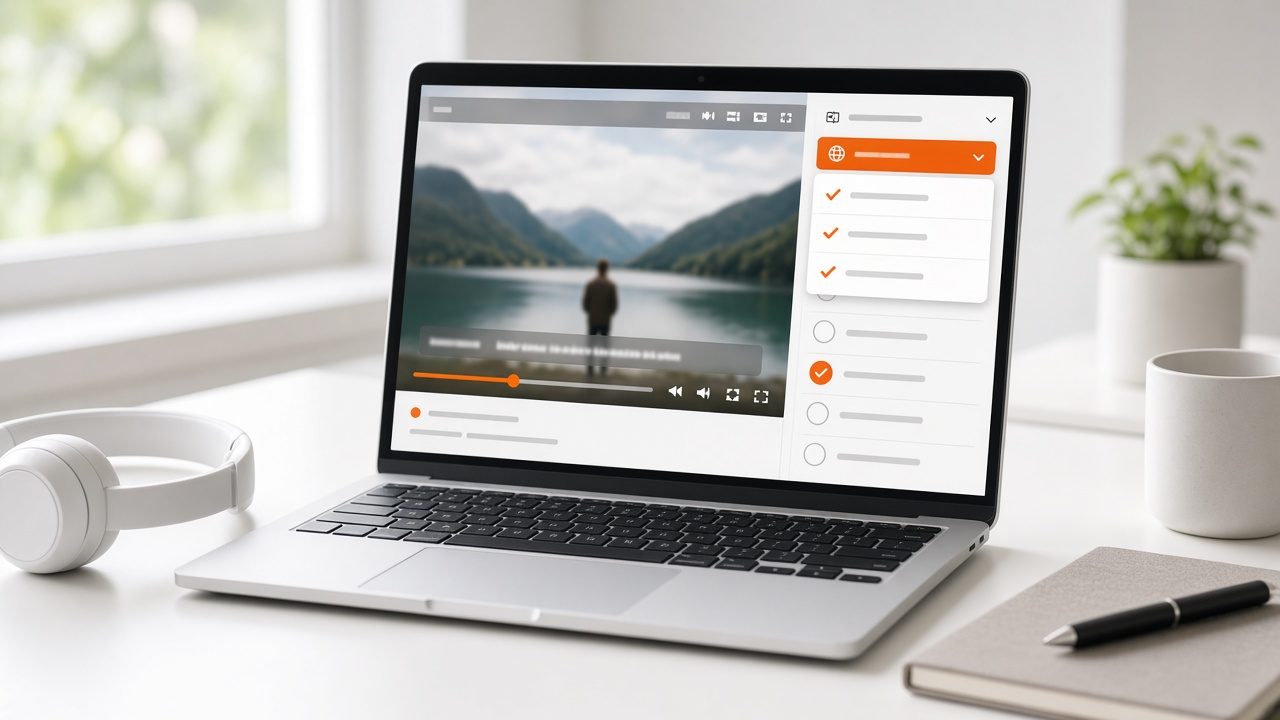
Subtitles, text and dubbing for recorded programs and course libraries.
Learn more →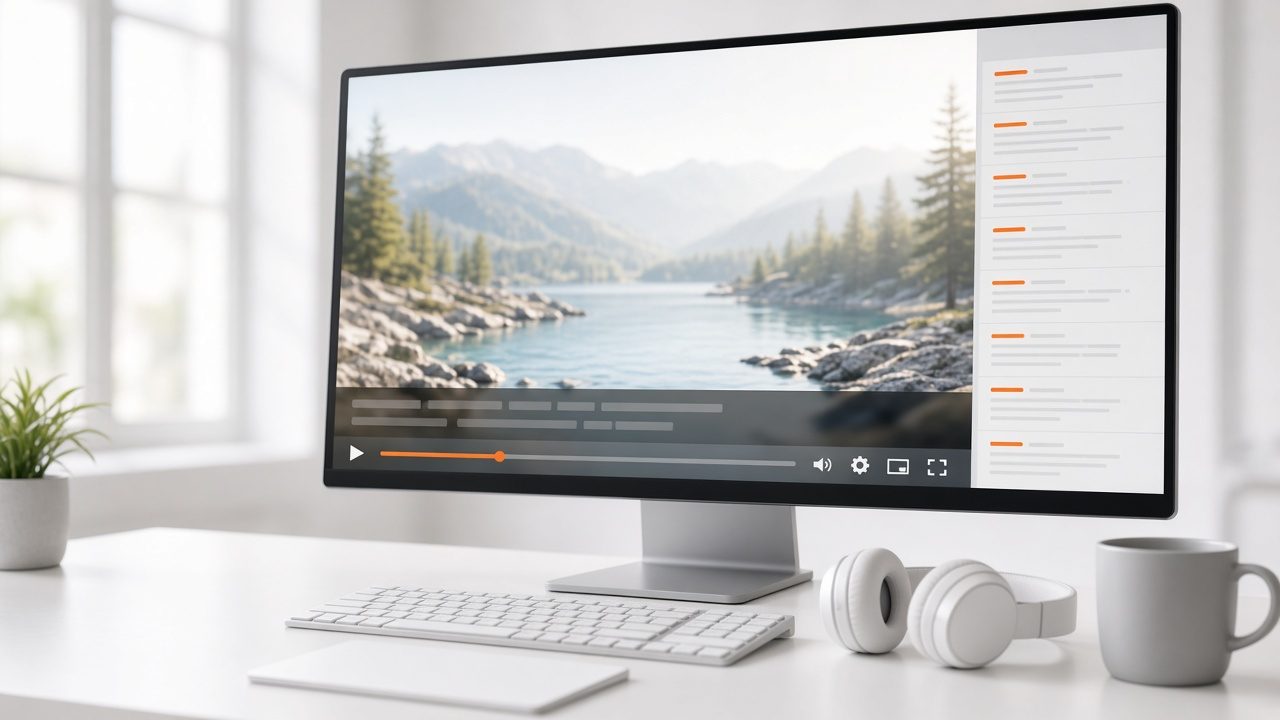
Captions & Transcripts
Live captions and reviewed transcripts that stay attached to the video.
Learn more →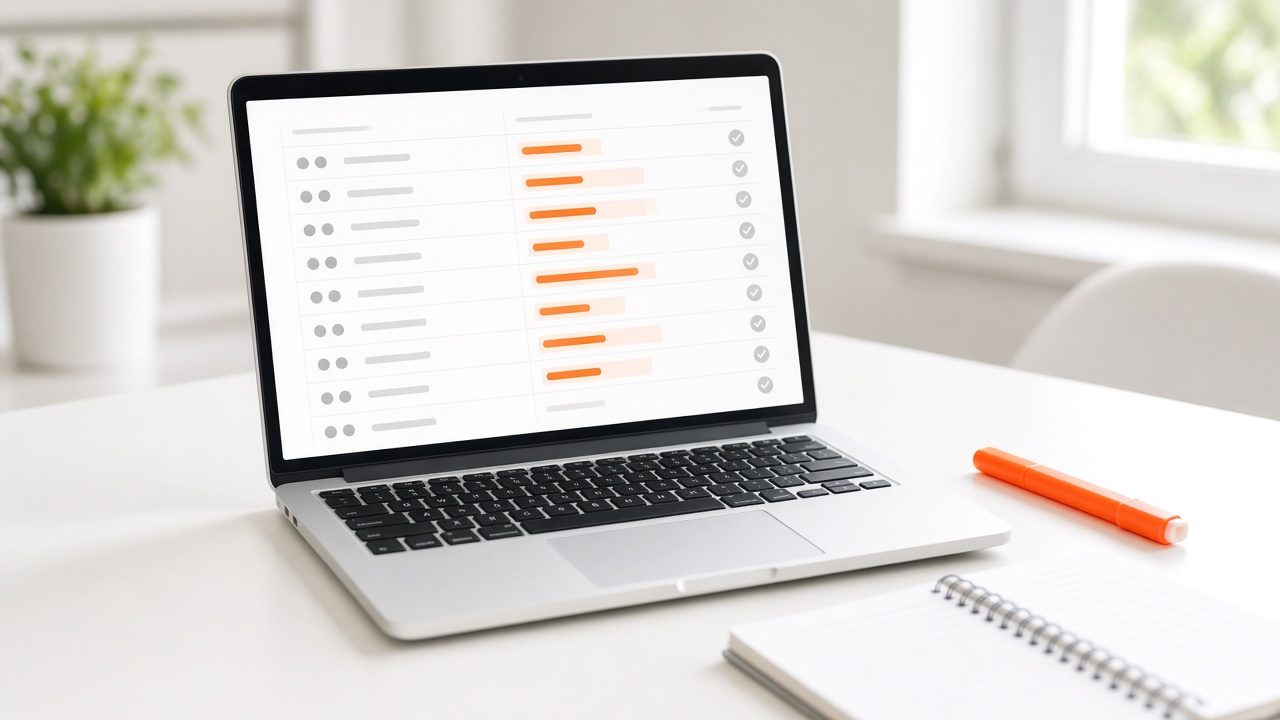
Glossary & Quality Review
A shared term list and review step that keeps every language accurate.
Learn more →Ready for Live Event Languages?
Tell us about your project and we will reply with a clear plan.