
AI Development
Highlight Finder
Spot the moments worth sharing in live and recorded video, and queue them for an editor.
The challenge
Why this matters
The best moments pass quickly. Editors cannot watch everything.
What it is
Highlight Finder in plain words
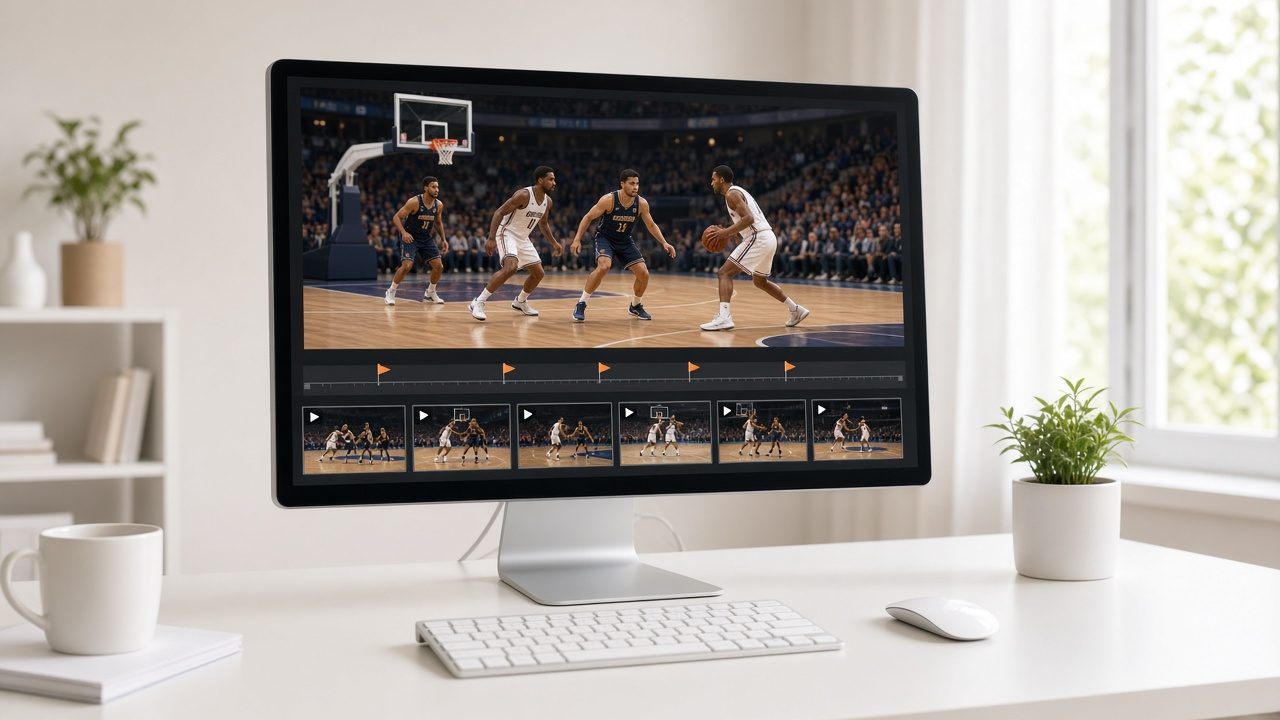
Highlight Finder watches your feed or recording for signals such as crowd noise, scoreboard changes, applause or speaker emphasis, and queues candidates with a start and end point. An editor reviews and approves. It can feed the Smart Clips workflow directly.
Benefits
What you get
A faster shortlist
Candidates appear during or after the event.
Editor decides
Nothing publishes without approval.
Tuned to your content
Signals are chosen for your event type.
Feeds clips
Connects to Smart Clips.
How it works
From first call to first result
Choose signals
What counts as a highlight.
Detect
Watch the feed.
Review
Editor approves.
Publish
Send to channels.
Details
What is included
Signals
- Audio peaks
- On-screen changes
- Speech cues
Workflow
- Review queue
- Trim tools
Output
- Clips
- Metadata
Illustrative scenario
A league editor approves a dozen highlights before the post-game show.

Proven shapes, tuned to your content
Each solution starts from a tested pattern and is adapted to your data, rules and tools.
Questions
Common questions
Does it work live?
Yes, where the feed allows.
Can I set the rules?
Yes.
What about accuracy?
Editors review everything.
Related
Works well with
Video & Audio Understanding
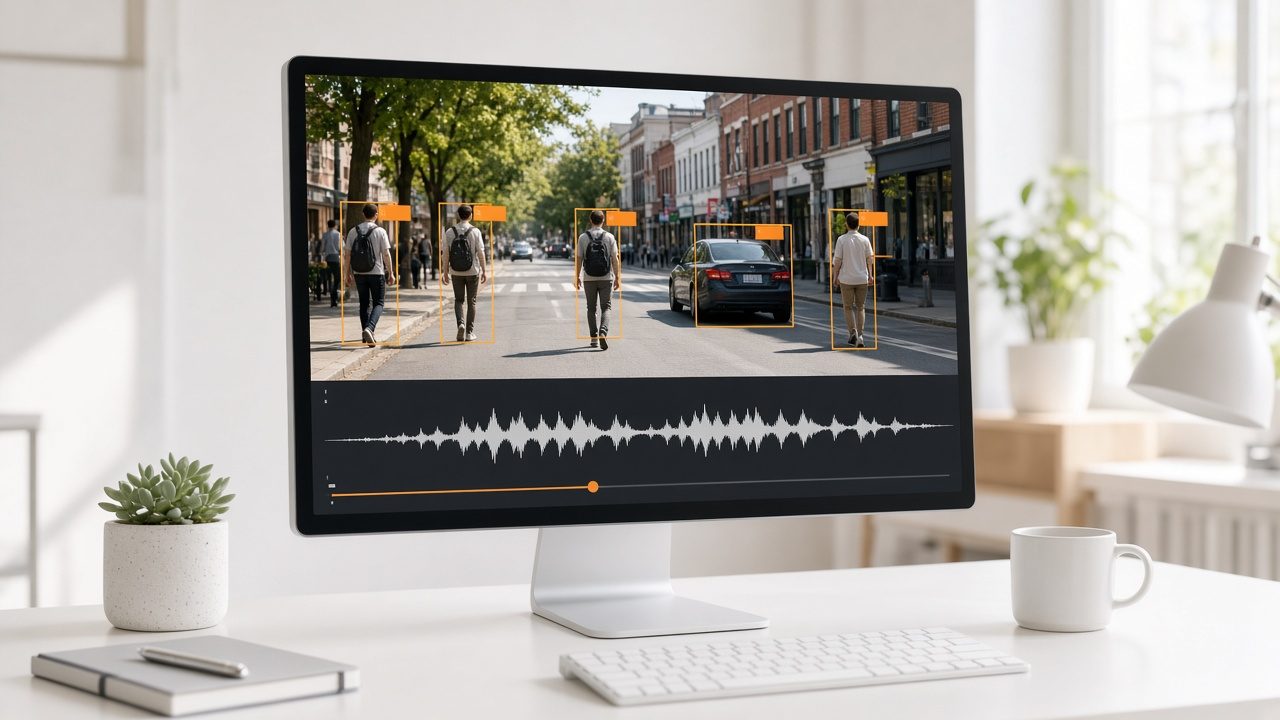
Make every video and recording searchable by what is in it.
Learn more →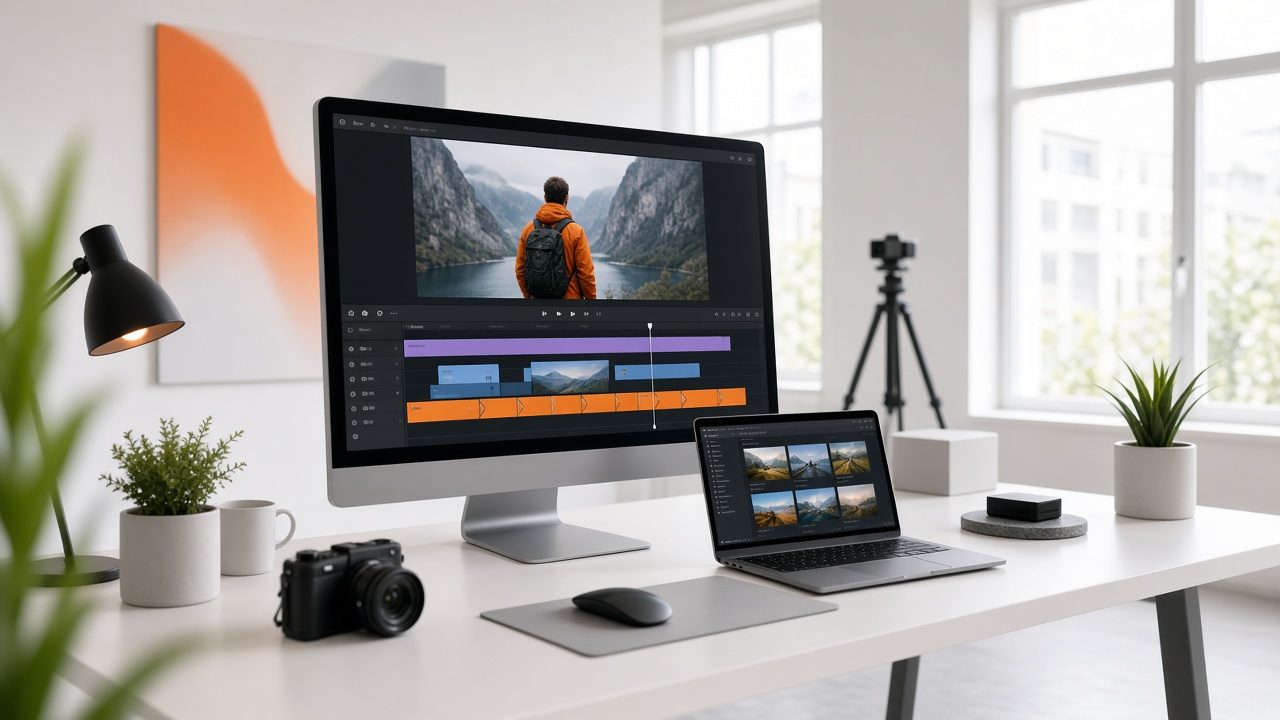
Smart Clips
Suggested highlights, reviewed by your editor, in horizontal, vertical and audio-only cuts.
Learn more →
Archive Search Engine
One search box across video, audio and documents.
Learn more →Ready for Highlight Finder?
Tell us about your project and we will reply with a clear plan.