

Live & Events
Stream Monitoring
Watch the stream from your encoder to the viewer's screen, with alerts, a backup plan and a review after every event.
The challenge
Why this matters
You do not want to learn about a dropped feed from an email the next morning. Someone has to be watching the stream, and that someone needs a plan for the moment it breaks.
What it is
Stream Monitoring in plain words
Stream Monitoring watches the stream at both ends: what leaves your encoder and what arrives on a viewer's screen. If something goes wrong, an operator assesses the cause and starts the fix: a holding slate, a backup connection, or a restart. After each event you review what happened and adjust the plan.
Benefits
What you get
Alerts from both ends
Problems on the way out and on the way in are caught separately, so you know where to look first.
A written recovery plan
Who does what, in what order, is agreed before the event. That plan is rehearsed, not improvised.
A holding slate and backup path
A clean message can cover a short outage while the backup path takes over.
Learning after every event
A short review turns each incident into a change to the plan.
How it works
Simple to start, simple to run
Detect
Alerts arrive from the encoder side and the viewer side.
Assess
An operator checks the likely cause.
Recover
Apply the slate, the backup path or a restart.
Improve
Review the event and update the plan.
Details
What is included
Monitoring
- Source signal checks
- Viewer-side playback checks
- Alerting to named contacts
Recovery
- Holding slate
- Backup connection
- Written runbook
Review
- Post-event summary
- Recommended changes
Illustrative scenario
A news organization streams a live press event. The monitor spots a dip on the viewer side, switches to the backup path and notes the cause for the review.
One team from camera to viewer
Capture, delivery, recording and reports come from one company, so there is nobody to chase when the event is live.
Questions
Common questions
Is monitoring live around the clock?
Coverage is scoped with you for each event or channel. Tell us when you need people watching.
What if the problem is on our side?
The alert tells you which end saw the problem, and the runbook gives your team the next step.
Can monitoring cover a 24/7 channel?
Yes, for 24/7 channels see the 24/7 TV section, where support around the clock is part of the service.
Related
Works well with
Live Streaming
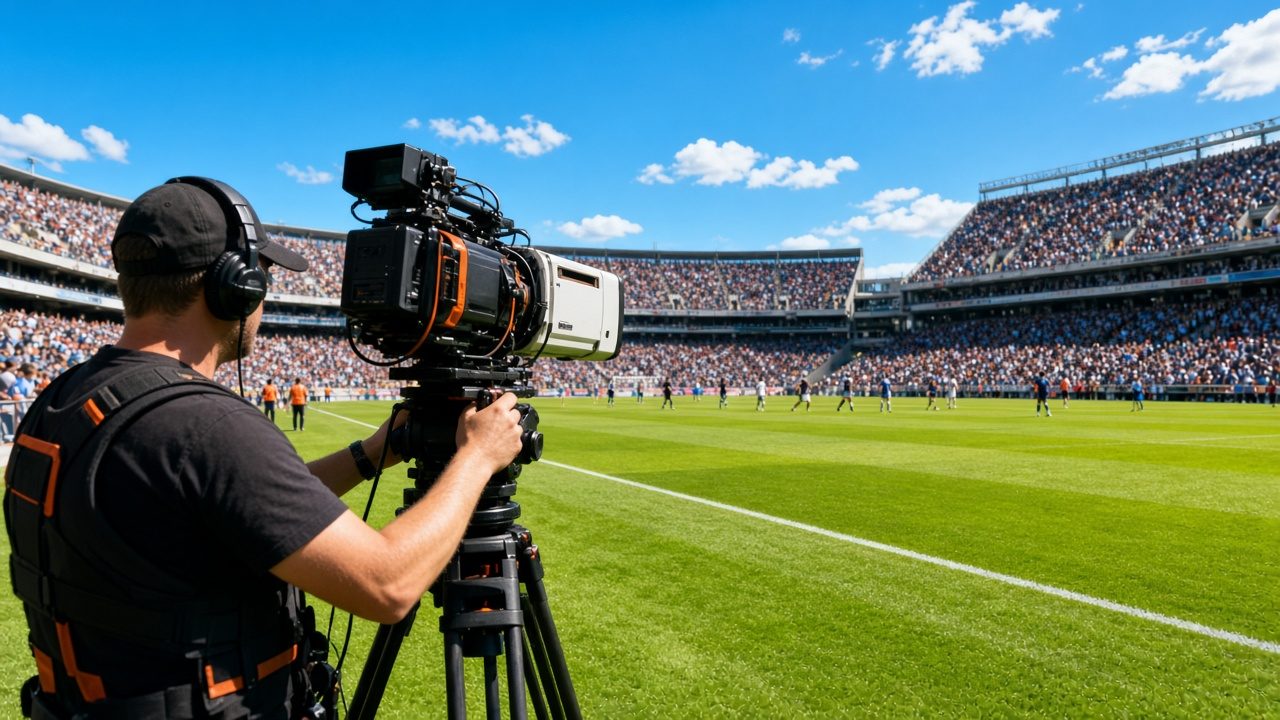
Live video for concerts, conferences, hearings and games, delivered to viewers on any device.
Learn more →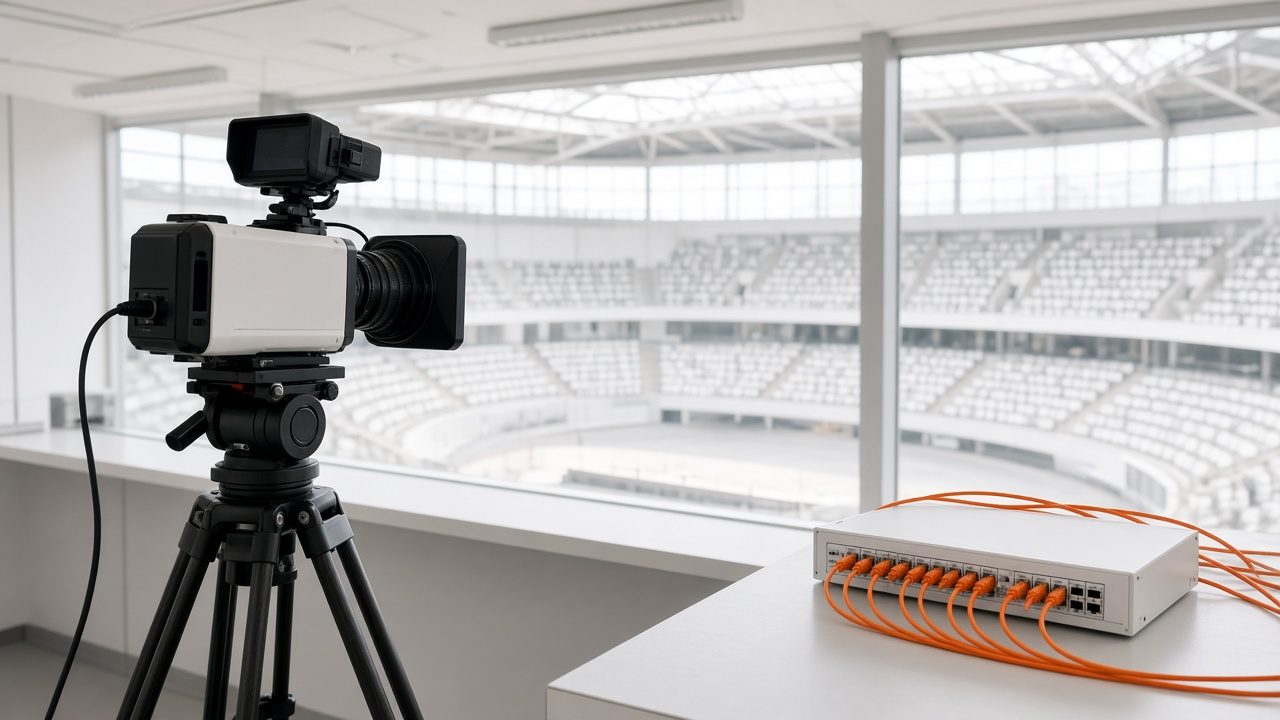
Venue Connectivity
Survey, route design, backup path and rehearsal for getting video out of any venue.
Learn more →
Content Delivery Network
Fast playback for viewers, from servers close to the audience.
Learn more →Ready for Stream Monitoring?
Tell us about your project and we will reply with a clear plan.