
Live & Events
Live Streaming
Put a concert, conference, hearing or game on every screen at once, with a delivery network built for large live audiences.
The challenge
Why this matters
You have one chance to get a live event right. Viewers are in different countries, on different devices and on connections you cannot control, and a stall in the first minute costs you the audience.
What it is
Live Streaming in plain words
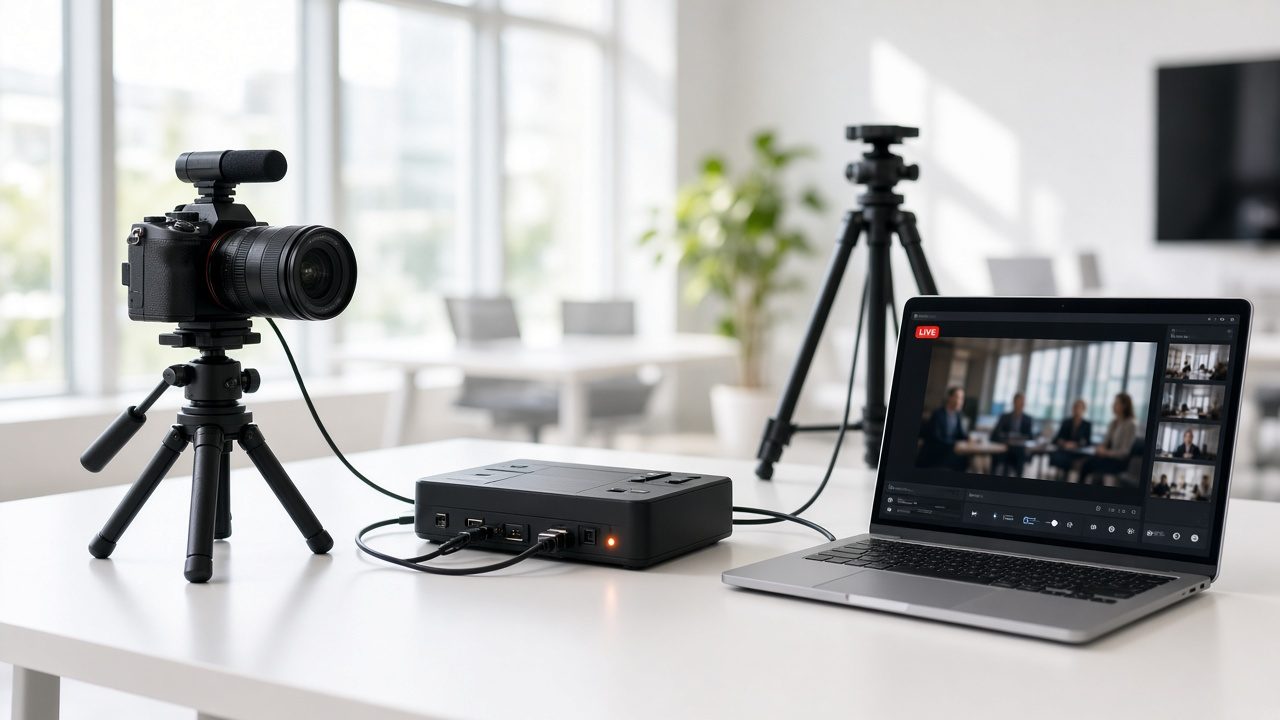
Omni Media Cast Live Streaming takes the program feed from your encoder or production switcher and delivers it through our content delivery network. Viewers get an quick-start picture on phones, tablets, computers, smart TVs and set-top boxes, in a quality that matches their connection.
You can run it for a single press conference or a season of events. The same account covers scheduling, a branded watch page, recording, and reports on who watched.
Benefits
What you get
Quick-start playback
Viewers press play and the picture starts. Several quality levels are prepared for every stream, so a phone on a weak connection and a living-room TV on fiber each get the best picture they can hold.
Built for events, not just channels
Concerts, conferences, sporting events, training, distance learning and press conferences all run on the same delivery system, from small internal sessions to open public audiences.
Record while you broadcast
An auto-record option saves every broadcast to your video library as an on-demand file, and a manual record option starts a recording at any moment of the live show. Replays can be published soon after the event ends.
One team, one network
Delivery, recording, reporting and support come from one company, so there is no hand-off between a streaming vendor, a hosting vendor and a player vendor.
How it works
Simple to start, simple to run
Connect your source
Send the feed from a hardware or software encoder, a production switcher, or a satellite downlink. We give you the ingest details and check the signal with you.
Schedule and brand the watch page
Set the start time, title and page design. Share one link or embed the player in your own site.
Broadcast and watch the numbers
Go live. See the signal, the audience and the quality in one view while the event runs.
Publish the replay
The recording is already in your library. Trim it, add captions or languages, and release it on demand.
Details
What is included
Delivery
- Multi-quality stream preparation for each device
- Content delivery network
- Phone, tablet, computer, smart TV and set-top box playback
- Embeddable player and hosted watch page
Recording and replay
- Auto-record every broadcast
- Manual record during a live event
- Replays stored in the video-on-demand library
- Fast publishing after the event ends
Reporting
- Audience size and viewing time during and after the event
- Reports by device and region
- Export for your own analysis
Illustrative scenario
A public agency schedules a press conference for the next morning. The team connects its encoder, shares one link with the news desk and the public, and publishes the recording to its on-demand library an hour after the briefing ends.
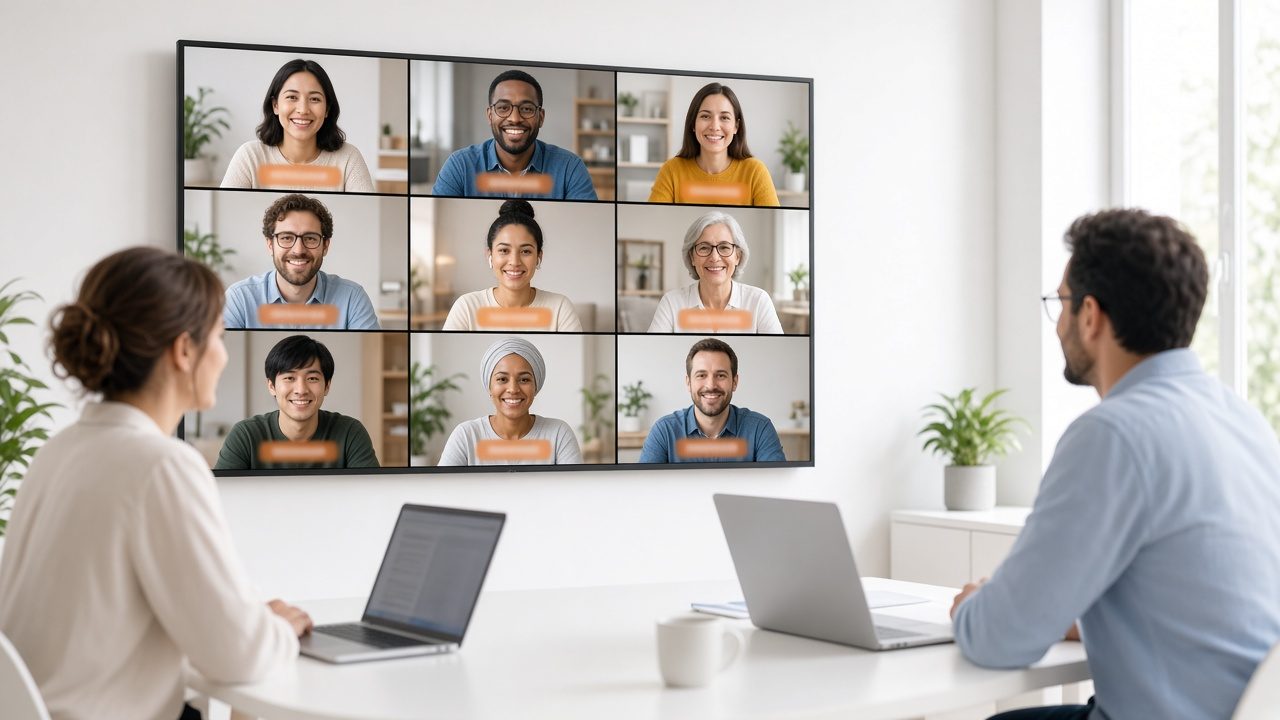
One team from camera to viewer
Capture, delivery, recording and reports come from one company, so there is nobody to chase when the event is live.
Questions
Common questions
What do I need to start?
A source of video and audio, an encoder or switcher that can send a stream, and a good upload connection. If you are unsure, our team can survey the venue and recommend a setup.
Can viewers watch on a phone or a TV?
Yes. Phones, tablets, computers, smart TVs, and set-top boxes and media players are all supported through the same stream.
Can I record the event?
Yes. Recording can start automatically each time you go live, or you can start it by hand at any moment. The file lands in your video library.
Related
Works well with
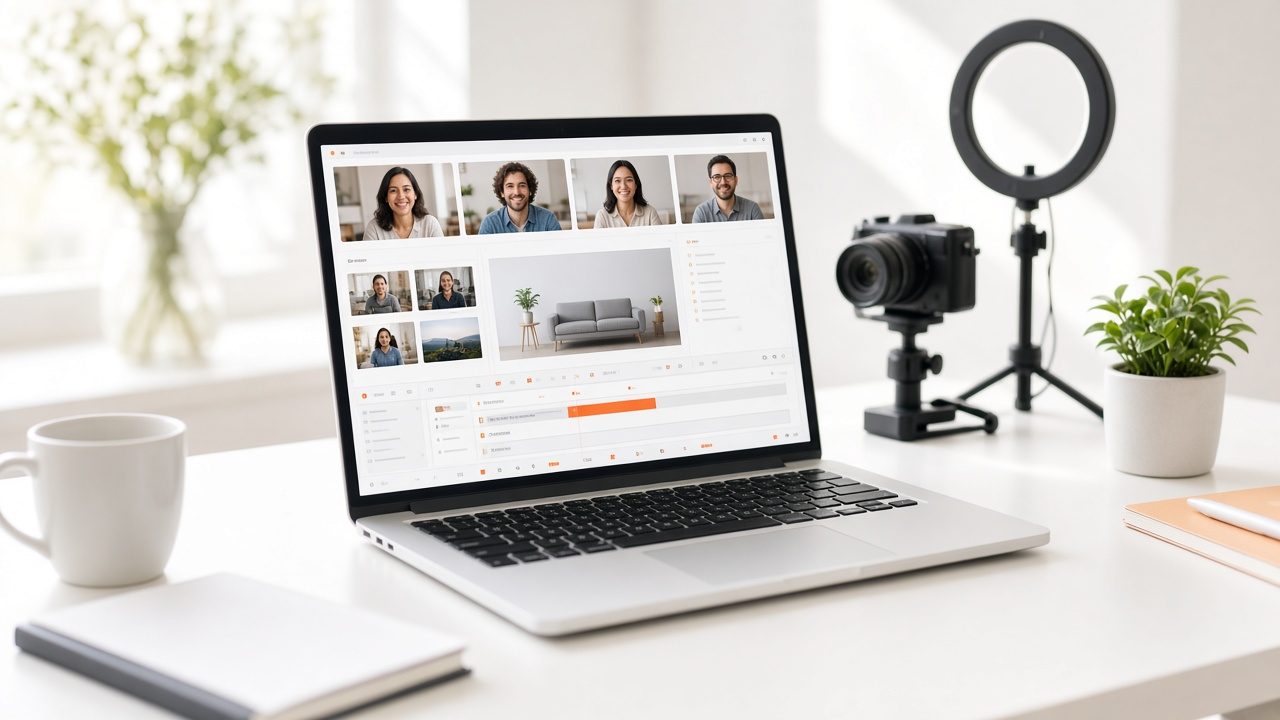
Browser Studio
Guests, scenes, titles and countdowns in a production room that runs in the browser.
Learn more →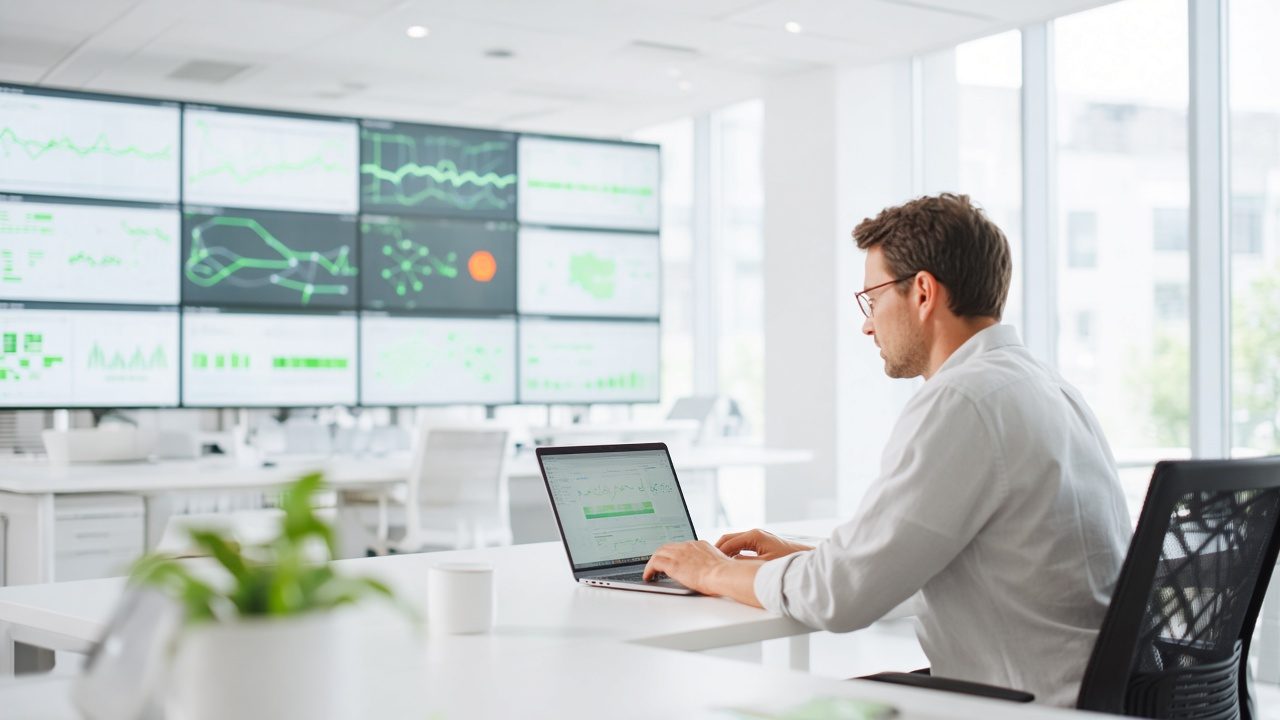
Stream Monitoring
Alerts from both ends of the stream, a standby plan and a post-event review.
Learn more →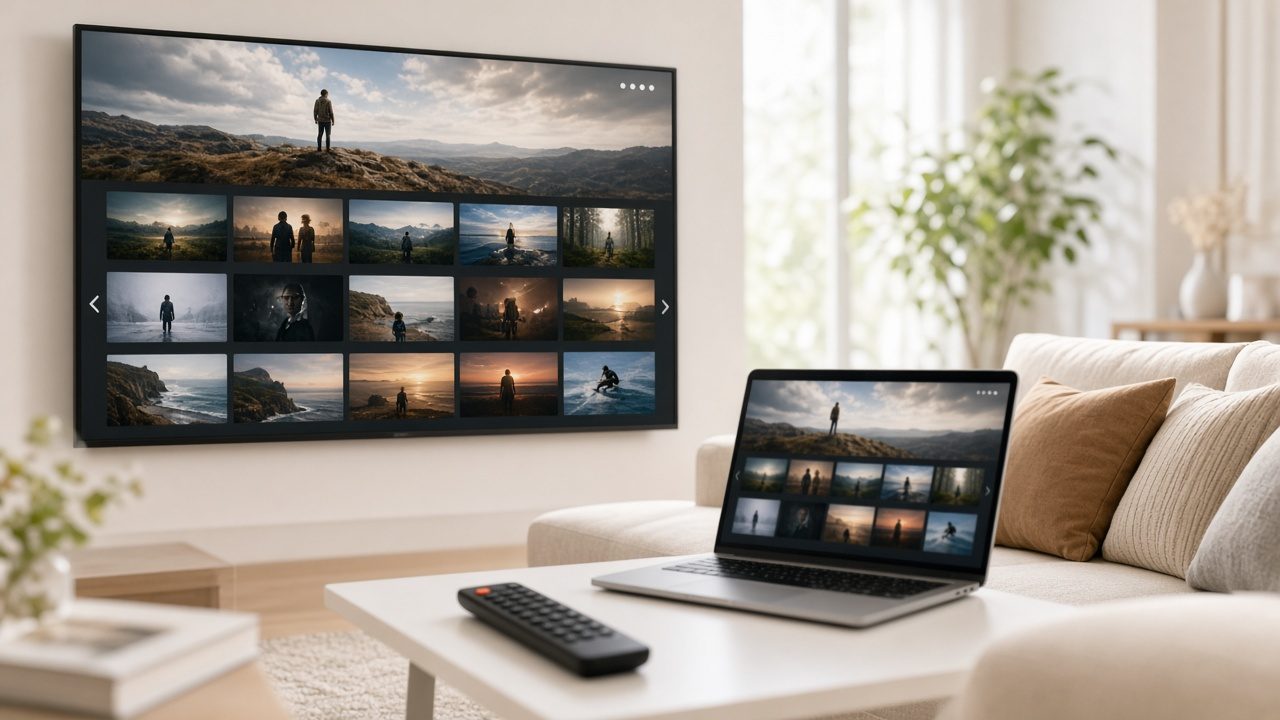
Video on Demand
Upload your videos, and Streamline™ handles encoding, publishing and delivery.
Learn more →Ready for Live Streaming?
Tell us about your project and we will reply with a clear plan.