
Live & EventsLive & Events overviewLive StreamingBrowser StudioSimulated LiveVenue ConnectivityStream MonitoringContent Delivery NetworkMobile StreamingSatellite Rebroadcast
LanguagesLanguages overviewOmniTranslate LiveLanguages overviewCaptions & TranscriptsLive Event LanguagesMultilingual On-Demand & CoursesField & Remote ReportsMultilingual Discussion RoomsMultilingual AnnouncementsVoice-Matched DubbingDigital PresenterGlossary & Quality Review
Create & EditCreate & Edit overviewCreate & Edit overviewSmart ClipsRecap StudioChapters & Companion Content
Library & ScreensLibrary & Screens overviewLibrary & Screens overviewEvery ScreenVideo on DemandCollections & CoursesArchive MigrationConnected TV & IPTVBranded Mobile AppsWeb Portal & PlayerSocial ReachAudio & PodcastsCast to ScreenDone-for-You Apps
24/7 TV24/7 TV overview24/7 TV NetworkPlanBuildRunGrowWho it is forChannel examplesTalk to the teamTV Carriage & Partner Delivery
RadioRadio overviewRadio StreamingMusic Licensing & RoyaltiesAudio & Podcasts
Engage & MonetizeEngage & Monetize overviewEngage & Monetize overviewAdvertising & SponsorshipPayments, Fundraising & PaywallsLive Chat & Q&AViewer Support DeskCommunities & GroupsEvents & RegistrationCrew SchedulingAttendee Check-in
InsightsInsights overviewInsights & Control overviewAudience AnalyticsAccess & Security
SolutionsSolutions overviewSolutions overviewGovernment & Public SectorEntertainment & MediaBusiness & EnterpriseAssociations & NonprofitsSportsNews & BroadcastEducation & EventsHouses of WorshipBeyond Social-Only StreamingSwitching Streaming Platforms
AI DevelopmentAI Development overviewReadiness & RoadmapApplications Built to OrderGenerative Content StudioWorkflow AgentsVideo & Audio UnderstandingSpeech & Language SystemsData FoundationsModel Operations & OversightArchive Search EngineHighlight FinderService AssistantRecords IntelligenceAudience ForecastingReview & Compliance ChecksAI Development overviewGovernment & Public SectorMedia & EntertainmentSports & Live EventsBusiness & EnterpriseEducation & TrainingAssociations & NonprofitsNews & BroadcastAI InsightsHow we workResponsible AI
General AIGeneral AI overviewAI Strategy & AdvisoryCustom AI ApplicationsGenerative AI & Language ModelsAI Agents & AssistantsBack-Office AutomationMachine Learning & ForecastingImage Recognition & InspectionLanguage & Document IntelligenceData Pipelines & AI ReadinessConnecting AI to Your SystemsProduction Rollout & SupportAI Security & GovernanceAI for Your IndustryWays to Work With Us
CompanyCompany overviewWhy Omni Media CastAboutPlans & ways to startResourcesCompare approachesFAQPlain-Word GlossaryTrust & SecuritySupportContact
24/7 TV
  1. 1Plan
  2. 2Build
  3. 3Run
  4. 4Grow
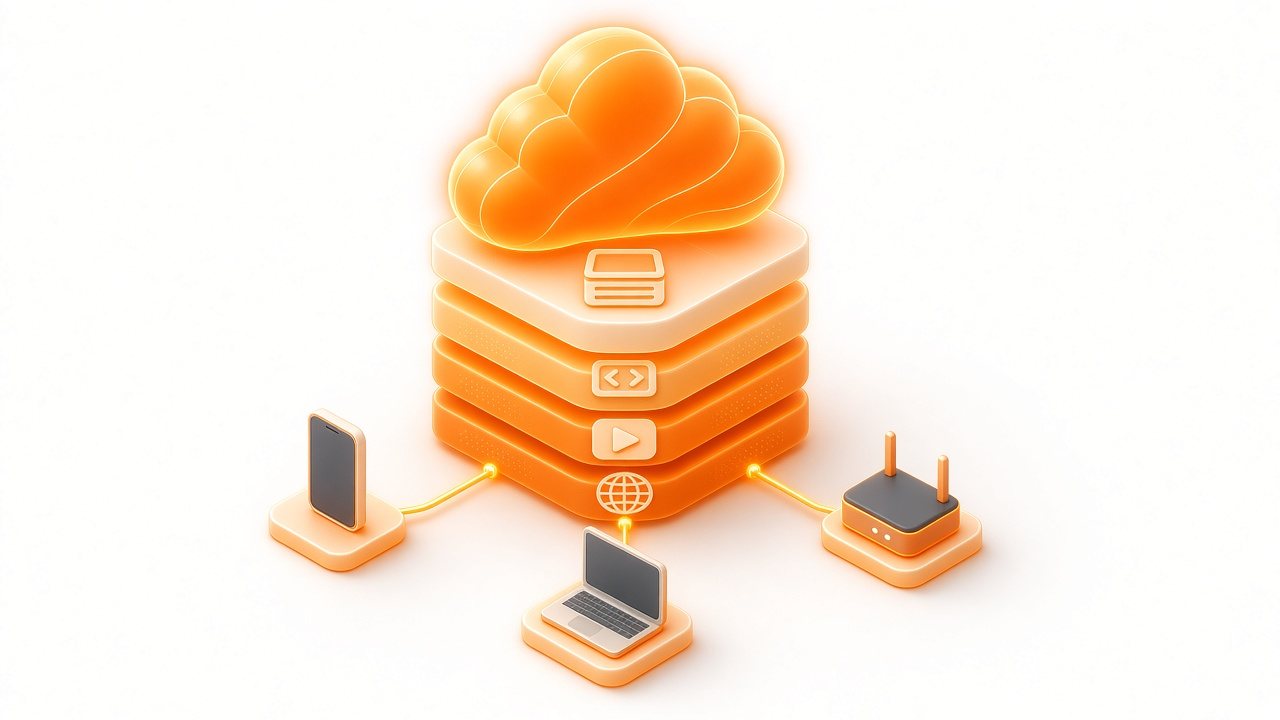
A glowing orange cloud above a stack of layers for storage, encoding, play and delivery, linked to a phone, a laptop and a box
Run · Infrastructure

The infrastructure we run for you

Your channel lives on managed cloud capacity and reaches viewers through our delivery network. You steer from a browser; our engineers look after everything beneath it.

  • You will leave with
  • No equipment room to build or insure
  • A route from schedule to viewer
  • Clear limits on what you need to supply
01

What a hosted channel gives you

Traditional playout needs servers, video cards, routing, spare parts and a team of engineers to look after them. Hosted playout moves those functions into software on rented infrastructure, so you use a service instead of owning equipment.

  • Fast start

    Prepare a channel, load content, test and launch without housing any playback equipment.

  • Flexible growth

    Add channels when the programming grows and wind them down when it does not.

  • Resilience options

    Cloud capacity can be duplicated across locations. Ask us what that could look like for your channel.

  • Reach

    Distribute to viewers through our content delivery network and partner platforms.

02

How the channel reaches a viewer

  1. Assembly

    The platform joins your schedule into one continuous stream.

  2. Encoding

    The stream is prepared at several quality levels.

  3. Delivery

    Our content delivery network sends it from a nearby point.

  4. Playback

    The viewer's player picks the right quality for the connection.

03

When another set-up fits better

If you recently paid for a large estate of equipment with years of service left, a hybrid arrangement may serve you better. If your sources are baseband video in one building with no dependable upstream link, that path needs attention first. Read Decide where the channel runs for the full comparison.

04

Hosting details

What we run
Playout, storage, encoding and delivery for your channel.
What you need
A dependable broadband link and a way to supply programs or a live signal.
Locations and data residency
Discussed with you at scoping, so the set-up matches your requirements.
Support
Support by phone and email, plus platform updates handled for you.
Do I need to buy hardware?

No playback hardware is needed. You do need a dependable internet connection and a way to supply programs or a live signal.

Where is my content stored?

Storage location is part of scoping. If you have requirements, share them in your channel sketch and we will confirm how we would meet them.