
General AI Development
Image Recognition & Inspection
Software that reads images and video from cameras, scanners and phones to count, inspect, locate and flag.
The challenge
Why this matters
People are good at looking, but not at looking at thousands of images a day. Inspection, counting and monitoring jobs are tiring and inconsistent.
What it is
Image Recognition & Inspection in plain words
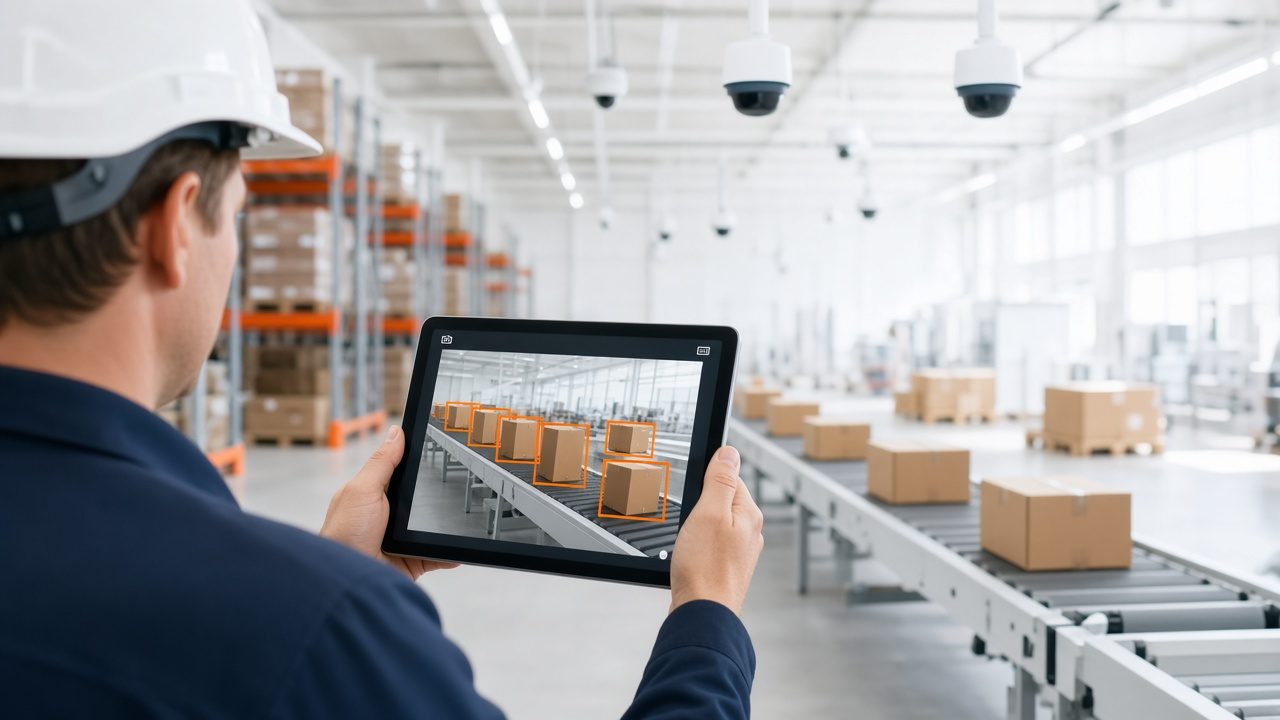
We build systems that analyze photos and video: counting items on a shelf or line, checking products for visible defects, reading labels and gauges, detecting people or vehicles in a zone, and tagging footage by what it shows.
We design for your cameras and lighting, test on your own images and show confidence levels, so uncertain cases go to a reviewer.
Benefits
What you get
Uses your cameras
Works with existing cameras, phones or scanners where image quality allows.
Tested on your images
Accuracy is checked on samples from your site, not stock photos.
Review for unsure cases
Low-confidence results go to a person.
Edge or cloud
Processing can run on site or in the cloud, depending on need.
How it works
From first call to first result
Collect
Capture and label sample images from your environment.
Train
Build and tune the model on your labeled examples.
Verify
Measure results on images the model has not seen.
Install
Deploy on site or in the cloud and train your staff.
Details
What is included
Tasks
- Counting and measuring
- Defect and damage checks
- Label and gauge reading
- Zone and presence detection
Setup
- Camera and lighting review
- Image labeling
- Edge or cloud deployment
Review
- Confidence scores
- Exception queues
- Accuracy reports
Illustrative scenario
A distribution center photographs outbound pallets and flags missing straps or torn wrap for a supervisor to check before the truck leaves.
Tested where it will be used
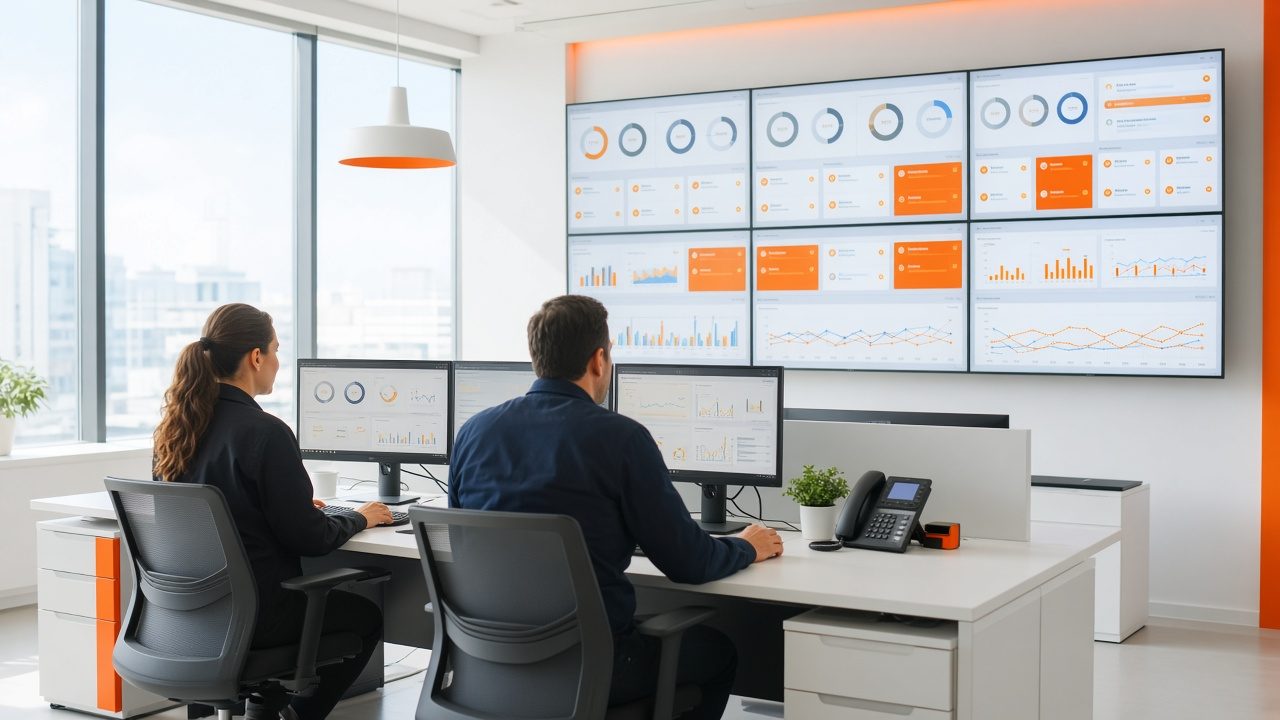
We evaluate on images from your own site and lighting before anything is installed.
Questions
Common questions
Do we need new cameras?
Often not. We review sample footage first and tell you if placement or lighting should change.
How do you handle privacy?
We design to capture only what the task needs, agree retention rules with you, and can blur faces or license plates where that is appropriate.
Can you analyze broadcast video and archives?
Yes. That work sits in our media-focused section: see Video & Audio Understanding.
Related
Works well with
Machine Learning & Forecasting
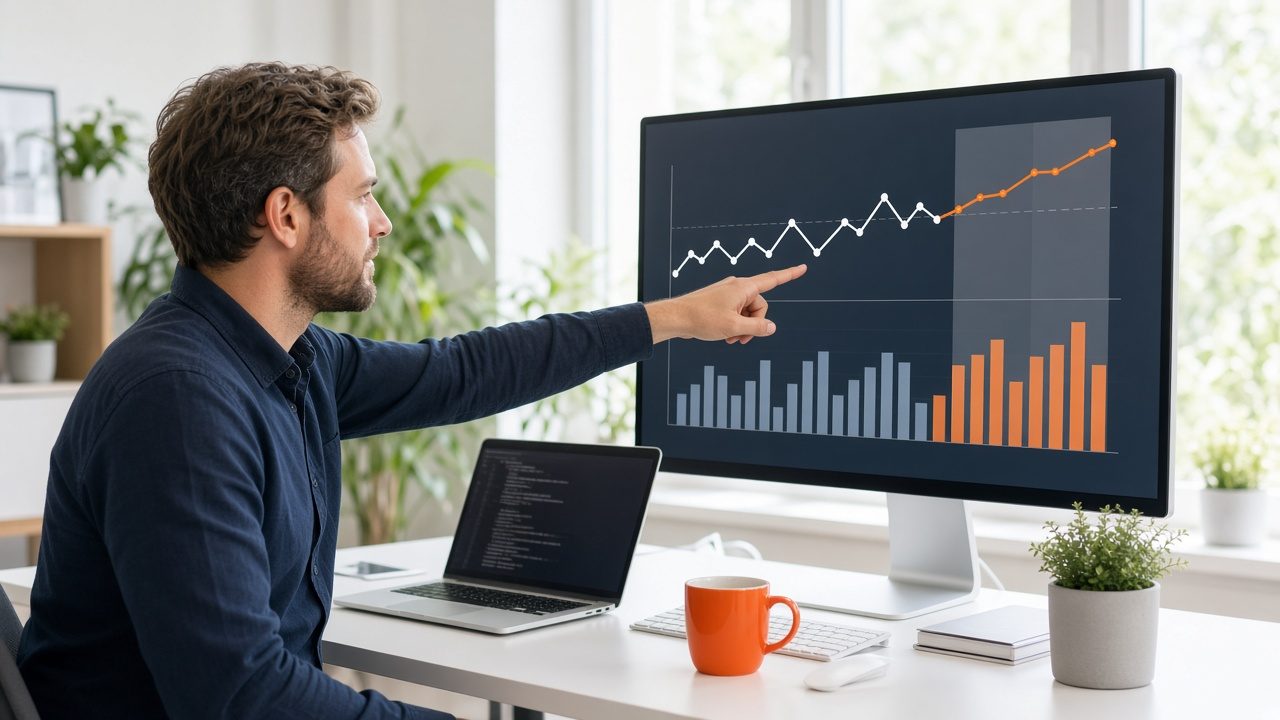
Models that learn from your history to forecast demand, flag unusual activity and score risk.
Learn more →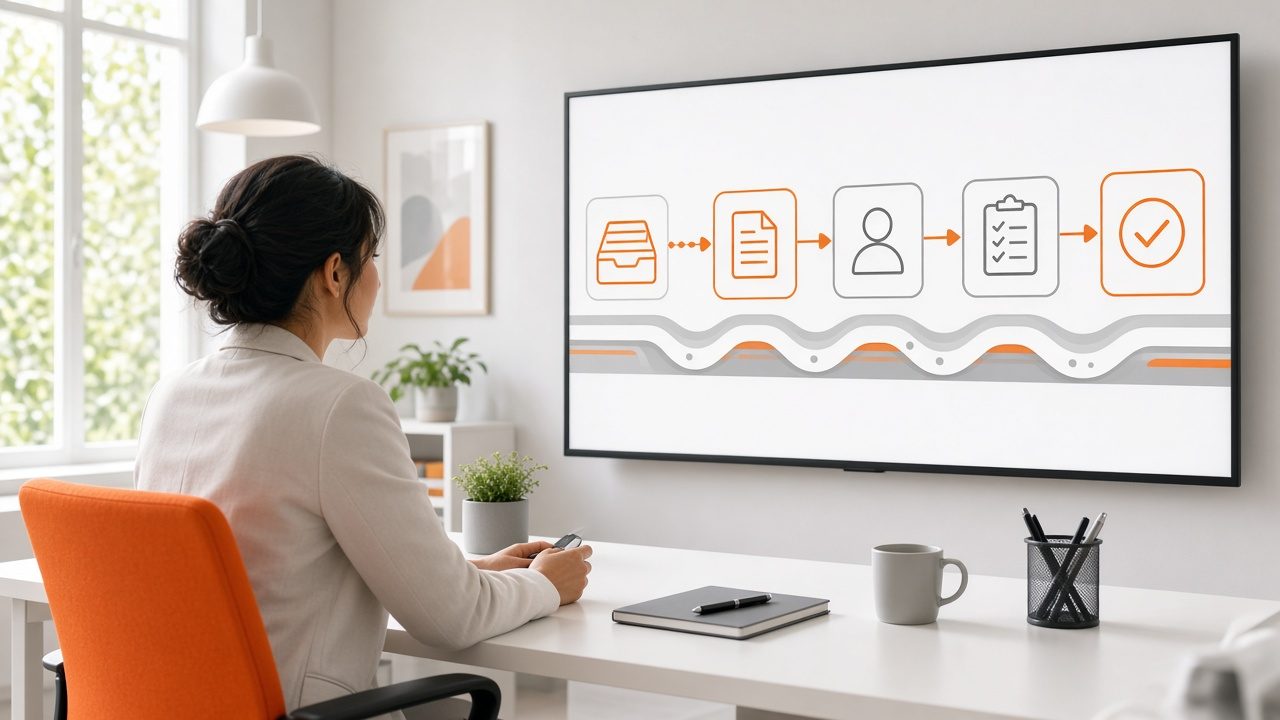
Back-Office Automation
Take repeated, rule-bound office tasks off people's desks and keep a person in charge of exceptions.
Learn more →Production Rollout & Support
Deploy models into daily use, then monitor, test and update them so they keep doing their job.
Learn more →Ready for Image Recognition & Inspection?
Describe what you need and we will reply with a clear plan.