
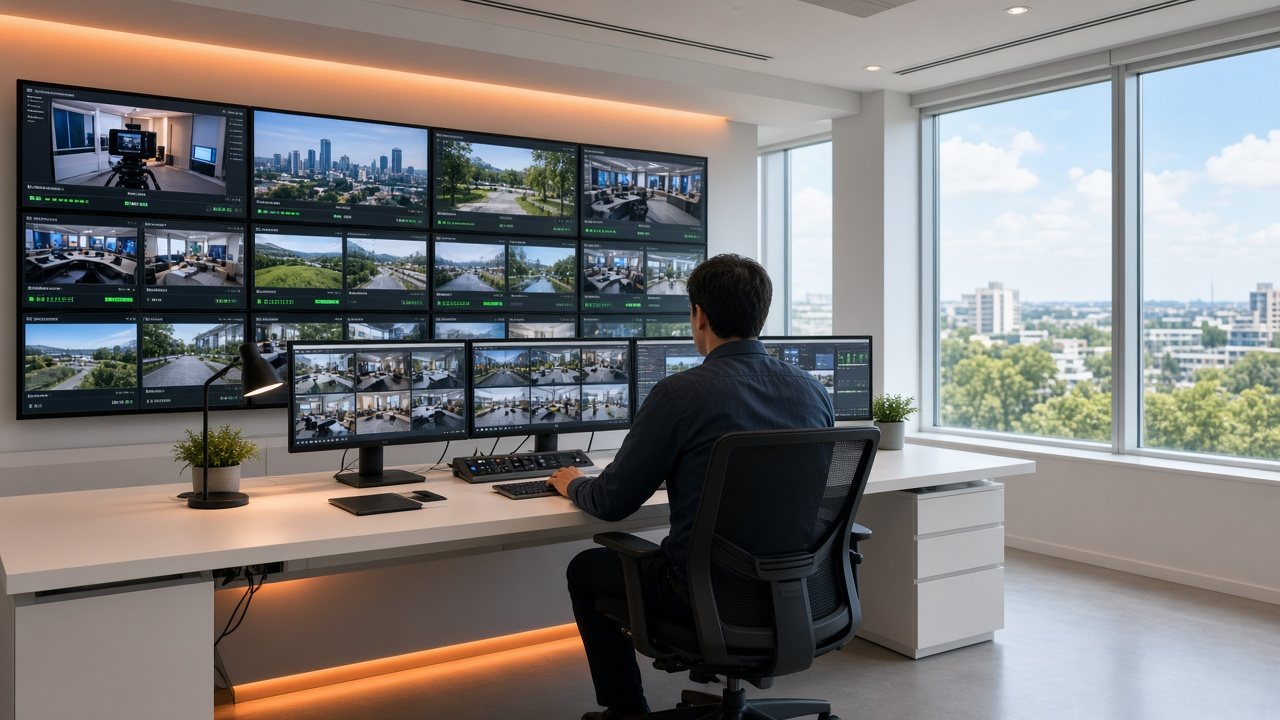
Run: keep the channel on air with a small team
The schedule plays itself, live shows join on cue and a safety loop covers a failed source, so people can spend their time on programming.
Five pages for running well
 Run
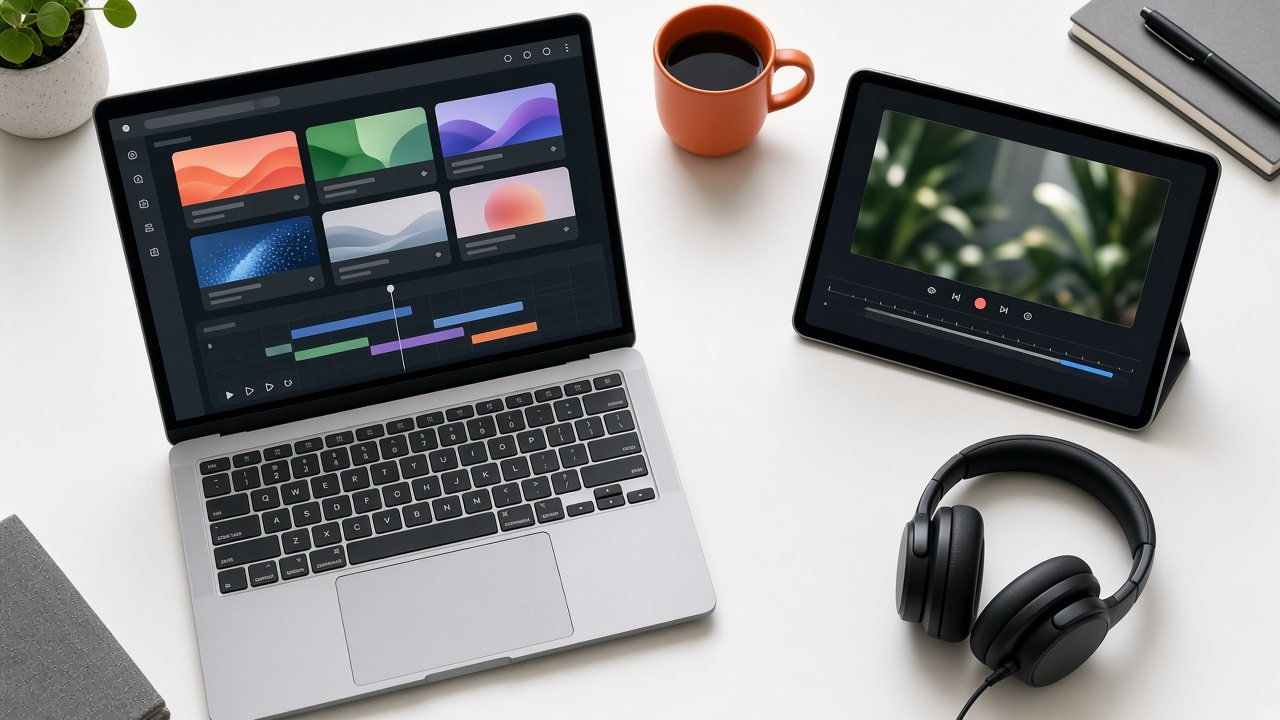
RunOne workspace
Omni TV Studio: build, run and watch the channel in a single browser tab.
 Run
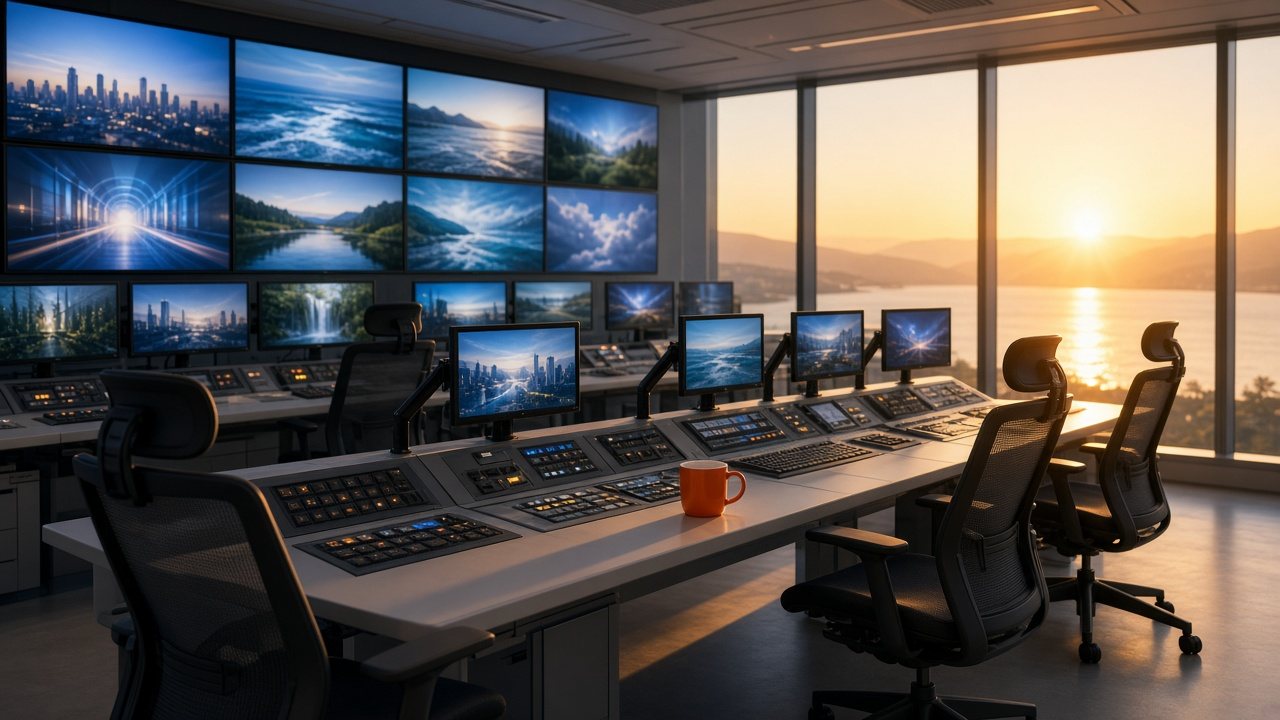
RunAuto-run
Omni Auto-Run: the schedule plays itself, with live cut-ins and a safety loop.
 Run
RunLive cut-ins
Bring a live event into the schedule, then return to the line-up and keep the recording.
 Run
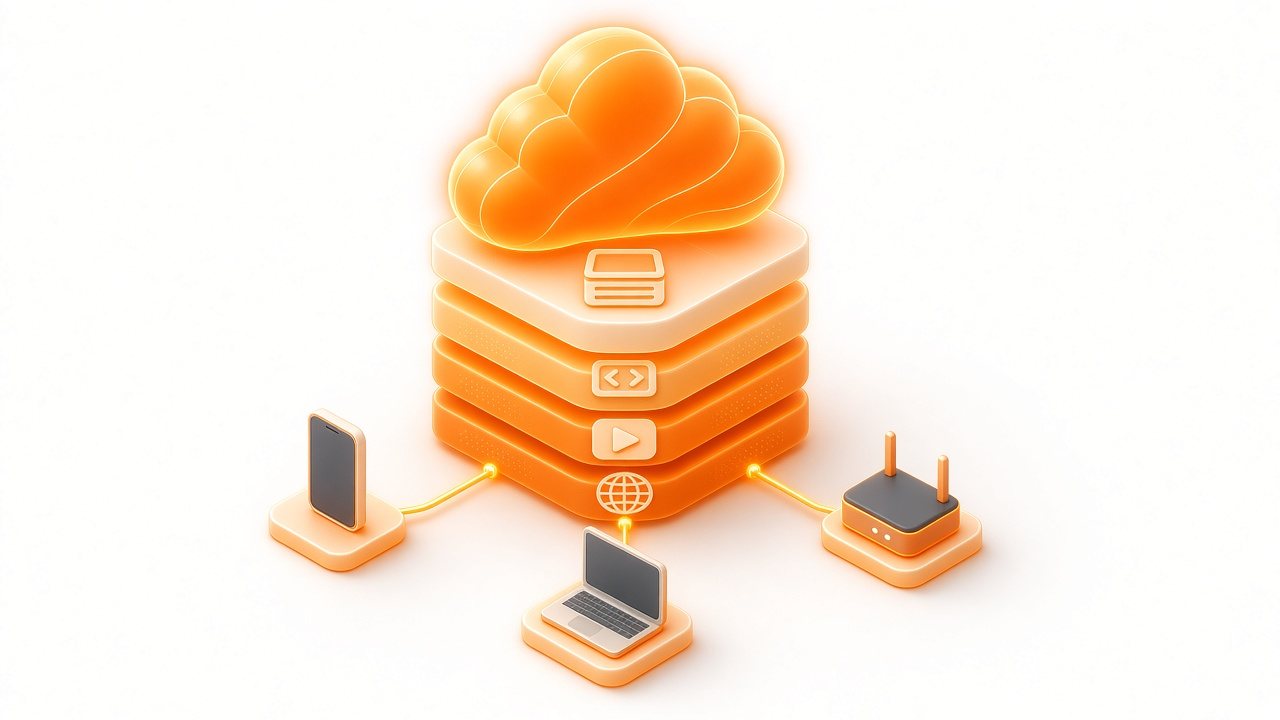
RunCloud engine
Omni Cloud Engine: the managed infrastructure that carries the channel.
 Run
RunStandby plan
A dormant copy of your channel, ready for the bad day.
What a normal day asks of you
Running does not mean sitting in front of the channel. A typical day asks for a glance at alerts, a look at what plays next and a decision when something new comes up.
- Check alerts and the "now and next" view
- Spot-check the output on a screen like your viewers' screens
- Edit the running schedule or switch to a live source whenever you choose
Support by phone and email is part of the service. Tell us during scoping who should be contacted, and for what.