
Live & EventsLive & Events overviewLive StreamingBrowser StudioSimulated LiveVenue ConnectivityStream MonitoringContent Delivery NetworkMobile StreamingSatellite Rebroadcast
LanguagesLanguages overviewOmniTranslate LiveLanguages overviewCaptions & TranscriptsLive Event LanguagesMultilingual On-Demand & CoursesField & Remote ReportsMultilingual Discussion RoomsMultilingual AnnouncementsVoice-Matched DubbingDigital PresenterGlossary & Quality Review
Create & EditCreate & Edit overviewCreate & Edit overviewSmart ClipsRecap StudioChapters & Companion Content
Library & ScreensLibrary & Screens overviewLibrary & Screens overviewEvery ScreenVideo on DemandCollections & CoursesArchive MigrationConnected TV & IPTVBranded Mobile AppsWeb Portal & PlayerSocial ReachAudio & PodcastsCast to ScreenDone-for-You Apps
24/7 TV24/7 TV overview24/7 TV NetworkPlanBuildRunGrowWho it is forChannel examplesTalk to the teamTV Carriage & Partner Delivery
RadioRadio overviewRadio StreamingMusic Licensing & RoyaltiesAudio & Podcasts
Engage & MonetizeEngage & Monetize overviewEngage & Monetize overviewAdvertising & SponsorshipPayments, Fundraising & PaywallsLive Chat & Q&AViewer Support DeskCommunities & GroupsEvents & RegistrationCrew SchedulingAttendee Check-in
InsightsInsights overviewInsights & Control overviewAudience AnalyticsAccess & Security
SolutionsSolutions overviewSolutions overviewGovernment & Public SectorEntertainment & MediaBusiness & EnterpriseAssociations & NonprofitsSportsNews & BroadcastEducation & EventsHouses of WorshipBeyond Social-Only StreamingSwitching Streaming Platforms
AI DevelopmentAI Development overviewReadiness & RoadmapApplications Built to OrderGenerative Content StudioWorkflow AgentsVideo & Audio UnderstandingSpeech & Language SystemsData FoundationsModel Operations & OversightArchive Search EngineHighlight FinderService AssistantRecords IntelligenceAudience ForecastingReview & Compliance ChecksAI Development overviewGovernment & Public SectorMedia & EntertainmentSports & Live EventsBusiness & EnterpriseEducation & TrainingAssociations & NonprofitsNews & BroadcastAI InsightsHow we workResponsible AI
General AIGeneral AI overviewAI Strategy & AdvisoryCustom AI ApplicationsGenerative AI & Language ModelsAI Agents & AssistantsBack-Office AutomationMachine Learning & ForecastingImage Recognition & InspectionLanguage & Document IntelligenceData Pipelines & AI ReadinessConnecting AI to Your SystemsProduction Rollout & SupportAI Security & GovernanceAI for Your IndustryWays to Work With Us
CompanyCompany overviewWhy Omni Media CastAboutPlans & ways to startResourcesCompare approachesFAQPlain-Word GlossaryTrust & SecuritySupportContact
24/7 TV
  1. 1Plan
  2. 2Build
  3. 3Run
  4. 4Grow
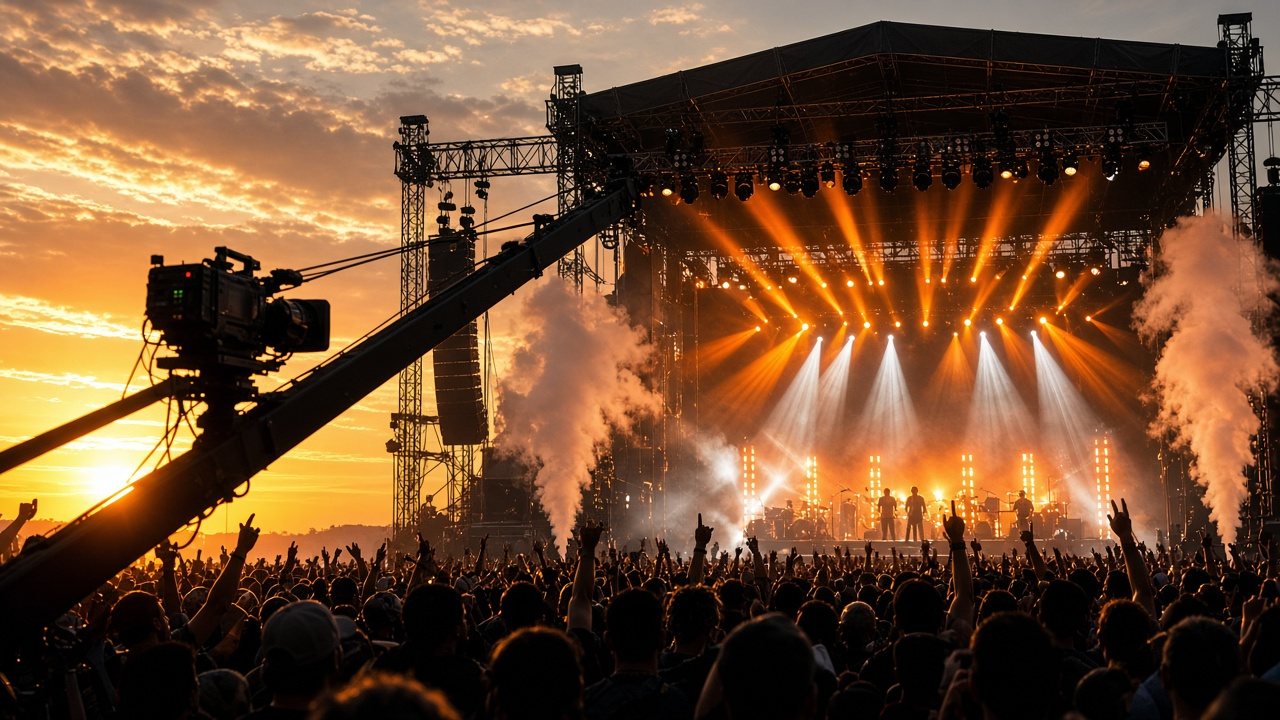
An outdoor festival main stage at golden hour with a broadcast camera on a crane in the foreground
Audience · Entertain

Channels that keep an audience and pay their way

Catalogs, fixtures and tournaments all have a long tail. A scheduled channel keeps viewers coming back between the big moments.

  • You will leave with
  • A library turned into a schedule
  • Live events that become replays
  • Sponsor breaks around the content
01

Catalog and library owners

Many rights holders own more programming than they can put in front of audiences. A scheduled channel does that work: it picks what plays and when, and viewers simply tune in. We handle the library, schedule, branding, ad breaks and delivery, so owners can concentrate on curation.

  • Genre channels

    Gather a library around one theme, such as classic film, documentaries or a music genre.

  • Free ad-supported channels

    Open a channel that is free to watch and paid for by breaks. See Choose how the channel pays.

  • Premieres and events

    Book a premiere or a live concert into the line-up and promote it on the channel.

  • Brand channels

    Give a studio, label or franchise its own always-on destination.

Music channels are a good example: a catalog of videos in a clear theme can be scheduled in blocks and repeated, with new releases dropped in as exceptions. Weekly templates and themed blocks let a modest library fill a full week without feeling repetitive, and viewing reports show which titles to move, repeat or retire.

02

Clubs, leagues and match-day channels

A match may draw its biggest live audience once and still be popular as a replay for months. Clubs, leagues and federations can build a loyal audience by turning that archive into a scheduled channel.

  • Live delivery

    A delivery network gives fans a fast start and a steady picture.

  • Replay channels

    Schedule matches, highlights and classics in a 24/7 line-up.

  • Scores and crests

    Add scores, sponsors and your crest with channel graphics.

  • One channel per competition

    Open a channel for a season or a single tournament, then close it.

If your rights vary by territory, share the details in your channel sketch and we will go through how they can be respected.

03

Gaming tournaments

Competitive gaming is a broadcast genre. Viewers expect clean graphics, commentary, replays and reliable delivery, and audiences are spread out and mobile-first. Our platform handles the delivery so production teams can focus on the show.

  • Send live matches to fans in any country over our network
  • Turn the best matches into a regular schedule between live events
  • Show team names, scores and sponsors with channel graphics
  • Keep a 24/7 channel of highlights and archive matches running through the quiet stretches of the calendar
Does it support low-latency viewing?

If low delay matters to your format, say so in your channel sketch and we will discuss what is realistic for your show.

Can I run several channels?

Yes. One for each tournament, region or language if you need it.

Can I also sell programs on demand?

Yes. The same library can feed an on-demand catalog. See Video on Demand.