Live & EventsLive & Events overviewLive StreamingBrowser StudioSimulated LiveVenue ConnectivityStream MonitoringContent Delivery NetworkMobile StreamingSatellite Rebroadcast
LanguagesLanguages overviewOmniTranslate LiveLanguages overviewCaptions & TranscriptsLive Event LanguagesMultilingual On-Demand & CoursesField & Remote ReportsMultilingual Discussion RoomsMultilingual AnnouncementsVoice-Matched DubbingDigital PresenterGlossary & Quality Review
Create & EditCreate & Edit overviewCreate & Edit overviewSmart ClipsRecap StudioChapters & Companion Content
Library & ScreensLibrary & Screens overviewLibrary & Screens overviewEvery ScreenVideo on DemandCollections & CoursesArchive MigrationConnected TV & IPTVBranded Mobile AppsWeb Portal & PlayerSocial ReachAudio & PodcastsCast to ScreenDone-for-You Apps
24/7 TV24/7 TV overview24/7 TV NetworkPlanBuildRunGrowWho it is forChannel examplesTalk to the teamTV Carriage & Partner Delivery
RadioRadio overviewRadio StreamingMusic Licensing & RoyaltiesAudio & Podcasts
Engage & MonetizeEngage & Monetize overviewEngage & Monetize overviewAdvertising & SponsorshipPayments, Fundraising & PaywallsLive Chat & Q&AViewer Support DeskCommunities & GroupsEvents & RegistrationCrew SchedulingAttendee Check-in
InsightsInsights overviewInsights & Control overviewAudience AnalyticsAccess & Security
SolutionsSolutions overviewSolutions overviewGovernment & Public SectorEntertainment & MediaBusiness & EnterpriseAssociations & NonprofitsSportsNews & BroadcastEducation & EventsHouses of WorshipBeyond Social-Only StreamingSwitching Streaming Platforms
AI DevelopmentAI Development overviewReadiness & RoadmapApplications Built to OrderGenerative Content StudioWorkflow AgentsVideo & Audio UnderstandingSpeech & Language SystemsData FoundationsModel Operations & OversightArchive Search EngineHighlight FinderService AssistantRecords IntelligenceAudience ForecastingReview & Compliance ChecksAI Development overviewGovernment & Public SectorMedia & EntertainmentSports & Live EventsBusiness & EnterpriseEducation & TrainingAssociations & NonprofitsNews & BroadcastAI InsightsHow we workResponsible AI
General AIGeneral AI overviewAI Strategy & AdvisoryCustom AI ApplicationsGenerative AI & Language ModelsAI Agents & AssistantsBack-Office AutomationMachine Learning & ForecastingImage Recognition & InspectionLanguage & Document IntelligenceData Pipelines & AI ReadinessConnecting AI to Your SystemsProduction Rollout & SupportAI Security & GovernanceAI for Your IndustryWays to Work With Us
CompanyCompany overviewWhy Omni Media CastAboutPlans & ways to startResourcesCompare approachesFAQPlain-Word GlossaryTrust & SecuritySupportContact

AI Development

Applications Built to Order

Purpose-built software that puts machine learning inside a workflow your people already follow.

The challenge

Why this matters

Off-the-shelf tools do part of the job, then force your staff to copy and paste the rest. The gap is where the time goes.

Three colleagues at a whiteboard of app wireframes with a laptop prototype
Applications Built to Order

What it is

Applications Built to Order in plain words

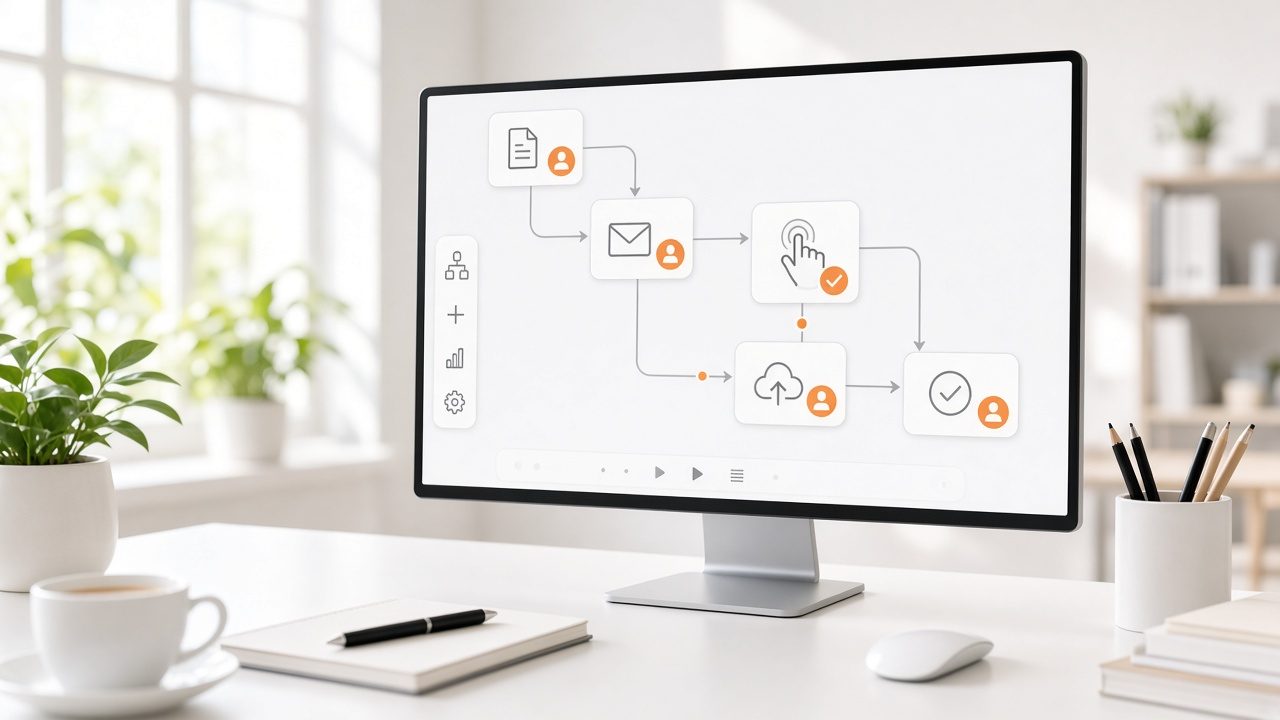
We design and build applications around your process: the screens your staff use, the rules you must follow and the systems you already have. The AI component is one piece of a complete product, with sign-in, logging, review steps and handover documentation.

We start with a thin working version in front of real users, then deepen it based on what they actually do.

Benefits

What you get

Built around your workflow

Screens and rules follow how your team works, not the other way round.

A working slice early

Users see a real version in the first weeks and shape the rest.

Connected to your systems

Integrations with the tools and data you already use.

Documented and handed over

Your team can run, or hand off, what we build.

How it works

From first call to first result

Step 1

Shape

Agree the workflow, the users and the success measure.

Step 2

Prototype

Build a thin, working version.

Step 3

Harden

Add security, logging and review steps.

Step 4

Hand over

Document, train and support.

Details

What is included

Build
  • Web and mobile interfaces
  • Integrations
  • Review and approval screens
Quality
  • Test sets for accuracy
  • Logging
  • Security review
Delivery
  • Documentation
  • Training
  • Support options

Illustrative scenario

An association builds a member-service tool that drafts replies for staff to approve and sends the approved ones from its existing email system.

Editors in a post-production suite with a localization panel on screen

Engineers who also run media

Our team builds AI for video, audio and operations and also runs live streaming, so the work fits real workflows.

Talk to an expert →

Questions

Common questions

Who owns the code?

Ownership is agreed in the contract at the start.

Can you work with our developers?

Yes. We can work alongside your team or hand over.

What does it cost?

We scope each project and provide an estimate. See Readiness & Roadmap for how we size work.

Ready for Applications Built to Order?

Tell us about your project and we will reply with a clear plan.