
General AI Development
Connecting AI to Your Systems
Add AI features to the software, databases and workflows you already run, without replacing them.
The challenge
Why this matters
A model that lives in a separate tool becomes one more tab to open. Staff use AI when it shows up inside the systems where they already work.
What it is
Connecting AI to Your Systems in plain words
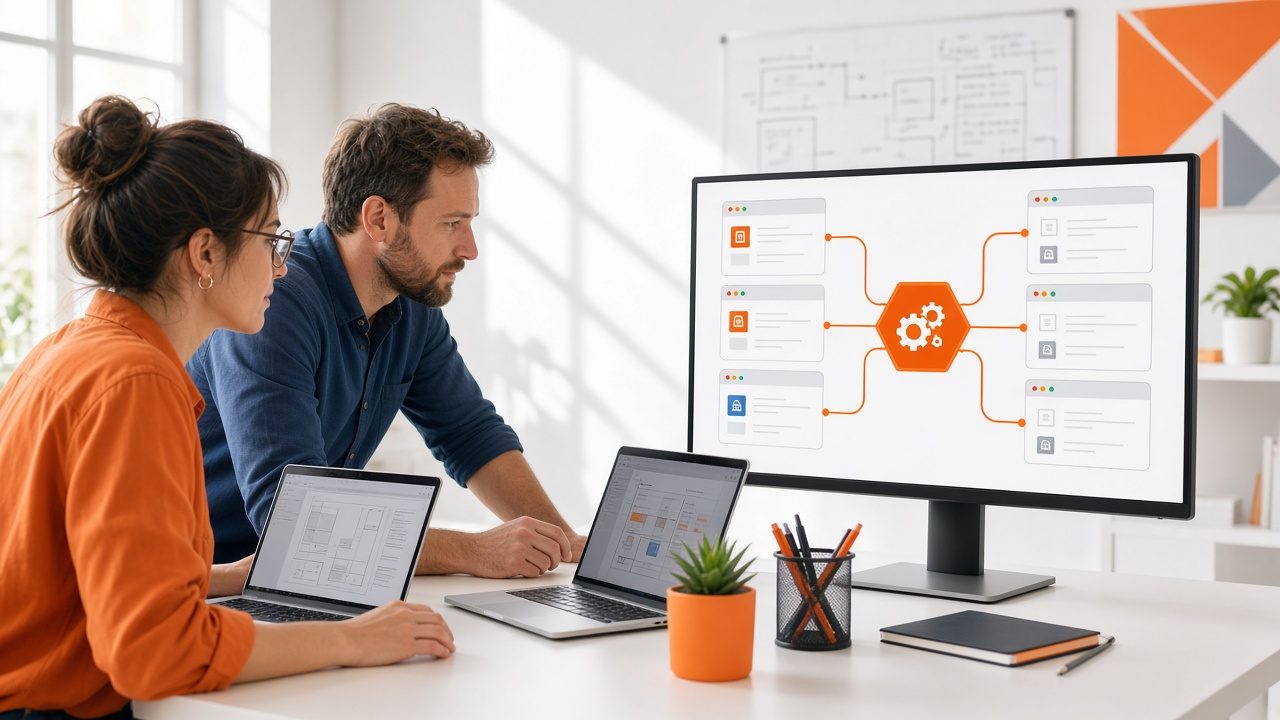
We connect AI services to customer records, case-management tools, content systems, finance and planning software, email and collaboration tools. That usually means building interfaces, data syncs and a service layer, with a fallback so the old process keeps working if the AI step is unavailable.
We handle identity, permissions and logging, so the AI follows the same access rules as your other systems.
Benefits
What you get
Works inside your tools
AI features appear where your staff already work.
No rip-and-replace
Your existing systems stay in place.
Same access rules
Sign-in and permissions follow your identity setup.
A safe fallback
If the AI step fails, the process continues the old way.
How it works
From first call to first result
Survey
Review systems, interfaces and constraints.
Blueprint
Plan the service layer, the data flow and the fallback.
Connect
Build and test the interfaces.
Cut over
Roll out to a pilot group, then to everyone.
Details
What is included
Systems
- Customer and case tools
- Finance and planning software
- Content and document platforms
- Email and chat
Engineering
- APIs and webhooks
- Single sign-on
- Queues and retries
Safety
- Fallback paths
- Audit logs
- Change windows
Illustrative scenario
A membership organization adds a suggested-reply panel to the help-desk system its staff already use, instead of asking them to learn a new application.

Meet people where they work
The best AI feature is the one nobody has to go looking for.
Questions
Common questions
What if our systems are old?
Many older systems offer file exports or database access that we can work with. We check feasibility in the Survey step.
Will you need access to production systems?
Only what the task requires, set with your IT team and logged.
Who maintains the connections afterwards?
Your team after handover, or us under a plan described in Production Rollout & Support.
Related
Works well with
Custom AI Applications
Web and mobile software designed around your process, with AI built in where it helps.
Learn more →
Back-Office Automation
Take repeated, rule-bound office tasks off people's desks and keep a person in charge of exceptions.
Learn more →
Production Rollout & Support
Deploy models into daily use, then monitor, test and update them so they keep doing their job.
Learn more →Ready for Connecting AI to Your Systems?
Describe what you need and we will reply with a clear plan.