
Live & EventsLive & Events overviewLive StreamingBrowser StudioSimulated LiveVenue ConnectivityStream MonitoringContent Delivery NetworkMobile StreamingSatellite Rebroadcast
LanguagesLanguages overviewOmniTranslate LiveLanguages overviewCaptions & TranscriptsLive Event LanguagesMultilingual On-Demand & CoursesField & Remote ReportsMultilingual Discussion RoomsMultilingual AnnouncementsVoice-Matched DubbingDigital PresenterGlossary & Quality Review
Create & EditCreate & Edit overviewCreate & Edit overviewSmart ClipsRecap StudioChapters & Companion Content
Library & ScreensLibrary & Screens overviewLibrary & Screens overviewEvery ScreenVideo on DemandCollections & CoursesArchive MigrationConnected TV & IPTVBranded Mobile AppsWeb Portal & PlayerSocial ReachAudio & PodcastsCast to ScreenDone-for-You Apps
24/7 TV24/7 TV overview24/7 TV NetworkPlanBuildRunGrowWho it is forChannel examplesTalk to the teamTV Carriage & Partner Delivery
RadioRadio overviewRadio StreamingMusic Licensing & RoyaltiesAudio & Podcasts
Engage & MonetizeEngage & Monetize overviewEngage & Monetize overviewAdvertising & SponsorshipPayments, Fundraising & PaywallsLive Chat & Q&AViewer Support DeskCommunities & GroupsEvents & RegistrationCrew SchedulingAttendee Check-in
InsightsInsights overviewInsights & Control overviewAudience AnalyticsAccess & Security
SolutionsSolutions overviewSolutions overviewGovernment & Public SectorEntertainment & MediaBusiness & EnterpriseAssociations & NonprofitsSportsNews & BroadcastEducation & EventsHouses of WorshipBeyond Social-Only StreamingSwitching Streaming Platforms
AI DevelopmentAI Development overviewReadiness & RoadmapApplications Built to OrderGenerative Content StudioWorkflow AgentsVideo & Audio UnderstandingSpeech & Language SystemsData FoundationsModel Operations & OversightArchive Search EngineHighlight FinderService AssistantRecords IntelligenceAudience ForecastingReview & Compliance ChecksAI Development overviewGovernment & Public SectorMedia & EntertainmentSports & Live EventsBusiness & EnterpriseEducation & TrainingAssociations & NonprofitsNews & BroadcastAI InsightsHow we workResponsible AI
General AIGeneral AI overviewAI Strategy & AdvisoryCustom AI ApplicationsGenerative AI & Language ModelsAI Agents & AssistantsBack-Office AutomationMachine Learning & ForecastingImage Recognition & InspectionLanguage & Document IntelligenceData Pipelines & AI ReadinessConnecting AI to Your SystemsProduction Rollout & SupportAI Security & GovernanceAI for Your IndustryWays to Work With Us
CompanyCompany overviewWhy Omni Media CastAboutPlans & ways to startResourcesCompare approachesFAQPlain-Word GlossaryTrust & SecuritySupportContact
24/7 TV
  1. 1Plan
  2. 2Build
  3. 3Run
  4. 4Grow
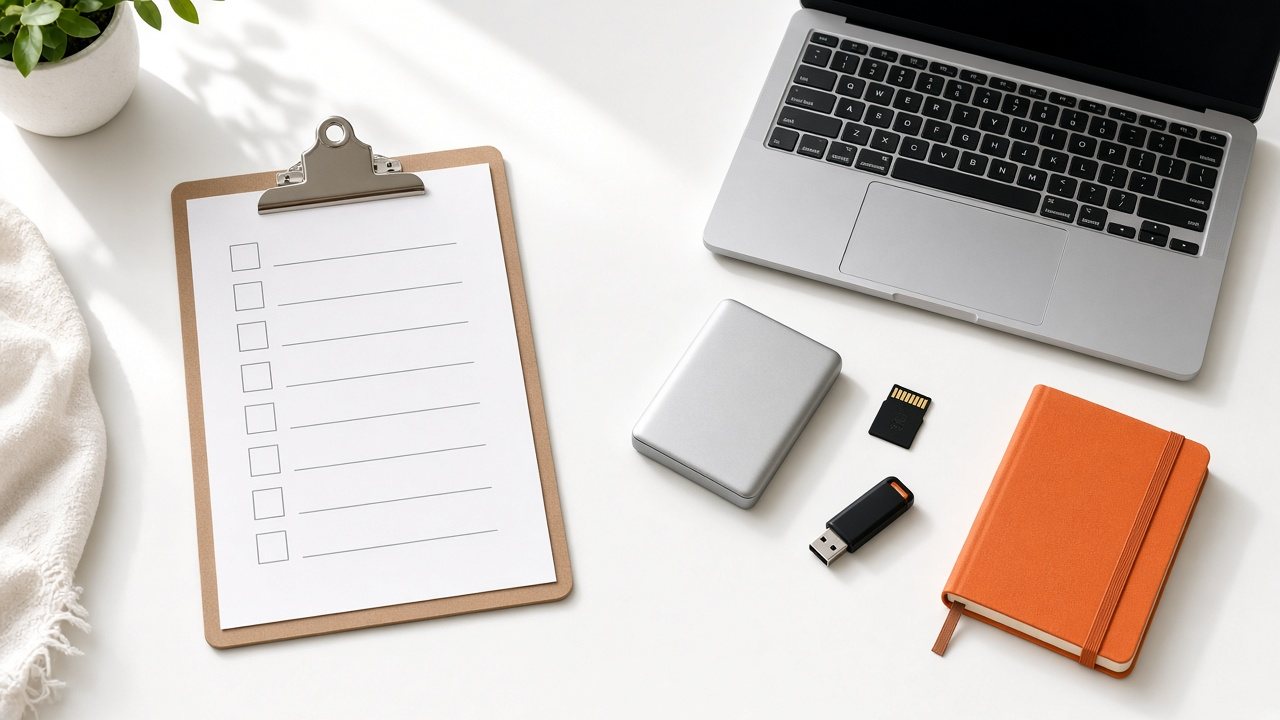
A clipboard checklist, laptop, hard drive, memory card and orange notebook on a white desk
Plan · Scope

Ways to start, and what to gather first

Begin at the starting point that fits today and change it as the channel develops.

  • You will leave with
  • A starting point that matches today
  • A checklist for your first conversation
  • How a quote is shaped
01

Four starting points

Starting pointBest forWhat we scope togetherHow it is priced
PilotOne channel, or a trial runA first channel, a starter library and the branding you need to see it on airQuoted for your case
GrowthA channel that is starting to earn from adsBreak planning, sponsor slots and the audience reports that guide themQuoted for your case
NetworkSeveral channels and several teamsShared library, roles, templates and a view across all channelsQuoted for your case
Safety netA dormant copy of an existing channelMirrored content, a matching schedule and a rehearsed switch-overQuoted for your case

These are a guide to the conversation, not a menu. Most customers mix elements from more than one.

02

Gather these first

  • A list of the programs you already own, with running times
  • Dates on which any item may start or must come down
  • Your logo and any artwork for notices or sponsors
  • Live sources you plan to include, and when they happen
  • The rhythm of a normal week and the exceptions
  • The people who will log in, and what each should be able to do
  • The countries or time zones your viewers are in

Rough is fine. A sample of your usual files helps us confirm how they will be handled.

03

How we shape a quote

No two channels look alike, so a quote follows what you actually run: how many channels, how much stored media, how many live hours and how large an audience. A figure built for your case is more useful than a price list that suits nobody.

  1. Tell us what you have

    A channel sketch, a call or an email.

  2. We ask follow-up questions

    Usually about content, audience and timing.

  3. We show a channel

    Built around content like yours.

  4. You decide

    Terms are set out in your proposal first.

04

Questions to settle

Is there a contract?

Terms depend on the service you choose, and we set them out clearly in your proposal before you decide.

Can I start with a trial?

Ask us. We will talk through a pilot channel and how it could be set up for you.

Are delivery costs included?

Delivery to your audience is part of what we scope. Tell us the audience size you expect and we will show how it is covered in the quote.

Where do I start with a library?

Pick a theme your library can support, then read Line-ups for how to lay out a first week.