
Library & Screens
Video on Demand
A simple, powerful way to distribute your video library on the internet, from upload to every device.
The challenge
Why this matters
You have a library of video that deserves an audience, and you need it to be easy for non-technical staff to manage and fast for viewers to watch.
What it is
Video on Demand in plain words
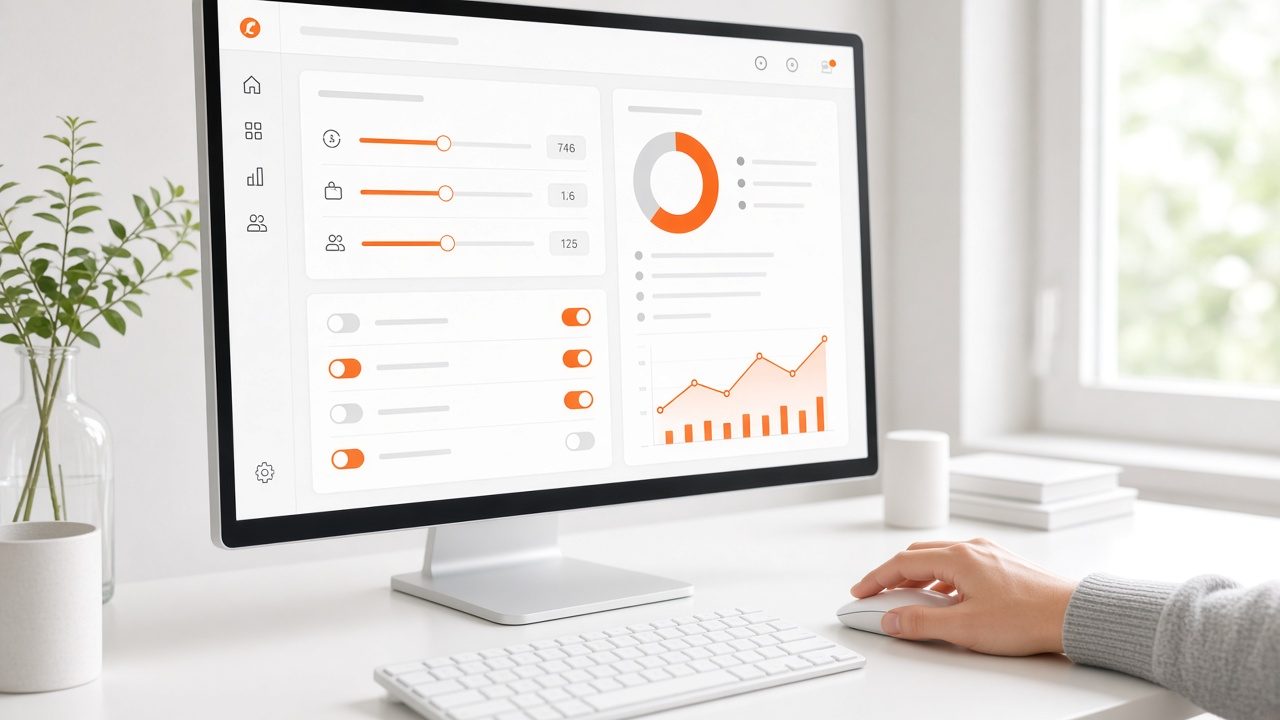
Omni Media Cast broadcast solutions enable content providers to reach the full potential of their media assets. The Streamline™ Video Management System is an easy and fast way to broadcast video-on-demand content. Upload your videos and let Streamline™ do the rest.
The system handles the entire cycle of video management and internet distribution, in five functions: Ingest, Encode, Transcode, Publish and Distribute on the Omni Media Cast content delivery network.
Benefits
What you get
Turn-key ingest, encode and distribution
Your library is prepared and delivered without a separate toolchain.
Conversion for every device
Built-in conversion and transcoding for streaming to multiple devices.
Easy for non-technical staff
A web-browser-based tool lets any staff member manage online video archives.
Ads and analytics
Pre-roll, mid-roll and post-roll video ad placement, plus full-spectrum reporting and analytics to track your audience's viewing habits.
How it works
Simple to start, simple to run
Ingest
Upload videos in the browser or send them in bulk.
Encode and transcode
Versions are created for each device.
Publish
Add titles, descriptions and the pages where they appear.
Distribute
Delivery runs on the content delivery network, with reports.
Details
What is included
Library
- Upload and bulk ingest
- Search and categories
- Browser-based management
Processing
- Encoding
- Transcoding
- Multiple quality levels
Business tools
- Pre-, mid- and post-roll ads
- Reports and analytics
- Auto-recorded live events
Illustrative scenario
A sports organization keeps every match in one library, publishes replays soon after the final whistle and places a sponsor video ahead of each one.
One library, every screen
Upload once and reach web, phones, connected TV and speakers from the same place.
Questions
Common questions
Who can manage the library?
Any staff member with access. The tool is browser-based and built for non-technical teams.
Can I show ads?
Yes. Pre-roll, mid-roll and post-roll placements are supported.
Do live events land in the library?
Yes, with the auto-record or manual record options.
Related
Works well with

Collections & Courses
Playlists, series and courses that guide viewers from one video to the next.
Learn more →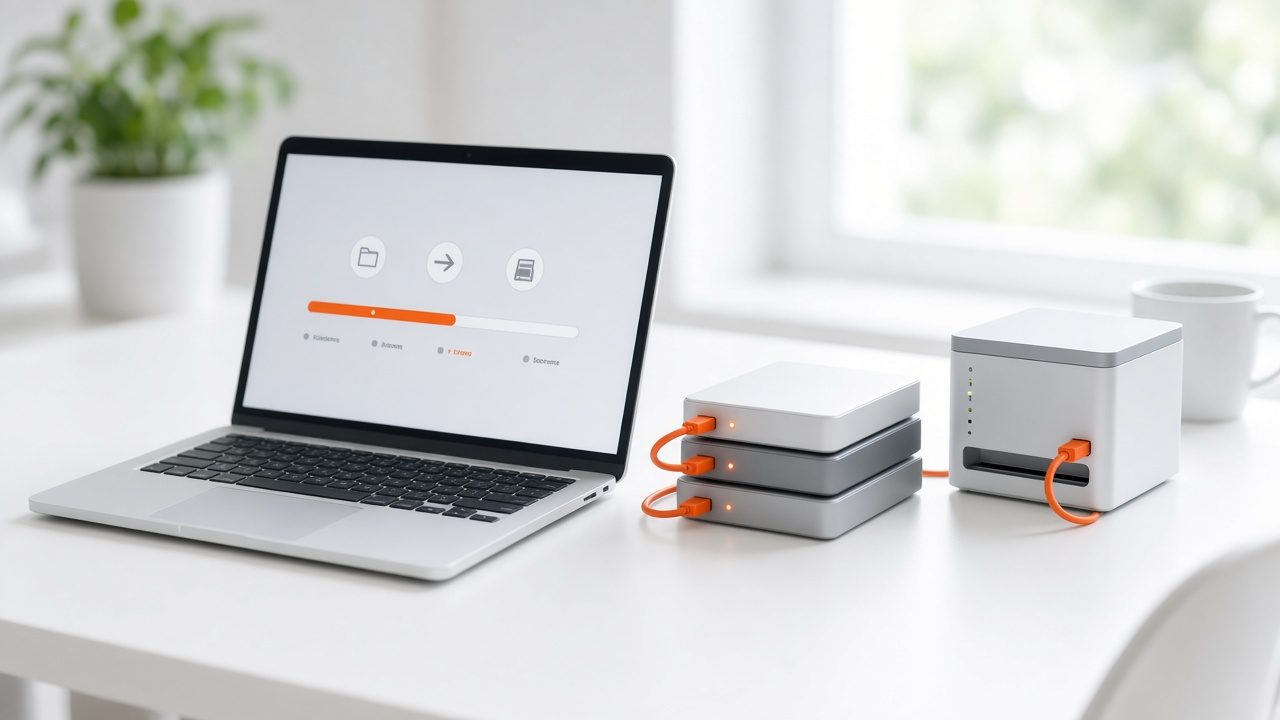
Archive Migration
Move years of video from old hosts and drives into one organized library.
Learn more →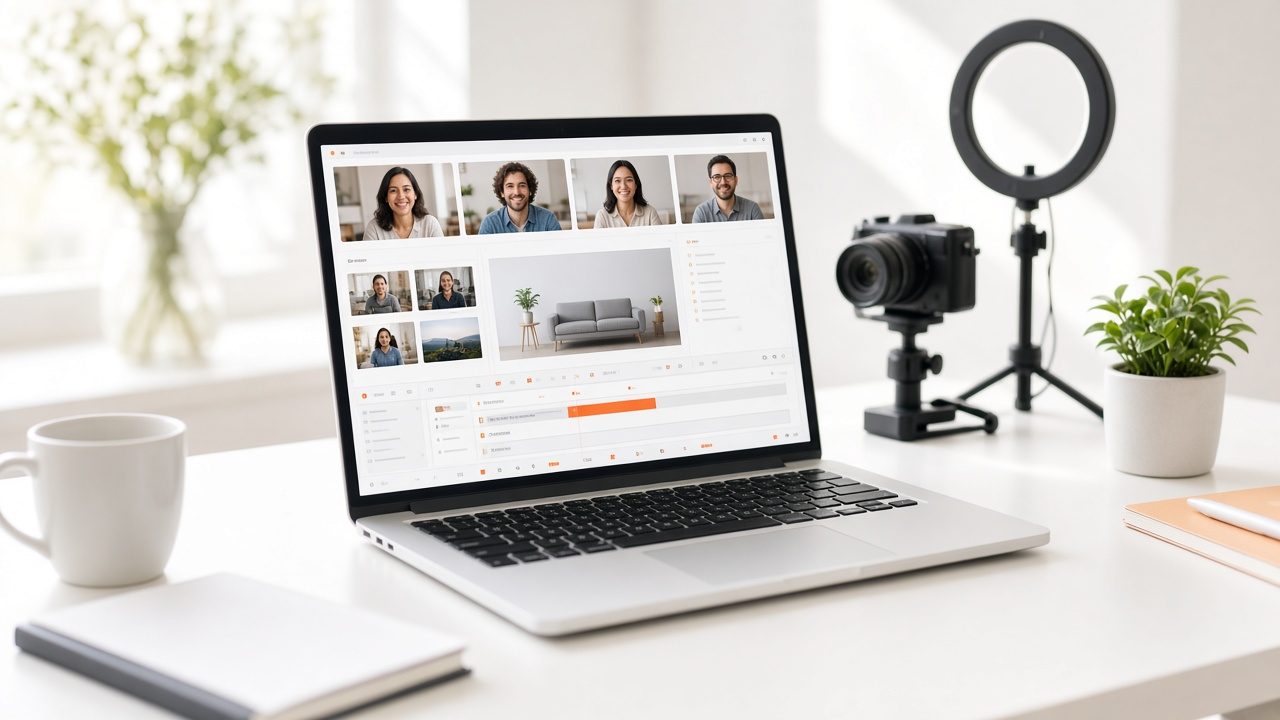
Live Streaming
Live video for concerts, conferences, hearings and games, delivered to viewers on any device.
Learn more →Ready for Video on Demand?
Tell us about your project and we will reply with a clear plan.