

General AI Development
Generative AI & Language Models
Assistants, drafting tools and search that work from your own documents, with sources shown and a person approving what goes out.
The challenge
Why this matters
General-purpose chat tools know a lot about the world and nothing about your policies, products or past decisions. They also invent answers when they are unsure.
What it is
Generative AI & Language Models in plain words
We build systems around large language models and image models that answer from material you provide: manuals, contracts, policies, knowledge bases and media libraries. Answers cite the passages they came from so staff can check them.
We compare models for the task, including hosted and self-hosted options, and set up testing so you can see how answers change when the model or the data changes.
Benefits
What you get
Grounded in your material
Answers draw on your documents and point back to them.
Model choice
We compare options for quality, cost and data-handling needs.
Guardrails
Topic limits, review steps and refusal rules are designed in.
Measured quality
Test questions with expected answers track quality over time.
How it works
From first call to first result
Collect
Gather and clean the documents the system will use.
Blueprint
Pick the model, the retrieval approach and the guardrails.
Trial
Run your real questions and review the answers with your experts.
Release
Launch to a small group, then widen with monitoring.
Details
What is included
Capabilities
- Question answering over documents
- Drafting and summarizing
- Classification and tagging
- Image generation workflows
Controls
- Source citations
- Content filters
- Human approval steps
Operations
- Evaluation test sets
- Usage and cost tracking
- Prompt and model versioning
Illustrative scenario
A city clerk's office gives staff a search box that answers ordinance questions with a link to the exact section, so nobody has to page through long documents.
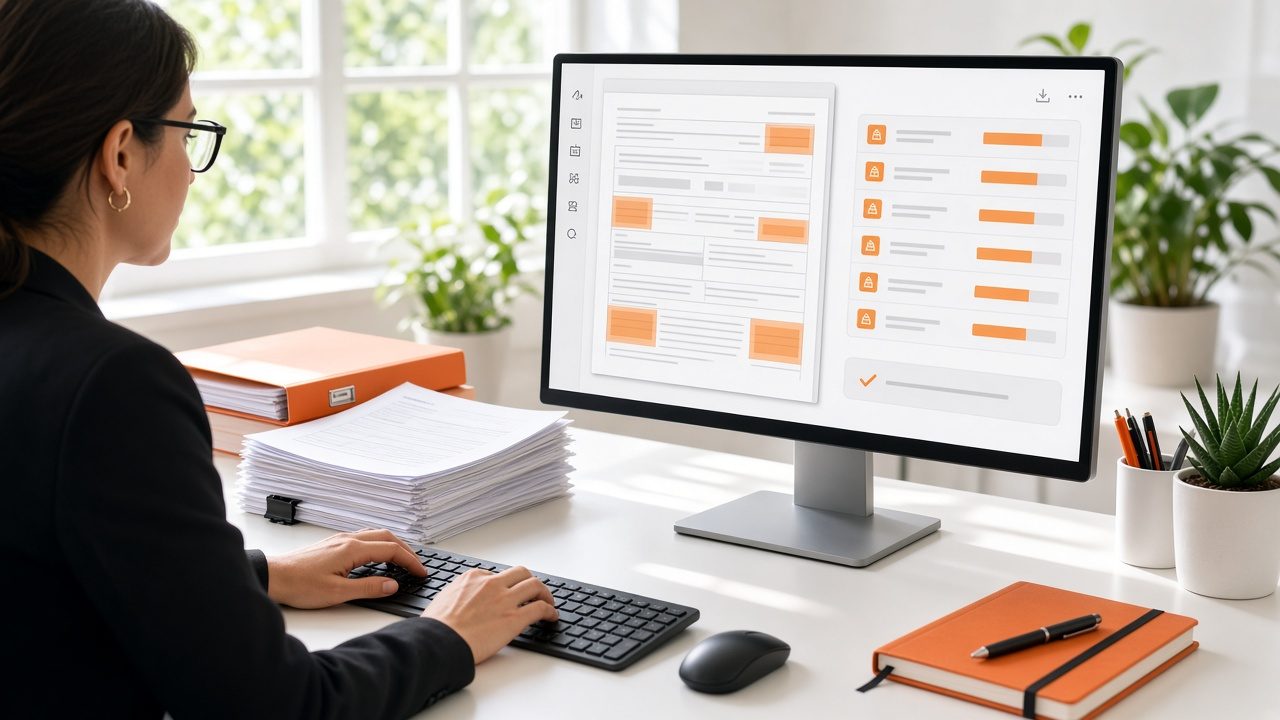
Answers you can check
Every answer can show the passage behind it, so reviewers spend their time confirming rather than hunting.
Questions
Common questions
Will our data be used to train public models?
We design to your data-handling rules and agree in writing which services may see your material before we start.
Can it run without an internet connection?
Some designs can run inside your own environment. We review what is feasible in the Blueprint step.
How do you deal with wrong answers?
We cannot promise there will be none. We reduce them with source grounding, testing and review steps, and we measure what remains. See AI Security & Governance.
Related
Works well with

AI Agents & Assistants
Chat assistants and task-doing agents that answer questions and hand off to staff when a person should decide.
Learn more →Language & Document Intelligence
Read contracts, forms, emails and reports and turn them into organized, searchable data.
Learn more →
AI Security & Governance
Policies, access controls and review steps for using AI while protecting people and records.
Learn more →Ready for Generative AI & Language Models?
Describe what you need and we will reply with a clear plan.