
Live & Events
Mobile Streaming
Quick-start video for smartphones and tablets on mobile networks, with multi-bitrate delivery from our content delivery network.
The challenge
Why this matters
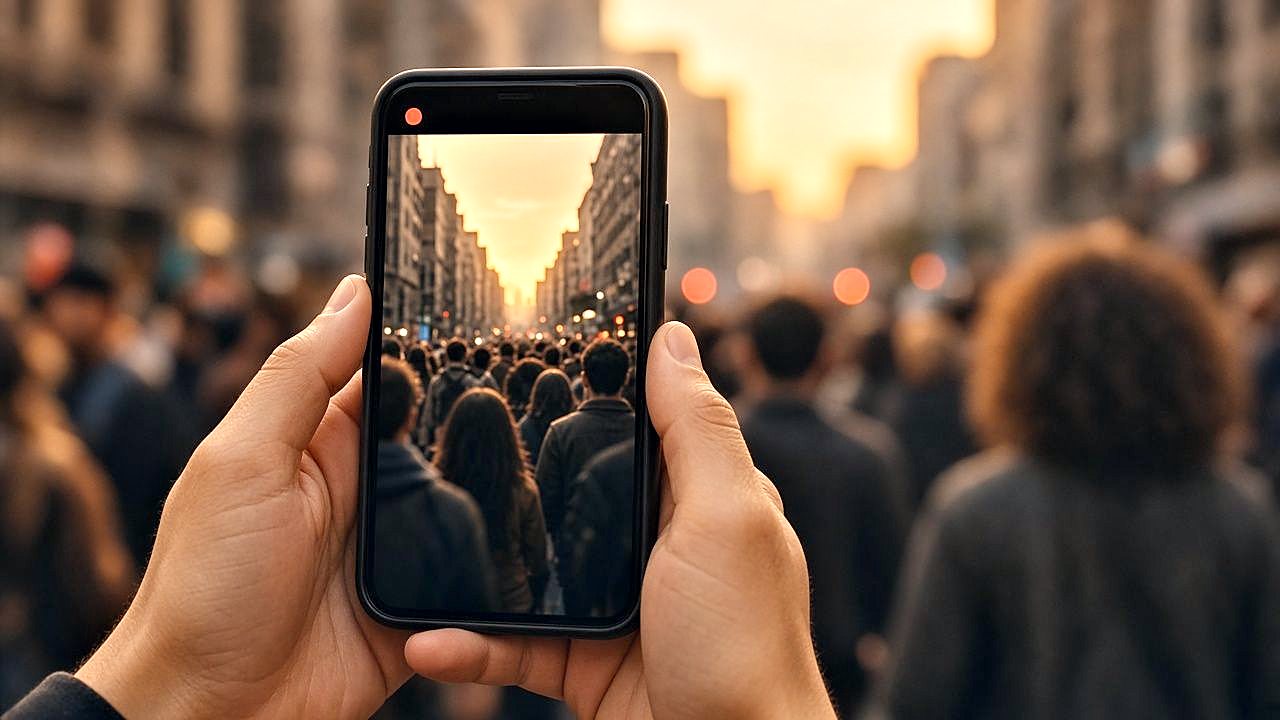
Half your audience is on a phone, often on a cellular connection that changes from minute to minute. A single high-quality stream will buffer and give up.
What it is
Mobile Streaming in plain words
Smart-Mobile™ streaming delivers a multi-bitrate stream of your content to a wide range of mobile devices, including smartphones, iPads and Android tablets. The stream adapts as the connection changes, across mobile networks, and it is delivered through a global content delivery network.
Benefits
What you get
Adapts to the connection
The player moves between quality levels as the signal changes, so playback continues instead of stopping.
Phones and tablets
Smartphones, iPads and Android tablets receive a stream prepared for them.
Same network as every screen
Mobile viewers use the same delivery network as every other screen.
Pairs with branded apps
Mobile streaming is the engine under the branded mobile apps described in Library & Screens.
How it works
Simple to start, simple to run
Publish once
Send live or recorded programs as you normally do.
We prepare mobile qualities
Multi-bitrate versions are created for mobile networks.
Phones and tablets play
The player picks a quality that fits the signal.
See mobile viewing
Reports show how many people watched on mobile.
Details
What is included
Mobile delivery
- Multi-bitrate streaming
- Optimization for mobile networks
- Phone and tablet support
Reach
- Content delivery network
- Viewers in Africa, South America, Europe and Asia
Related
- Branded mobile apps
- Cast to screen
- Reports by device
Illustrative scenario
A city agency streams a council meeting and residents watch from their phones during a commute.
One team from camera to viewer
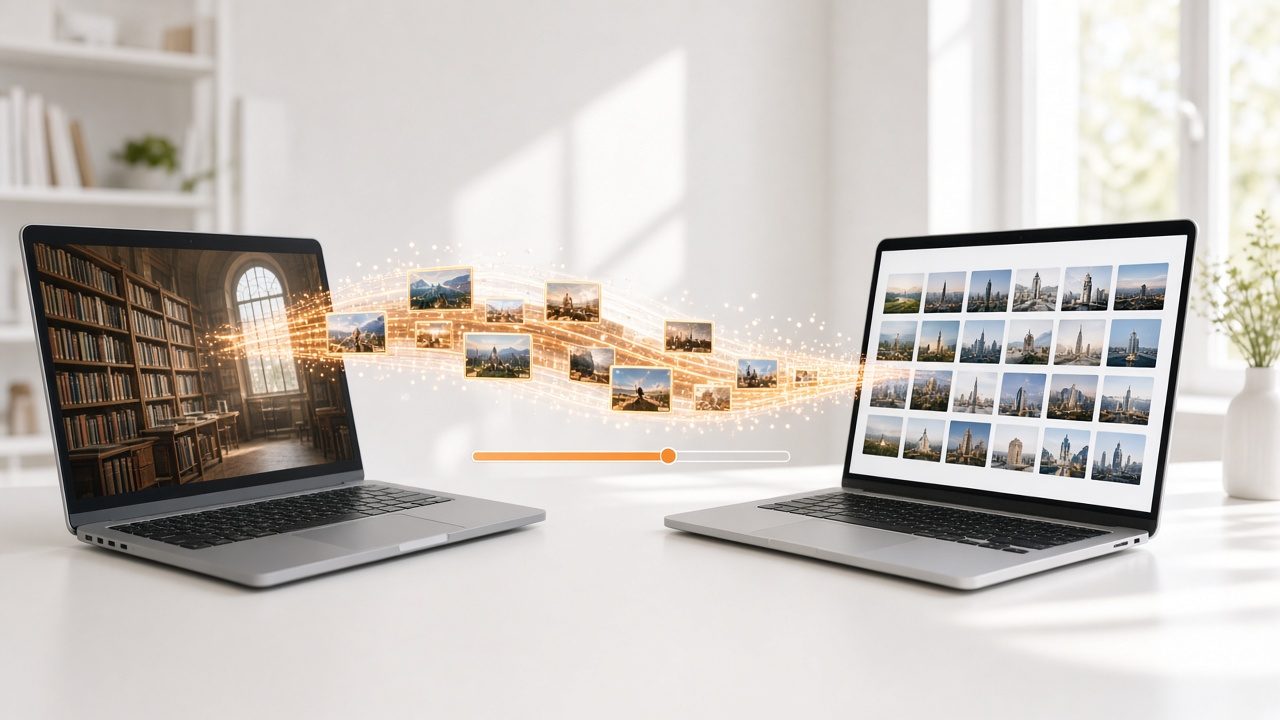
Capture, delivery, recording and reports come from one company, so there is nobody to chase when the event is live.
Questions
Common questions
Which phones are supported?
Smartphones, iPads and Android tablets are supported.
Does it work on slower connections?
Lower-quality versions are prepared so playback can continue when the connection is weak.
Do I need an app?
No. A mobile browser works. A branded app adds a home-screen icon, alerts and a library.
Related
Works well with
Branded Mobile Apps
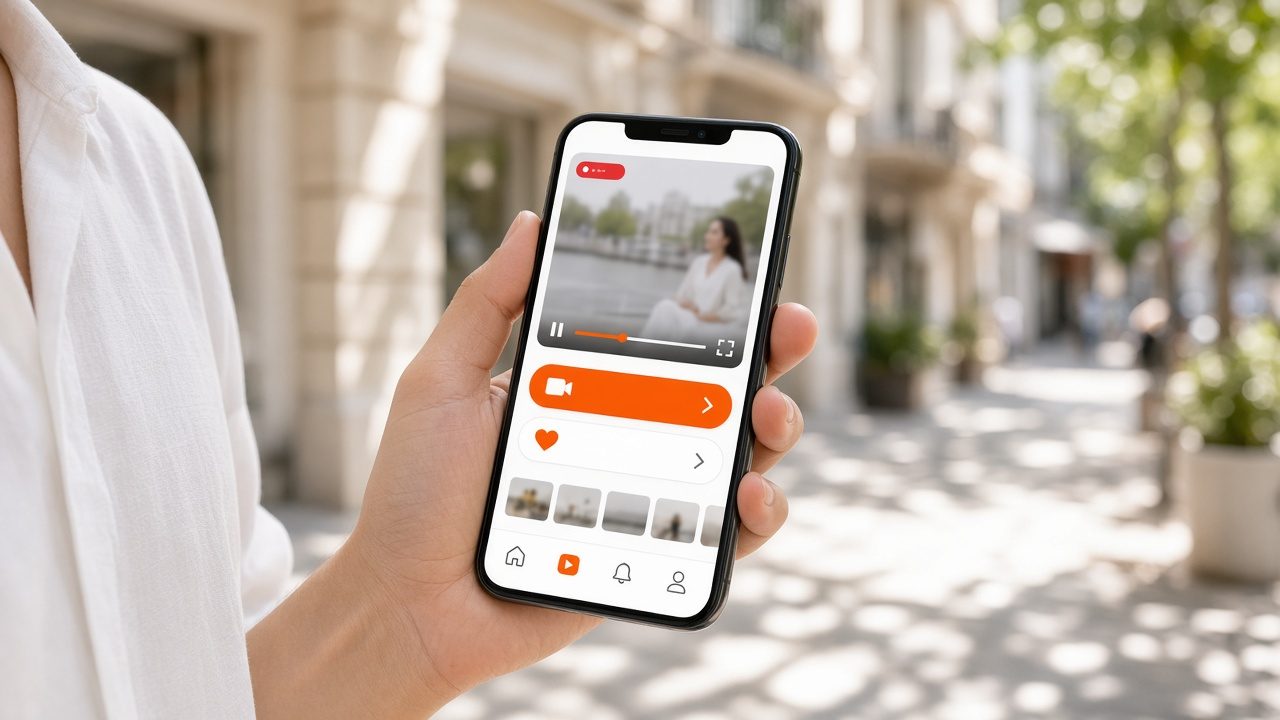
Your own app on iPhone and Android with live, on-demand, alerts and updates.
Learn more →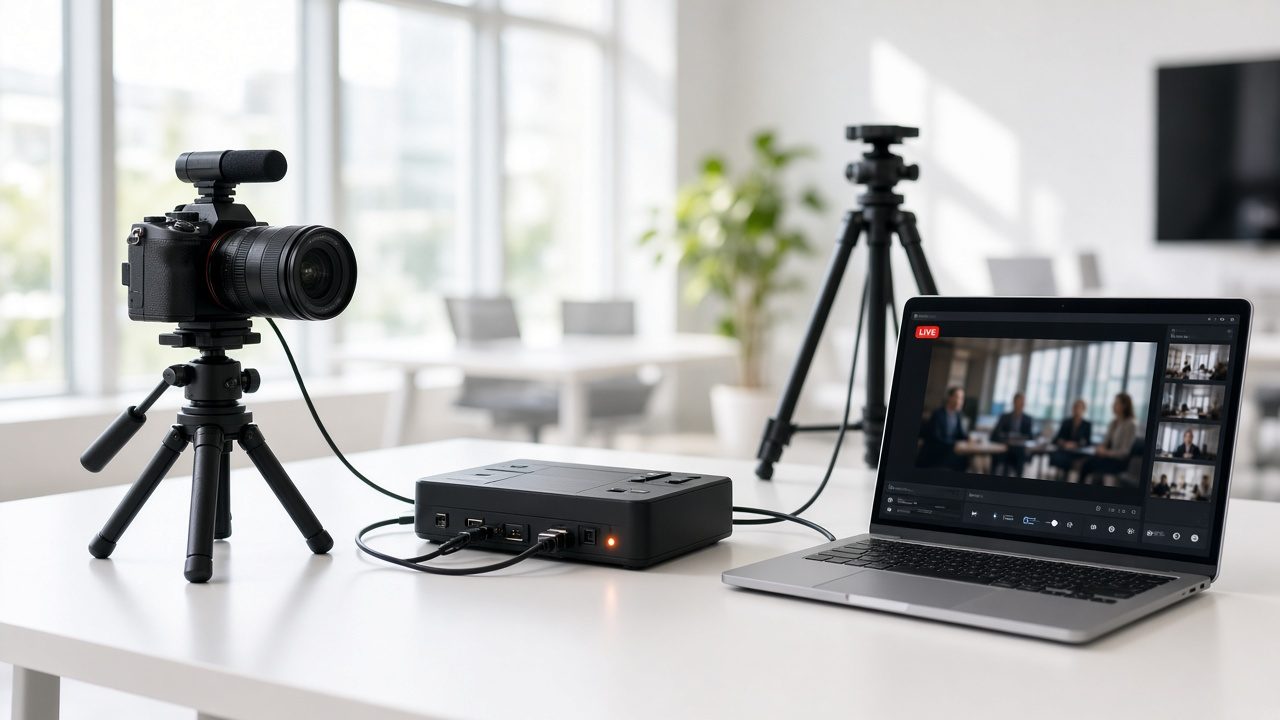
Live Streaming
Live video for concerts, conferences, hearings and games, delivered to viewers on any device.
Learn more →
Content Delivery Network
Fast playback for viewers, from servers close to the audience.
Learn more →Ready for Mobile Streaming?
Tell us about your project and we will reply with a clear plan.