
Live & Events
Venue Connectivity
A planned route for getting video out of a stadium, hall, studio or office: survey, design, rehearsal and monitoring.
The challenge
Why this matters
A venue's internet may be shared, filtered, congested or missing. When the picture has to leave the building, hoping the Wi-Fi holds is not a plan.
What it is
Venue Connectivity in plain words
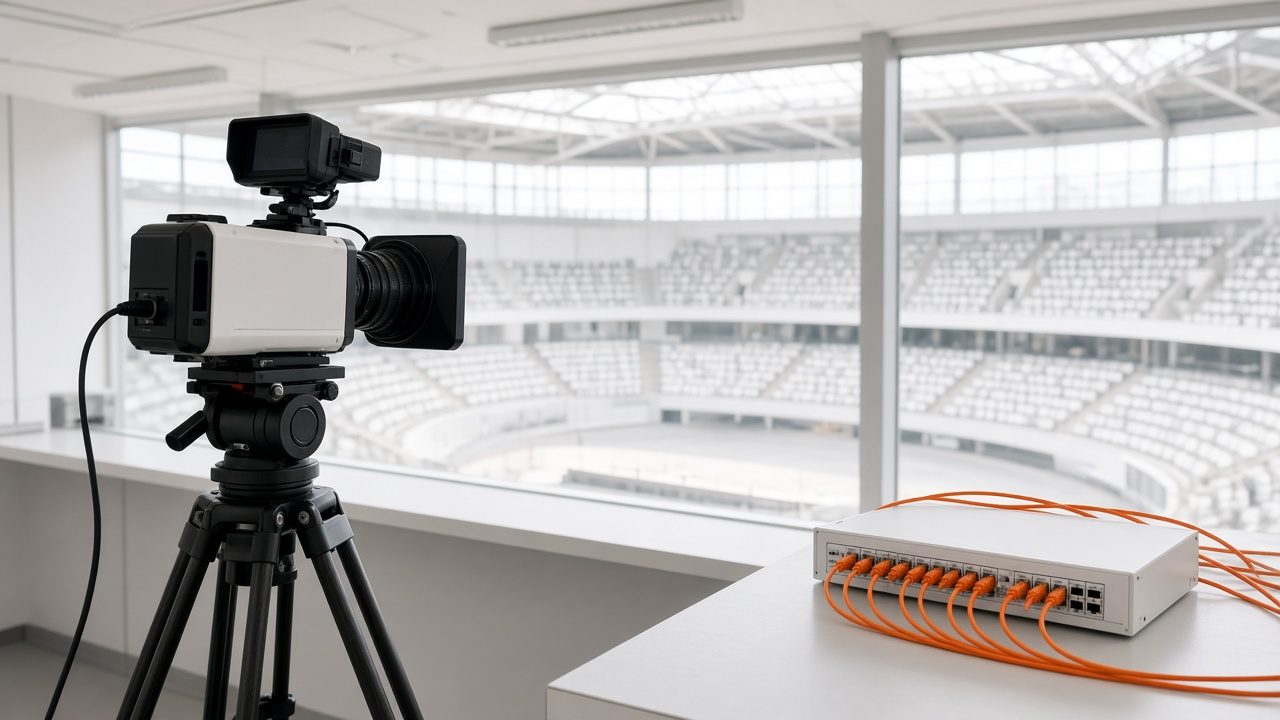
Venue Connectivity is a plan plus a set of services for sending your signal out of a location. We survey the site, choose the route (wired internet, fiber, bonded cellular or satellite), rehearse it and watch it on the day. A return feed lets remote speakers hear what is happening in the room.
It is meant for a one-off event, a recurring show or a permanent installation.
Benefits
What you get
A route chosen for the site
Wired, fiber, bonded cellular and satellite each fit different venues. We pick the one that suits yours, then plan a second route behind it.
Rehearsed before the real thing
The whole chain, from camera to watch page, is tested in advance so surprises happen on a practice day.
A return path
Remote speakers and producers can hear the room and the program, so a remote contributor is not talking into a void.
Watched on the day
A named operator monitors the broadcast and records what happened, so the next event runs better.
How it works
Simple to start, simple to run
Survey
We review the venue, the audience and the network options.
Engineer the route
Design the primary route and the backup path.
Rehearse
Run the full chain before the event, including the stream and the return feed.
Monitor and review
Watch the broadcast live and review it afterward with your team.
Details
What is included
Planning
- Site survey
- Bandwidth and path design
- Backup route
Delivery routes
- Wired and fiber internet
- Bonded cellular
- Satellite uplink
Operations
- Return feed for remote speakers
- Rehearsal checklists
- Live monitoring and an after-event review
Illustrative scenario
A regional sports league plays a night game at a venue with limited bandwidth. The plan pairs the venue connection with a bonded cellular backup, and a monitor on the day watches both paths.

One team from camera to viewer
Capture, delivery, recording and reports come from one company, so there is nobody to chase when the event is live.
Questions
Common questions
Do you work at venues you do not control?
Yes. The survey covers what you can and cannot change, and the plan works within it.
Can you supply the equipment?
Contact us with your event details. Equipment and crew options are scoped after the survey.
Is this only for big events?
No. The same process scales down to a single room.
Related
Works well with

Live Streaming
Live video for concerts, conferences, hearings and games, delivered to viewers on any device.
Learn more →
Stream Monitoring
Alerts from both ends of the stream, a standby plan and a post-event review.
Learn more →
Satellite Rebroadcast
Capture a satellite feed, encode it and redistribute it over the internet.
Learn more →Ready for Venue Connectivity?
Tell us about your project and we will reply with a clear plan.