
Live & EventsLive & Events overviewLive StreamingBrowser StudioSimulated LiveVenue ConnectivityStream MonitoringContent Delivery NetworkMobile StreamingSatellite Rebroadcast
LanguagesLanguages overviewOmniTranslate LiveLanguages overviewCaptions & TranscriptsLive Event LanguagesMultilingual On-Demand & CoursesField & Remote ReportsMultilingual Discussion RoomsMultilingual AnnouncementsVoice-Matched DubbingDigital PresenterGlossary & Quality Review
Create & EditCreate & Edit overviewCreate & Edit overviewSmart ClipsRecap StudioChapters & Companion Content
Library & ScreensLibrary & Screens overviewLibrary & Screens overviewEvery ScreenVideo on DemandCollections & CoursesArchive MigrationConnected TV & IPTVBranded Mobile AppsWeb Portal & PlayerSocial ReachAudio & PodcastsCast to ScreenDone-for-You Apps
24/7 TV24/7 TV overview24/7 TV NetworkPlanBuildRunGrowWho it is forChannel examplesTalk to the teamTV Carriage & Partner Delivery
RadioRadio overviewRadio StreamingMusic Licensing & RoyaltiesAudio & Podcasts
Engage & MonetizeEngage & Monetize overviewEngage & Monetize overviewAdvertising & SponsorshipPayments, Fundraising & PaywallsLive Chat & Q&AViewer Support DeskCommunities & GroupsEvents & RegistrationCrew SchedulingAttendee Check-in
InsightsInsights overviewInsights & Control overviewAudience AnalyticsAccess & Security
SolutionsSolutions overviewSolutions overviewGovernment & Public SectorEntertainment & MediaBusiness & EnterpriseAssociations & NonprofitsSportsNews & BroadcastEducation & EventsHouses of WorshipBeyond Social-Only StreamingSwitching Streaming Platforms
AI DevelopmentAI Development overviewReadiness & RoadmapApplications Built to OrderGenerative Content StudioWorkflow AgentsVideo & Audio UnderstandingSpeech & Language SystemsData FoundationsModel Operations & OversightArchive Search EngineHighlight FinderService AssistantRecords IntelligenceAudience ForecastingReview & Compliance ChecksAI Development overviewGovernment & Public SectorMedia & EntertainmentSports & Live EventsBusiness & EnterpriseEducation & TrainingAssociations & NonprofitsNews & BroadcastAI InsightsHow we workResponsible AI
General AIGeneral AI overviewAI Strategy & AdvisoryCustom AI ApplicationsGenerative AI & Language ModelsAI Agents & AssistantsBack-Office AutomationMachine Learning & ForecastingImage Recognition & InspectionLanguage & Document IntelligenceData Pipelines & AI ReadinessConnecting AI to Your SystemsProduction Rollout & SupportAI Security & GovernanceAI for Your IndustryWays to Work With Us
CompanyCompany overviewWhy Omni Media CastAboutPlans & ways to startResourcesCompare approachesFAQPlain-Word GlossaryTrust & SecuritySupportContact
24/7 TV
  1. 1Plan
  2. 2Build
  3. 3Run
  4. 4Grow
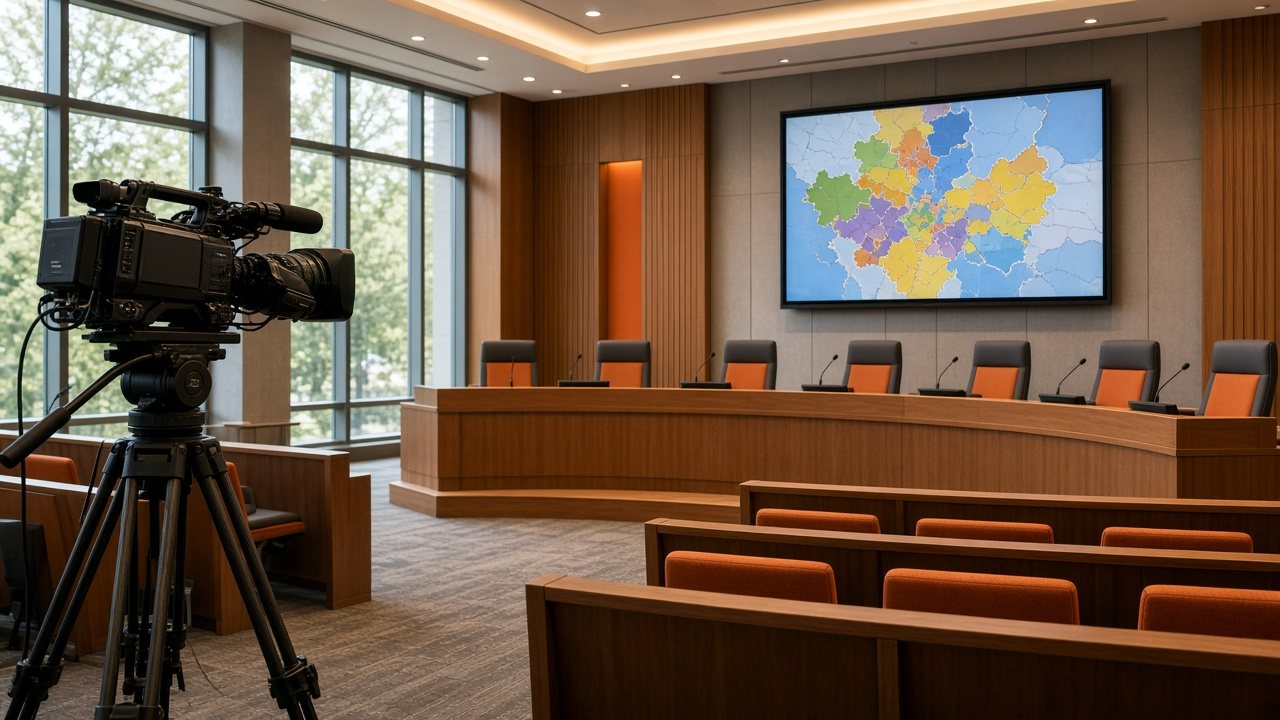
A council chamber with a broadcast camera on a tripod facing a curved dais and a wall screen showing a map
Audience · Inform

Inform the public, at any hour

Public agencies and newsrooms share a job: put the right information in front of people quickly, then keep a record of what was said.

  • You will leave with
  • Meetings live and on record
  • Notices and tickers on demand
  • A standby for the moments that count
01

Public agencies

Residents expect to follow meetings, emergency updates and civic programming without special equipment. A hosted channel gives an agency a stable place to send them: live when something is happening, and a loop of useful material when nothing is.

  • Meetings and hearings

    Stream sessions live to every device and keep the recording available afterward.

  • Public notices

    Fill quiet hours with announcements and service information on a repeating schedule.

  • Urgent messages

    Add a ticker or banner across the channel at once when residents need to know something quickly.

  • Several languages

    Offer a channel or a recording per language. See Languages and Captions & Transcripts.

  • A clear archive

    Record each broadcast automatically so the full session can be watched on demand.

  • Private sessions

    Access controls can keep some sessions private; we go through the options for yours.

Many agencies have a handful of people covering every platform. The workspace is browser-based and schedules repeat from templates. If your organization works under public procurement rules, tell us early and we will go through what you need from us.

02

Newsrooms and headline channels

News is the hardest genre to automate, because the plan changes while it runs. The tools must be strict about timing and flexible about content, and the crew needs room to change direction quickly. A fixed structure of bulletins and live slots can be filled between with recorded packages and repeats.

  • Live switching

    Join a studio or field feed on cue, then return to the schedule.

  • Tickers and headlines

    Rolling text, headlines and name captions with Omni Brand Overlay.

  • Quick edits

    Drag a new item into the running schedule without stopping the channel.

  • Remote teams

    Work from different places in the same browser view.

  • Archive

    Record bulletins for on-demand viewing.

  • Regions and languages

    Run a channel per region or language.

If you use a newsroom or scheduling system, tell us which one in your channel sketch and we will go through how it would connect.

03

Keep a standby ready

For both groups, continuity matters most when attention is highest. A standby channel can hold the essentials and be started when the main chain has a problem.

Can we show the channel on our own website?

Yes. The channel can be embedded in your site and reached through apps and connected-TV services.

Can we go to breaking news straight away?

Yes. A live source can be taken to air whenever you choose.