

Create & Edit
Chapters & Companion Content
Put chapters, slides, references and notes beside the video, so viewers can jump, study and follow along.
The challenge
Why this matters
Long videos are hard to navigate. A viewer who wants one section has to scrub around, and references mentioned on screen disappear as soon as they are spoken.
What it is
Chapters & Companion Content in plain words
Chapters & Companion Content connects the program and the material around it. A reference can appear in the player when it is mentioned. Series can link to related material, viewers can follow a plan or a course, and notes and outlines stay with the video.
Benefits
What you get
Jump to the part you need
Chapters turn a long program into sections.
References on screen
Links, slides and documents appear when they come up.
Notes stay with the video
Outlines and notes live in the player.
Plans and series
Group programs in a sequence viewers can follow.
How it works
Simple to start, simple to run
Mark chapters
Divide the program into sections.
Attach material
Link slides, documents and references.
Group programs
Build series and plans.
Publish
Companion content shows beside the video.
Details
What is included
Navigation
- Chapter markers
- Transcript search
Material
- Slides and documents
- Links and references
- Notes and outlines
Structure
- Series and plans
- Progress tracking
Illustrative scenario
A training provider adds chapter markers and slide downloads to every lecture in a certification course.
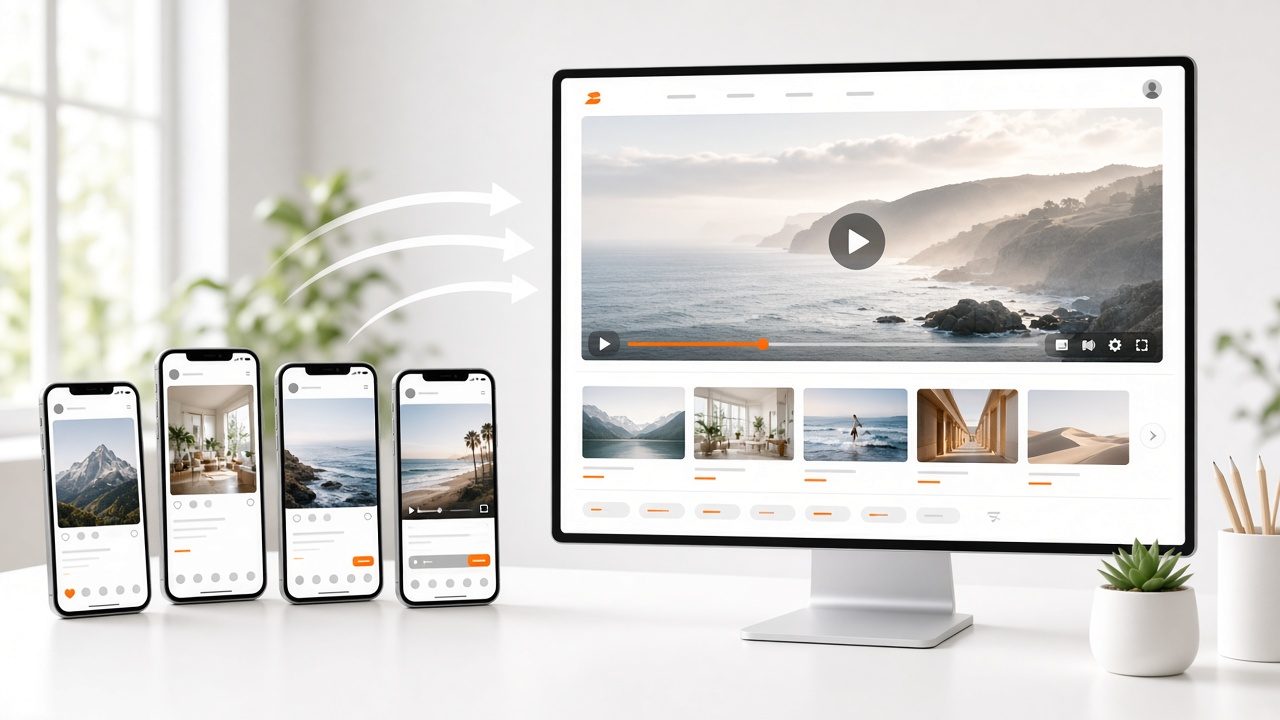
Work from what you already have
Every output starts from a recording in your library, so there is nothing new to shoot.
Questions
Common questions
Can viewers download the material?
Yes, when you allow it.
Does it work on mobile apps?
Yes. See Branded Mobile Apps.
Can I add quizzes?
Contact us about options for assessments.
Related
Works well with

Collections & Courses
Playlists, series and courses that guide viewers from one video to the next.
Learn more →
Recap Studio
Drafts of summaries, notes and newsletter text with time codes back to the source.
Learn more →
Video on Demand
Upload your videos, and Streamline™ handles encoding, publishing and delivery.
Learn more →Ready for Chapters & Companion Content?
Tell us about your project and we will reply with a clear plan.